Why this matters
On June 3, we made the new CloudZero experience the default for every customer. Since then, we’ve shipped around 30 improvements a week: side-by-side period comparisons in Explorer, budgets you can create and edit right in the app, threshold alerts on dashboard tiles, and Monitors, which flags AI and cloud spend that moves outside its normal pattern and shows you what changed. Pages load 28 to 61% faster. JavaScript execution is 85% faster. The platform you work in today is a fundamentally different product than it was four months ago.
Starting October 1, we’re going all in. The Classic experience retires, and CloudZero becomes one platform for everyone. Your whole team works from the same pages, the same features, the same weekly improvements.
For a tour of how Explorer, Anomalies, Budgets, and Analytics work together on the same cost data, read Follow any cost question without switching tools.
What we built
The new CloudZero is built around a single workflow: see your costs, spot what changed, and act on it without leaving the platform. Explorer lets you break down spend across any combination of dimensions, compare periods side by side, and save the views your team comes back to. Monitors watches for anomalies in your AI and cloud spend automatically and shows you what’s driving them. Budgets and threshold alerts keep you ahead of overruns before they hit the invoice. And the platform now remembers how you work. Set your column layouts, date formats, and landing page once, and they stay that way across sessions and devices.
We also rebuilt the design from the ground up. In a moment when AI is accelerating everything, we wanted CloudZero to have character, not feel like another soulless dashboard. The hand-drawn animations, the attention to how pages feel, the small details you notice the second or third time you use the app: that’s intentional. We built this platform with AI, for teams managing AI and cloud spend, and we wanted it to be somewhere you actually enjoy working.
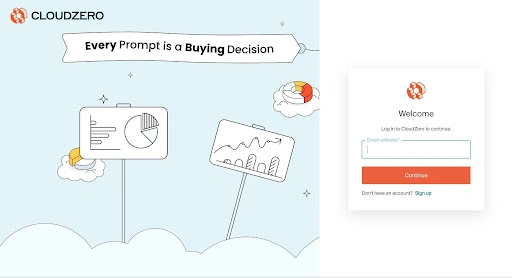
Every Prompt is a Buying Decision, setting the tone before you even sign in.
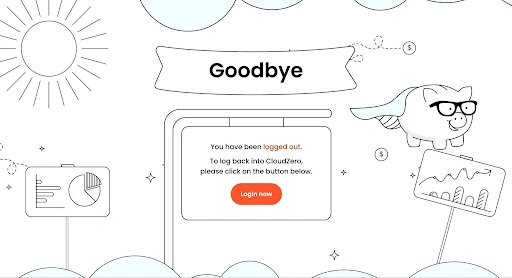
Try clicking the pig on the logout page. (Easter egg alert.)
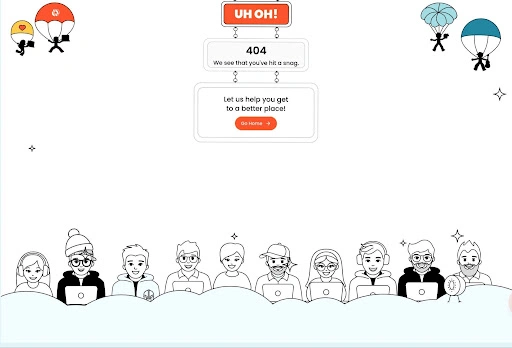
Hit a wrong link? The 404 page still feels like CloudZero.
Starting October 1, this is the only CloudZero. If you visit legacy.cloudzero.com, it redirects to app.cloudzero.com.
How it works
There’s nothing to install or switch on. Sign in at app.cloudzero.com, the same as you do today.
To find anything fast, press Cmd+K (Ctrl+K on Windows) from any page and search your saved Views, dimensions, and settings. Help in the left sidebar opens the docs, the glossary, and CloudZero Academy right beside your work. And if you’d like a walkthrough, your account team is happy to set one up.











