In July 2024, CrowdStrike — one of the world’s top cybersecurity companies — shipped a minor configuration update to its Windows security product. Within minutes, airlines, banks, hospitals, and retailers worldwide began crashing.
The update wasn’t new code. It was a routine content file that slipped through with a bug in its safety checks. When Windows machines loaded it, the agent hit an out-of-bounds memory error and crashed. Devices blue-screened and got stuck in reboot loops.
Microsoft later estimated that about 8.5 million Windows devices were affected. Flights were grounded, payments froze, and critical services stalled. Recovery was slow because each machine had to be fixed by hand.
This disaster occurred due to the lack of continuous testing, a crucial part of modern CI/CD, and something we’re about to cover in detail.
What Is Continuous Testing?
Continuous testing means running automated tests on every change, not just before major releases. Every code update, configuration file, or content change goes through tests as soon as it enters the pipeline.
With continuous testing, issues get caught early, while they’re still small and cheap to address. It also leverages progressive delivery — things such as canary rollouts (sending the change to a small group of users first), automated quality gates that stop a build if tests fail, and real-time monitoring that can trigger an automatic rollback if errors occur.
In the case of CrowdStrike, the faulty content update bypassed the safeguards used for full releases. With continuous testing, automated schema and contract checks could have flagged the malformed file before it was rolled out. A canary rollout would have caught the crashes, and real-time monitoring could have triggered a rollback.
2026 State of AI Spend Report
Why Finance Caps What It Can’t See
Learn how finance leaders are managing AI spend, and how they’re approaching FY2027
Why Continuous Testing Matters For Modern Engineering Teams
Modern engineering teams ship fast — but speed without guardrails leads to outages, delays, and broken user trust. Continuous testing gives teams those guardrails.
Here’s how it directly solves real problems DevOps teams face every day:
- No more testing everything at the end: Many teams delay tests until release week — then drown in bugs. Continuous testing spreads checks across the pipeline, catching issues early.
- Prevents hidden service breakages: Teams often break APIs between services without noticing. Continuous testing runs contract checks to spot these breaks.
- Maintains quality as teams grow: More developers often means inconsistent testing habits. Continuous testing enforces the same checks for everyone.
- Removes QA bottlenecks: Teams often wait on slow manual QA. Continuous testing shifts those checks earlier, allowing QA to focus on critical flows.
- Supports safe canary rollouts: Canary rollouts only work with solid test coverage. Continuous testing makes them safe to run.
Other benefits of continuous testing:
- It makes ownership clear by showing who broke what
- It gives teams confidence to deploy
- It stops broken commits from freezing the entire build
- It keeps fast releases safe without cutting quality corners
- It catches environment-only bugs across different environments before they get out of control
- It blocks new security holes in daily commits
- It ensures deployments are predictable and stable
- It surfaces dependency issues as soon as they appear
What is the difference between cloud testing and continuous testing tools?
Cloud testing is where and how you run tests (using cloud infrastructure). Continuous testing refers to the frequency and timing of tests throughout the software development pipeline.
Note: you can have:
- Cloud testing without continuous testing, like running manual tests in a cloud browser farm once per release.
- Continuous testing without cloud testing, like automated tests on local or on-premise CI servers for every commit.
So, while continuous testing may use cloud platforms, it’s not part of cloud testing — it’s its own practice.
Here is a complete guide to cloud testing tools along with a few examples.
Best Continuous Testing Tools Available Today
To carry out continuous testing, you need dedicated tools. Here are some of the top continuous testing tools teams use today, organized into different categories:
Test orchestration and CI/CD tools
These tools automate the running, gating, and reporting of tests in the delivery pipeline. They ensure continuous testing is possible by triggering tests on every commit.
1. Jenkins
With Jenkins, you can define your build/test/deploy pipeline in a Jenkinsfile (code) rather than via UI clicks. This means the entire workflow is versioned and reproducible.
Jenkins builds/tests are triggered automatically based on commit/merge actions. This ensures that every code change is tested, which is critical for continuous testing.
Jenkins can also run tests in parallel on multiple agents or nodes to speed up feedback. Pipelines can block deployments if tests fail and send instant reports to developers.
2. Azure DevOps

Azure DevOps enables you to define when different kinds of tests run and where (which environment, OS, machine). It ensures that tests are tied into the delivery pipeline: if something fails, the pipeline stops or blocks deployment.
Azure DevOps also provides visibility into test results, enabling feedback loops that allow developers to see failures early and address them. It also scales with parallel jobs and multiple environments.
3. Circle CI
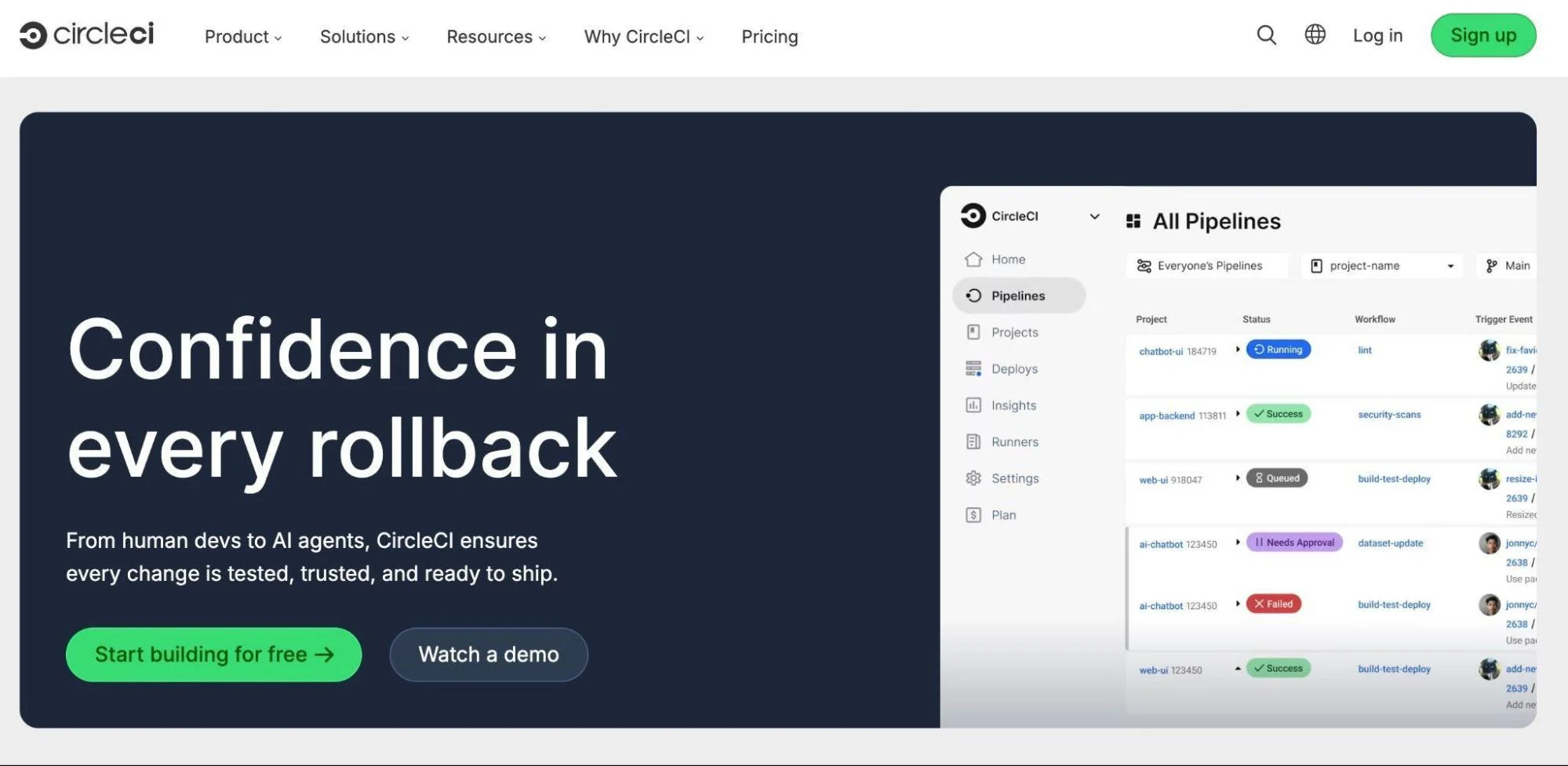
While Circle CI is robust in test orchestration, it mainly focuses on its CI side. Its advanced deployment methods, such as blue-green or canary, often require external tools like Argo CD or custom scripts.
It also offers limited native insight into post-deployment performance, so teams usually rely on third-party monitoring tools for production feedback.
That said, it still supports everything from workflows and parallel test splitting to reusable configurations and more.
Other test orchestration and continuous testing tools include GitLab CI, GitHub Actions, Harness CI/CD, and Atlassian Bamboo, among others.
Related read: 30 DevOps Automation Tools To Level Up Your Pipeline
Unit testing tools
These tools test small, isolated pieces of code (functions, classes) as soon as they’re written and can catch defects before they spread.
Examples include:
4. JUnit5
JUnit5 helps teams build reliable unit tests that run automatically in their pipelines. It has a modular design: the JUnit Platform runs tests, JUnit Jupiter adds the new Java 8+ features, and JUnit Vintage ensures older JUnit tests can still work. This structure makes it easy to plug JUnit tests into any CI/CD tool.
It can run tests in parallel, either by class or by method, which speeds up large test suites. You can tag tests (like fast, slow, or integration) and run only certain groups at different stages of your pipeline. JUnit also has a rich extension model, so you can add mocking tools, custom annotations, or extra setup/cleanup logic as your project grows.
5. Jest
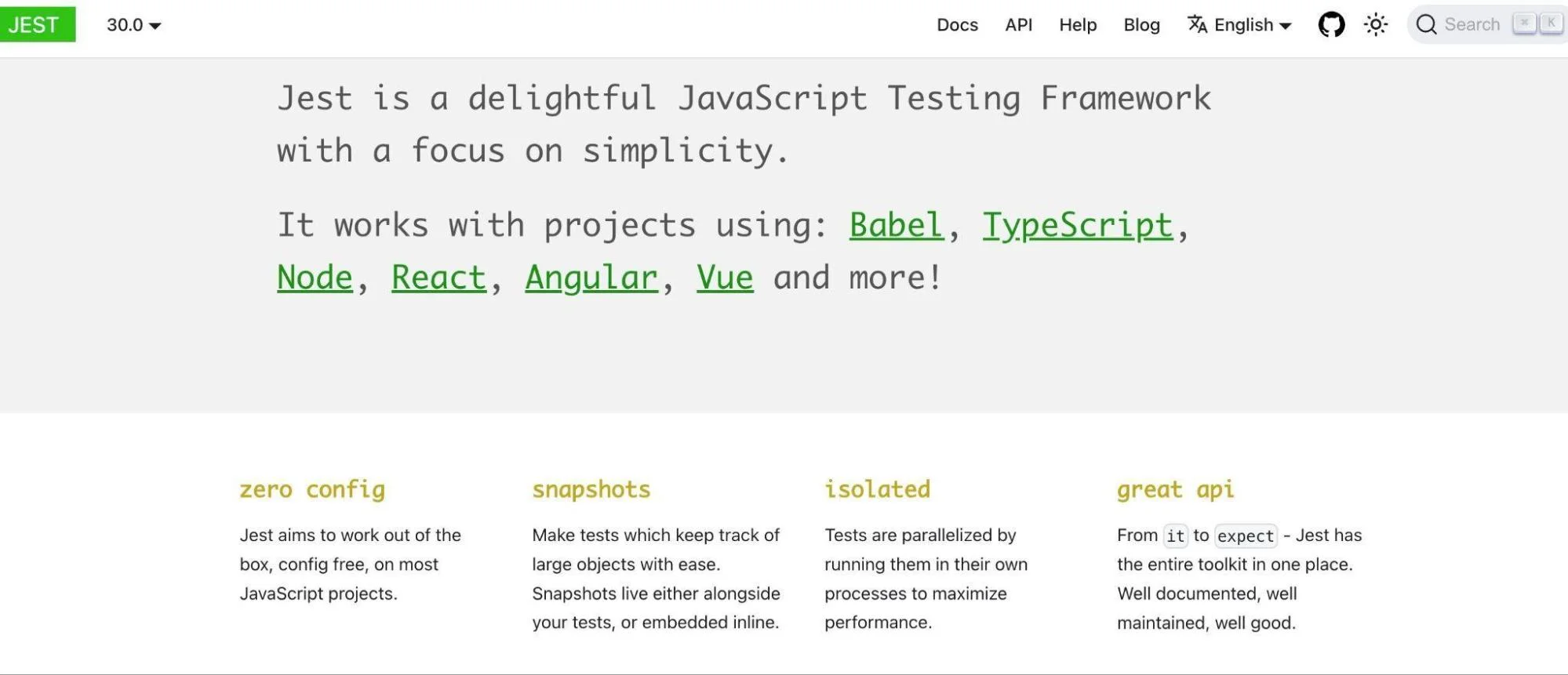
Jest runs tests in parallel by default, using worker threads/processes to speed up test suites, especially when there are many test files. It has built-in mocking/spying features so that you can isolate units (functions/modules) without depending on external systems.
Jest also supports snapshot testing (especially in UI + component testing), so you can detect unexpected changes in output over time. It also includes test coverage reporting out of the box, which helps teams enforce that a sufficient portion of code is being tested and see what is not covered.
6. PyTest

With PyTest, you can write clean, simple unit tests in Python. It can automatically find tests, so you don’t need to list them manually. It also supports fixtures to set up shared test data and gives clear failure messages when tests break.
PyTest has over 1,300 plugins that add powerful features such as running tests in parallel, running the same test with different inputs, measuring test coverage, and integrating tests into CI pipelines so they run automatically on every commit.
More unit testing tools used in continuous testing are Mocha, RSpec (Ruby), xUnit.net, and NUnit (C# / .NET)
Note: Unit testing tools are only about writing and running tests. To achieve complete continuous testing, you need CI/CD tools to orchestrate when and where those tests run in the pipeline.
Functional/UI testing tools
These ensure end-to-end user flows and features work as expected.
Examples are:
7. Selenium
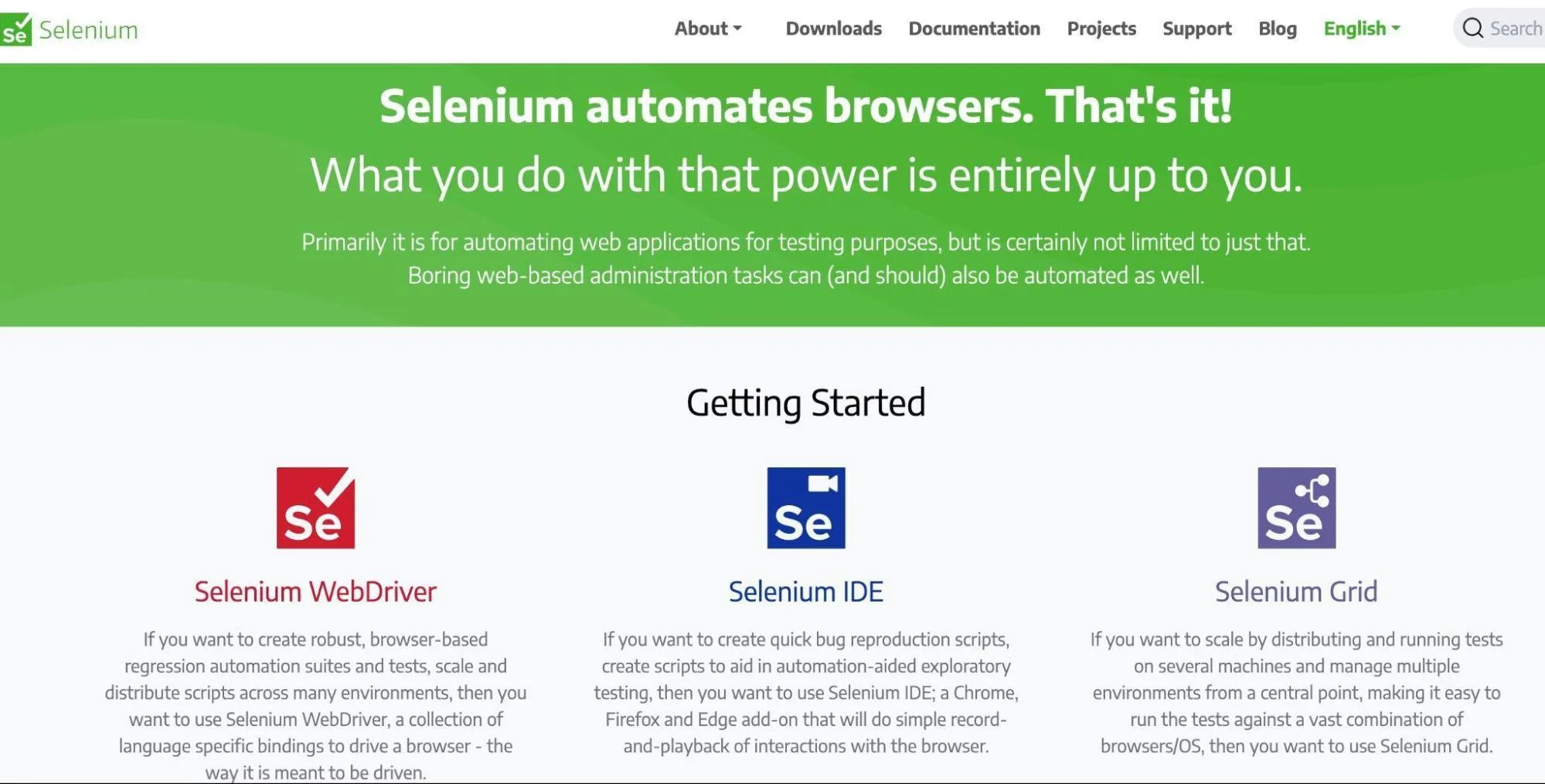
Selenium is a browser automation framework that controls real browsers (Chrome, Firefox, Edge) the way a user would.
You write scripts that mimic real user actions — clicking buttons, filling forms, navigating pages, and checking results. This verifies complete user journeys (login → add to cart → checkout).
Selenium scripts are run automatically in CI/CD pipelines (Jenkins, GitHub Actions, GitLab CI). Every time code changes, Selenium tests whether the user interface still functions correctly. It also catches regressions (when new code accidentally breaks something users see or do) before deployment.
8. Cypress
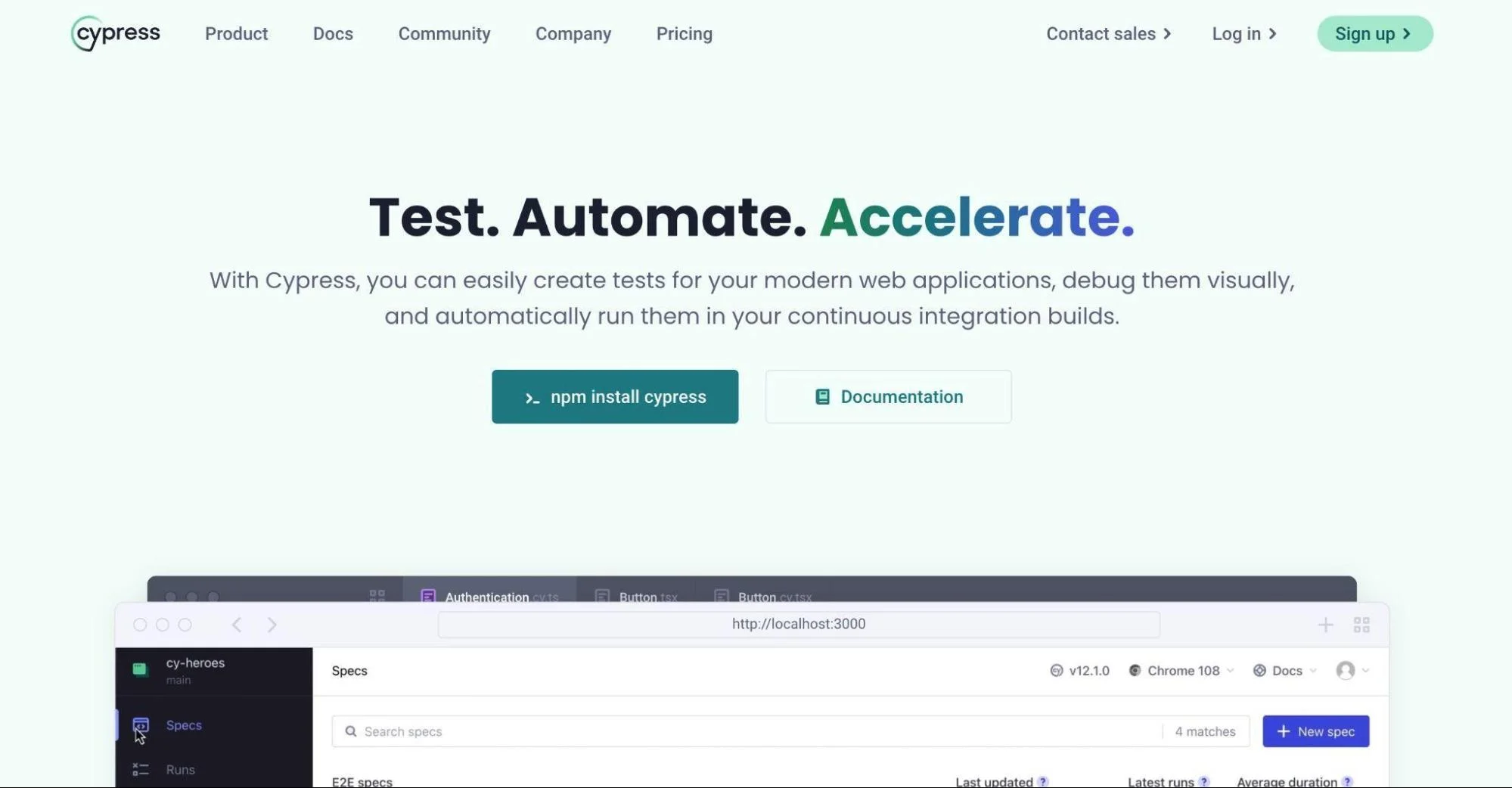
Cypress is a fast, JavaScript-based framework for testing web applications. It runs directly inside the browser, giving it deep access to what users actually see and do.
Just like Selenium, its scripts mimic real user actions to assert that the expected results appear. This enables teams to confirm complete end-to-end workflows like sign-up, checkout, or search work as intended.
Others include: Playwright, TestCafe, and more.
Performance and load testing tools
These tools check system behavior under load (speed, scalability, stability). They prevent slowdowns or crashes when user traffic spikes. They include:
9. Apache JMeter
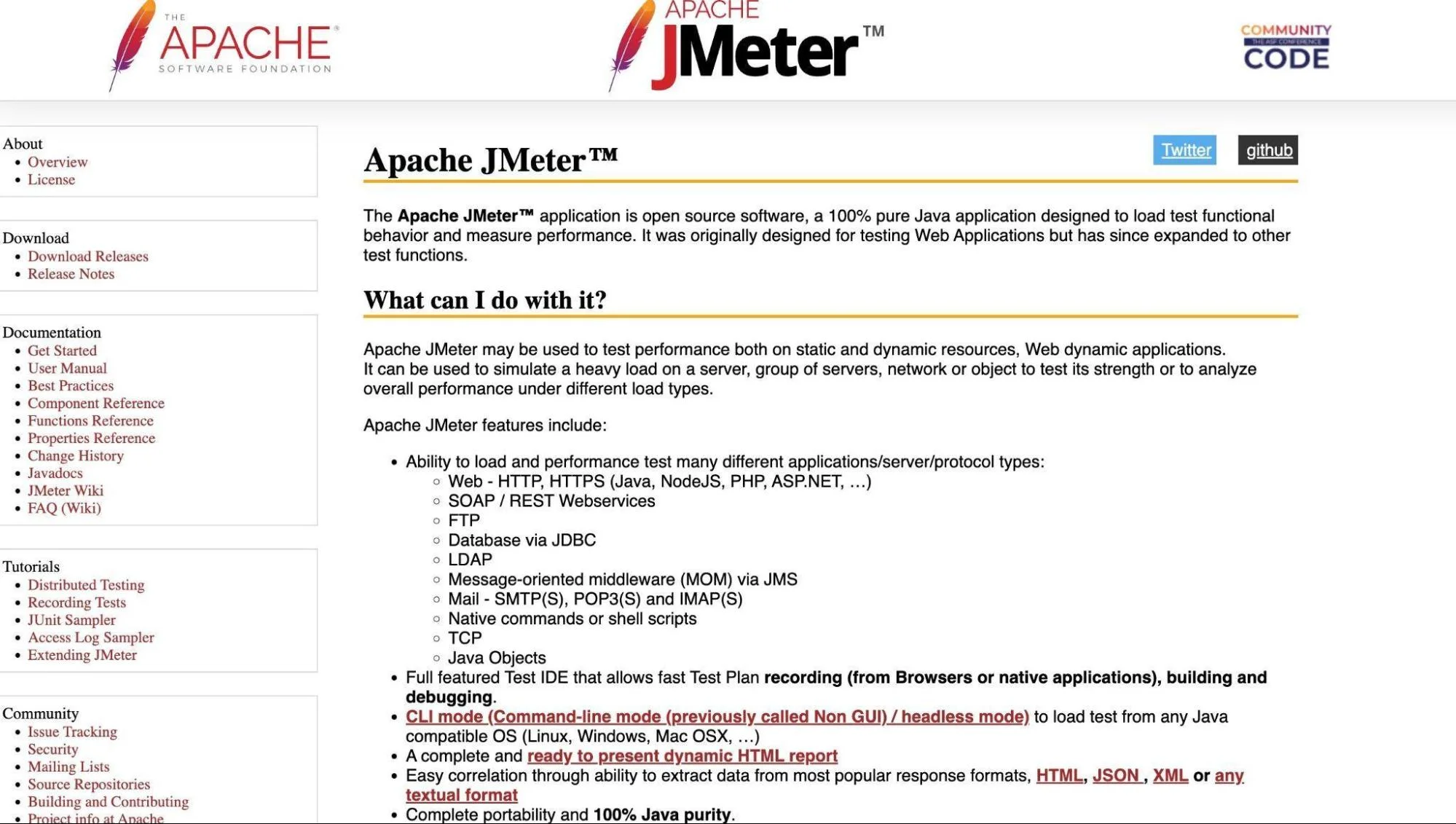
Apache JMeter can run tests automatically within CI/CD pipelines, so that every time code changes, performance tests also run.
JMeter can also fail a build if response times or error rates exceed set limits, ensuring only fast, stable builds are released. It produces detailed reports and graphs for each run showing errors, response times, and throughput. CI tools then display these results on dashboards.
10. BlazeMeter
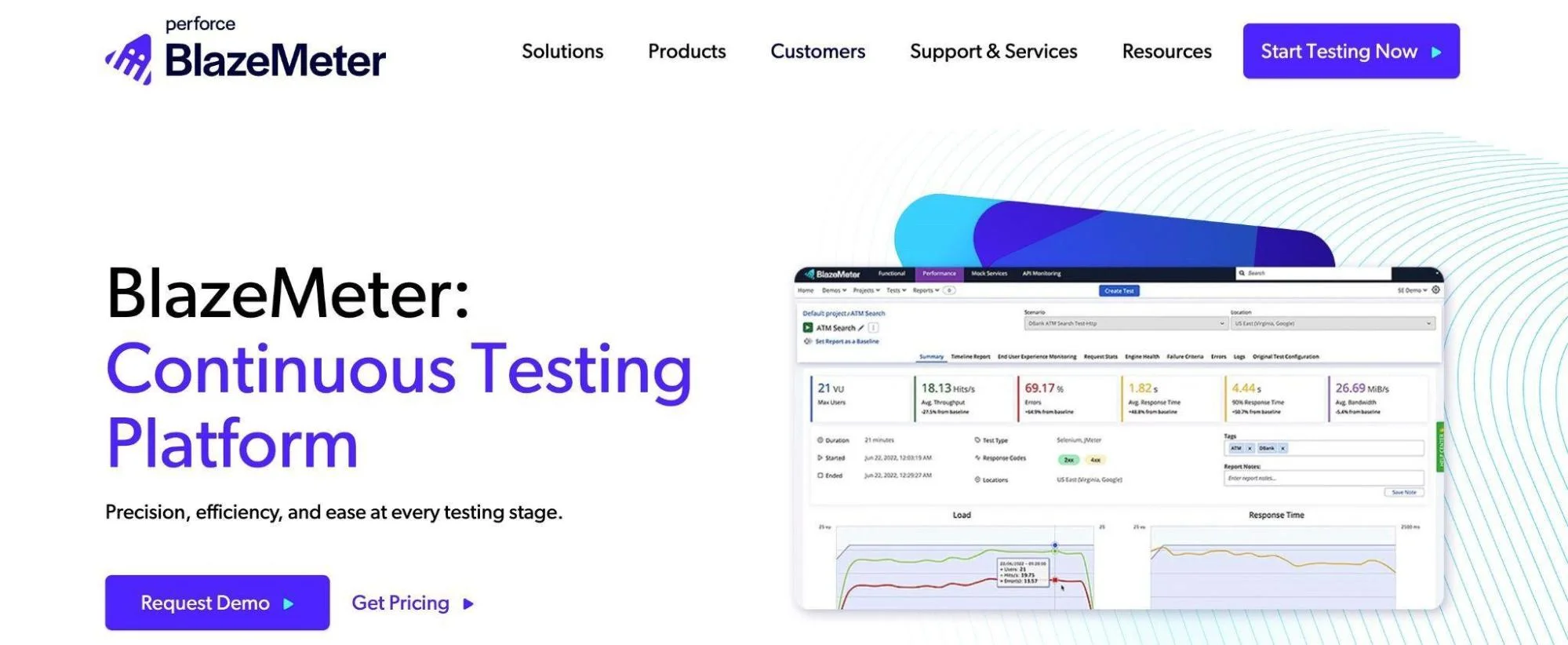
With BlazeMeter, you store your test scripts in version control and use BlazeMeter’s CLI or REST API to trigger them automatically from CI jobs. If tests don’t meet the criteria you’ve set (for response time, error rate, etc.), the build can fail.
11. Locust
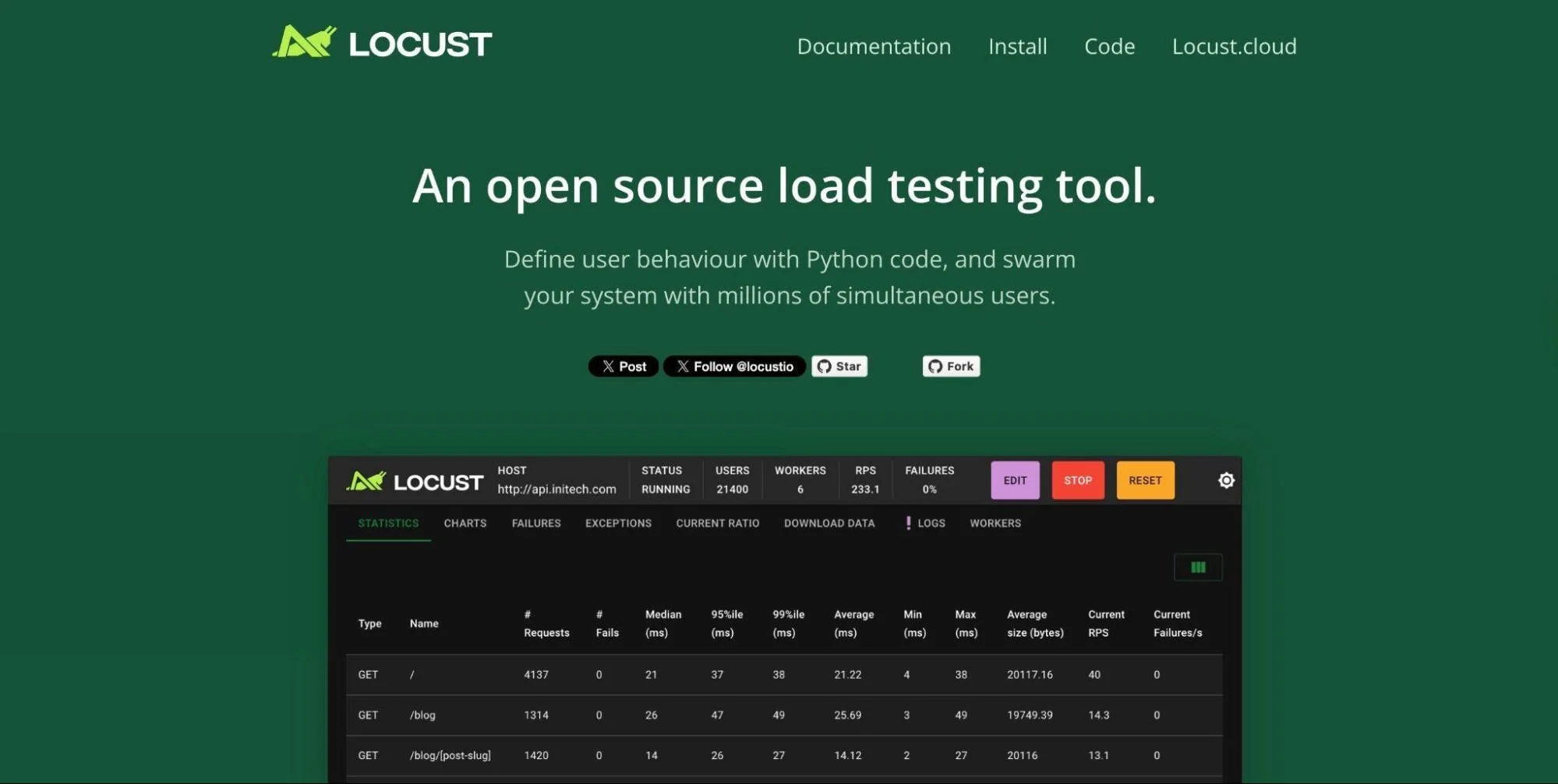
Locust is a Python-based tool for testing how well your system handles heavy user traffic. You write test scripts that describe what users do (eg, logging in, browsing, or checking out).
Because these scripts are just code, they can be stored in version control and run automatically in CI/CD pipelines. This means performance tests can run on every new build, not just at the end.
Locust can also simulate thousands of users at once by running tests across multiple machines. It provides clear statistics, including response times, error rates, and request counts, enabling teams can spot slowdowns or failures early.
Security testing tools
These tools enable DevSecOps (development, security, and operations) by providing automated security checks.
12. Snyk
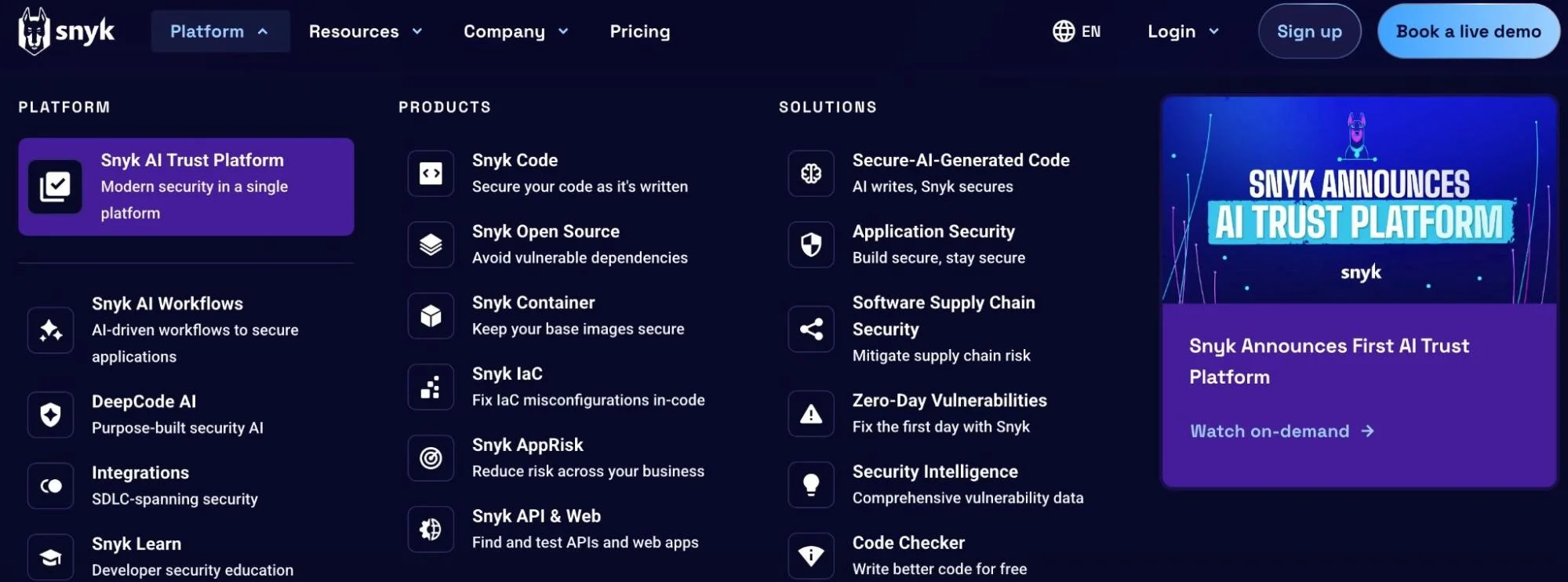
Snyk is a security tool that scans for vulnerabilities during development and in CI/CD pipelines. Its main features include:
- Snyk Code: Checks your source code for security flaws as you write or before you commit
- Snyk Open Source: Scans your project’s libraries and dependencies, and continuously monitors them for new known vulnerabilities
- Snyk IaC: Scans your infrastructure-as-code files (eg, Kubernetes or Terraform) for misconfigurations before deployment
13. SonarQube
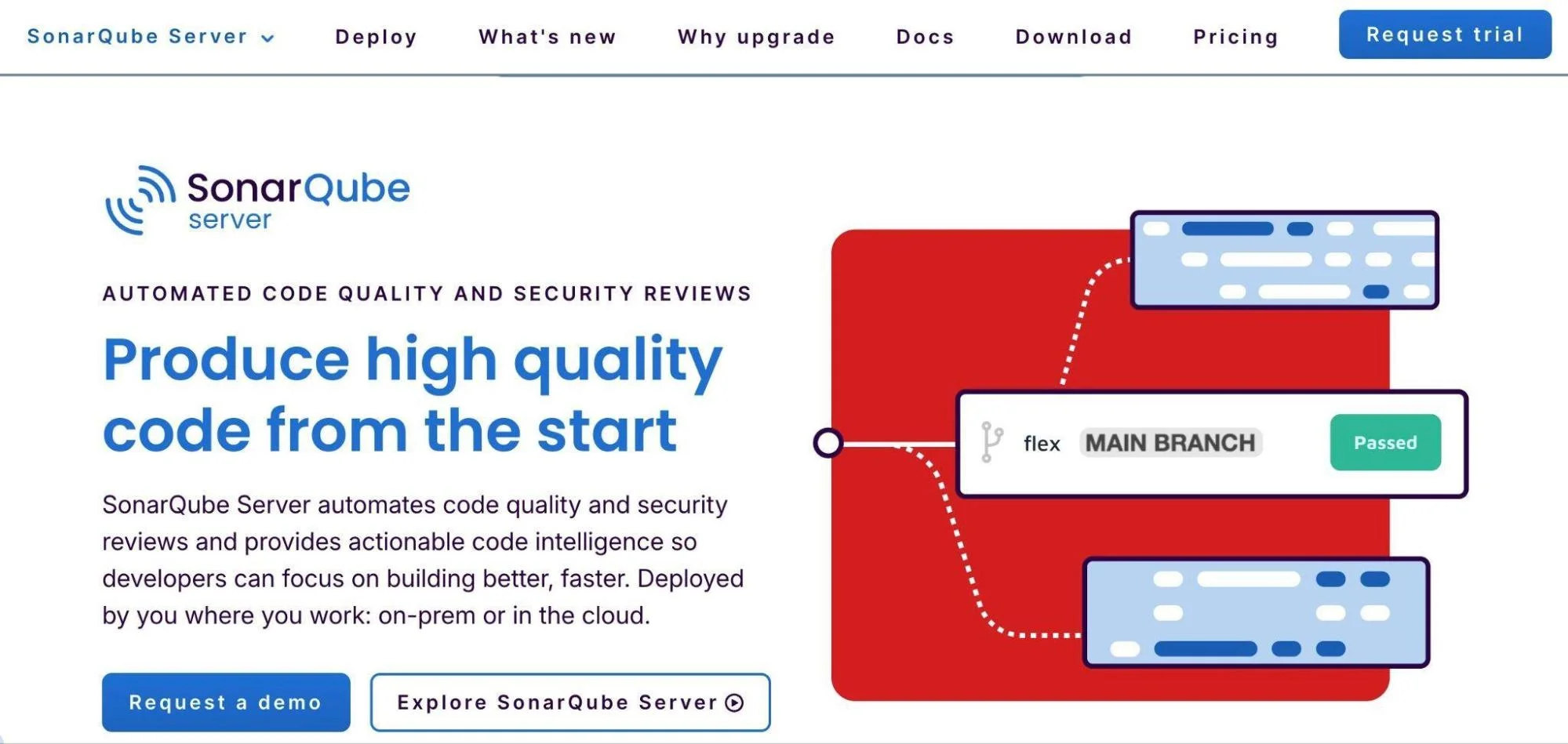
SonarQube inspects your source code for bugs, security flaws, and poor coding practices (code smells). It runs these checks every time you push code or create a pull request in tools such as Azure DevOps, Bitbucket, GitHub, and more.
It uses quality gates, rules you set, like “no new vulnerabilities” or “at least 80% test coverage.” If your code fails these rules, SonarQube blocks it from merging or flags it so it can’t be deployed. SonarQube also supports over 30 programming languages and can run in the cloud or on-premises.
Other tools include OWASP ZAP, Veracode, Checkmarx, and Aqua Trivy.
Integration testing tools
These test how different modules or services interact. They can identify issues that only appear when components communicate with each other.
14. Postman
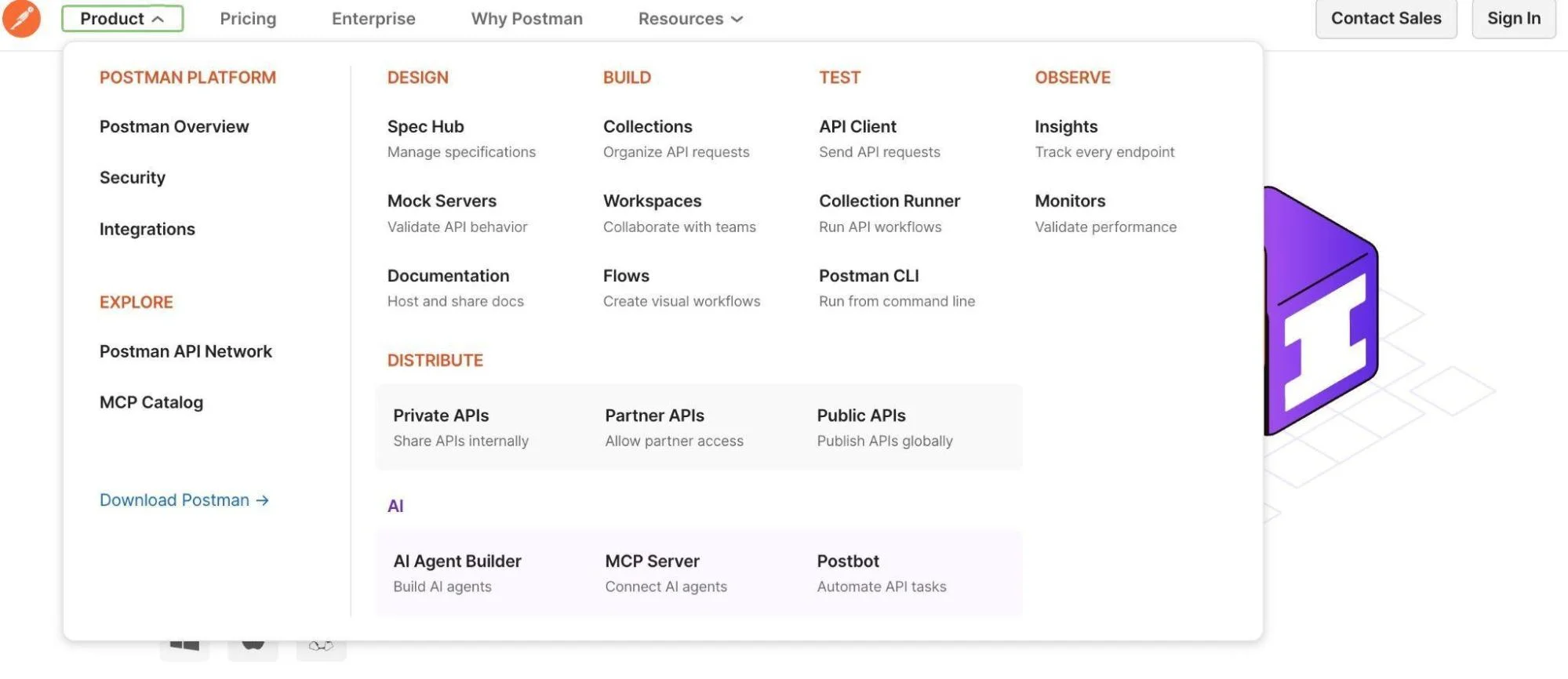
In Postman, you can group API calls into a collection and run them in a specific sequence. That allows you to simulate workflows across services, such as creating a user via one API, then fetching the user via another, and then updating or deleting it. This shows whether data flows correctly between those modules.
If some services or APIs aren’t ready, Postman also lets you use mock servers that simulate their behavior. You can still test how your module interacts with an external API, even if it’s not yet deployed.
15. Citrus
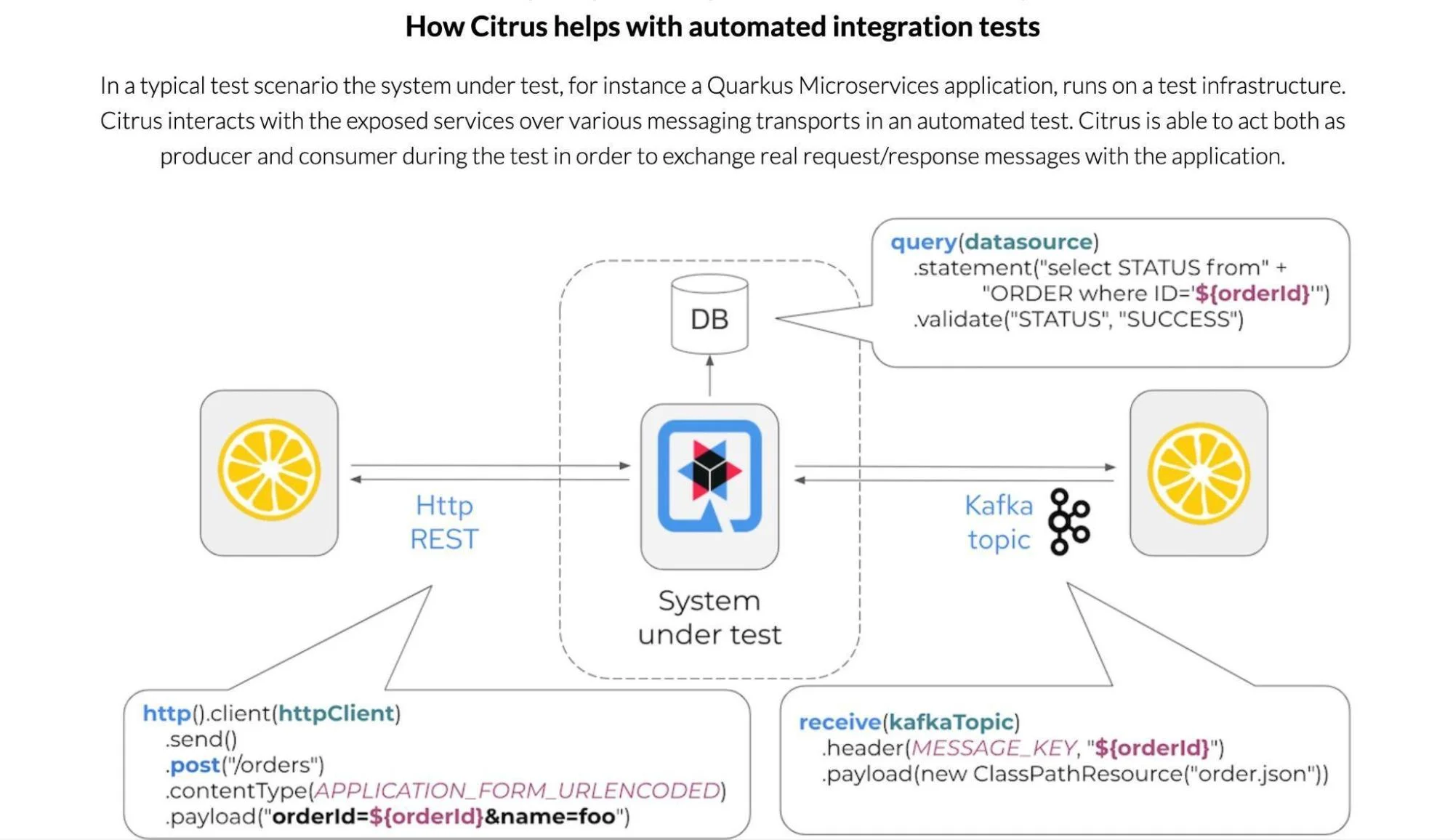
Citrus is an open-source Java-based framework built for messaging, microservices, and interface testing across systems. It enables you to simulate and confirm communication between components using protocols such as HTTP/REST, JMS, Kafka, and more.
It supports writing tests in multiple formats: Java fluent API, XML, YAML, and even Cucumber BDD. This flexibility lets teams choose what fits their workflow.
Others include SoapUI by SmartBear, Karate, Rest Assured, Pact, and Mountebank.
Now, here is the thing:
The best continuous testing platform will, of course, depend on your workload. But once you’ve identified the right fit, the next — and most critical — step is to optimize the cloud costs of that platform and all its integrated tools.
You’ve Chosen A Tool — Now Optimize Your Testing Costs With Confidence
Continuous testing improves quality, but it also drives cloud usage. Every type of testing tool consumes compute, storage, and network resources. As teams scale, these costs can spike.
Parallel testing reduces runtime but increases concurrency, thereby continuously utilizing more infrastructure. Other tests, such as integration, increase storage needs.
Without visibility, costs add up (idle resources, over-provisioned environments, data transfers, etc.).
This is where CloudZero makes a difference.
CloudZero ingests spend from AWS, Azure, GCP, Kubernetes, and other platforms, then allocates it to pipelines, environments, services, and teams.
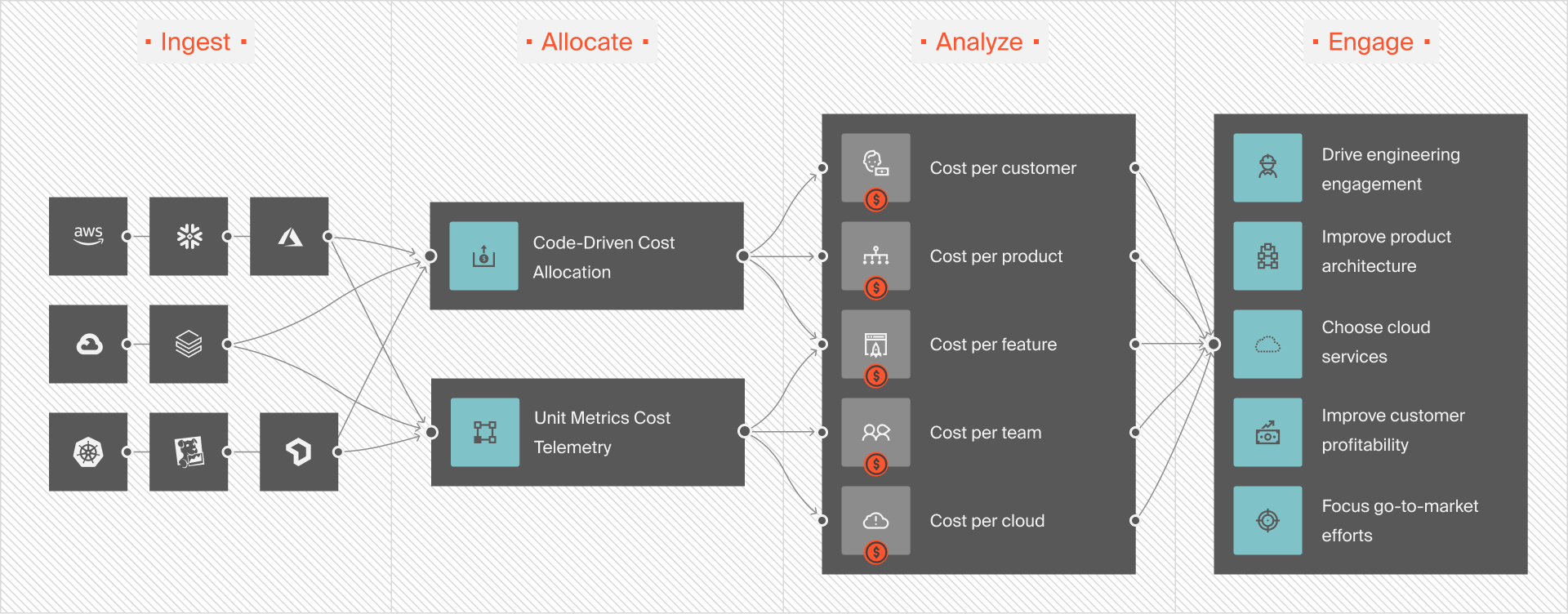
With this visibility, engineering and finance teams can spot cost spikes, set guardrails, and understand the true cost of DevOps testing.
 to see how CloudZero can help you save on cloud costs associated with your CI/CD operations.