Security used to be something teams added at the end of a release cycle. Engineering pushed code fast. Security teams reviewed it later. But this flow only worked when the software moved slowly.
Modern cloud environments broke the old security model. Containers, microservices, APIs, and infrastructure as code now change too fast for security to sit outside delivery workflows.
At the same time, these changes introduced a new challenge: teams ship faster, but the cost, risk, and impact of each deployment are harder to see. This is where DevSecOps and FinOps increasingly overlap.
DevSecOps embeds security into every stage of the software lifecycle. FinOps ensures teams understand the cost and operational impact of those same changes. Together, they help engineering teams ship faster while staying secure, stable, and cost-aware.
What Is DevSecOps?
Definition: DevSecOps is a software delivery model that integrates security controls, automation, and shared responsibility across development, operations, and cloud infrastructure from design through production.
DevSecOps stands for development, security, and operations. It is an engineering model in which security is built into the day-to-day work of creating, shipping, and running software.
Instead of treating security as a final checkpoint, DevSecOps turns it into a continuous, shared process. Security controls are added to coding, reviews, CI pipelines, container builds, infrastructure automation, and cloud operations.
Here is a visual showing how DevSecOps wraps security around the entire DevOps lifecycle:
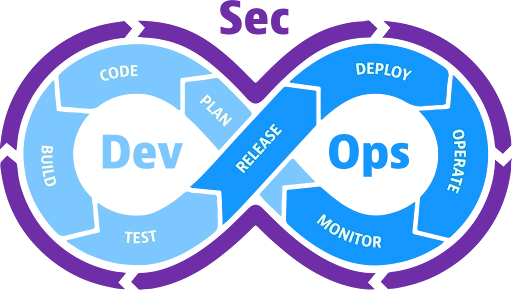
During development, teams write code, build features, and prepare packages for release. Security is included from the first commit.
In operations, teams deploy, monitor, and manage software in production. Performance, availability, and feedback loops drive improvement.
Finally, security practices run throughout development and operations. Vulnerabilities are identified early, and risks are managed continuously. This end-to-end flow is what teams describe as shift left and shift right, where security begins early in development and continues in production.
In modern cloud environments, DevSecOps also intersects closely with FinOps. Every secure deployment consumes cloud resources, introduces new cost patterns, and affects budget ownership. As a result, many teams now treat cost visibility as an operational signal alongside security and performance.
Report
Finance needs to prove AI’s return: CloudZero report
260 senior finance leaders (more than half CFOs) told us why the speed of seeing AI spend, not the size of it, separates who pulls ahead on AI from who gets burned.
DevSecOps Vs. DevOps: What’s The Difference?
DevOps focuses on speed and collaboration. DevSecOps adds security into that same workflow.
In plain English, DevSecOps does not replace DevOps. It builds on it by making security a shared part of development and operations.
The difference becomes clearer when you look at how each model approaches workflow, tooling, and the culture behind delivery:
|
Area |
DevOps |
DevSecOps |
|
People |
DevOps connects development and operations |
DevSecOps brings security into that same partnership |
|
Process |
DevOps automates build, test, release, and operations |
DevSecOps adds security scanning, secrets detection, and policy checks into each stage of the DevOps pipeline |
|
Tools |
DevOps uses CI/CD tools, Git, containers, IaC, cloud platforms, and monitoring |
DevSecOps uses the same stack and adds scanning, compliance automation, and runtime protection. These practices support the fast DevOps cycles |
|
Culture |
DevOps encourages collaboration and automation | DevSecOps strengthens that culture by adding shared responsibility for secure delivery |
| Cost Visibility | DevOps is often reviewed after deployment or by finance teams | DevSecOps is monitored continuously alongside security and performance as part of engineering ownership |
Read more: 50+ CI/CD Tools To Streamline DevOps Workflows
Benefits Of DevSecOps
DevSecOps provides several advantages, including:
- Faster, more reliable delivery. When security runs inside development workflows, teams avoid disruptive fixes late in the process. That means less rework and faster time-to-market for features.
- Smooth collaboration across teams. DevSecOps breaks down silos between dev, security, and ops. Teams share context, goals, and tools, thus ensuring seamless workflows and fewer bottlenecks.
- Better compliance and risk management. By automating policy checks, audits, and logging within delivery pipelines, organisations stay more compliant and keep risk in check.
- Improved detection and response. Because monitoring and security are embedded into production, teams detect threats faster and respond more effectively.
- Reduced costs. Addressing issues early avoids costly rework and reduces incidents that would be expensive to handle in production.
But these benefits are only half the story. Many teams still struggle to adopt DevSecOps, especially as cloud systems scale and pipelines grow more complex.
Challenges In Implementing DevSecOps
Most teams use separate tools for development, operations, and security. This creates gaps and inconsistent checks across environments. Industry studies show tool sprawl is one of the most common blockers to DevSecOps adoption because security is not built into daily engineering workflows.
See more: 55 Fascinating DevOps Statistics You NEED To Know
DevSecOps also requires developers, security teams, and operations to share responsibility. Many organisations struggle because developers are not trained in secure practices, and security teams are not used to fast release cycles.
Additionally, cloud resources are rapid. Without clear policies for IaC templates, container images, and API configurations, misconfigurations become a leading cause of incidents.
Other challenges include:
- Weak secret management practices across code, IaC, and pipelines
- Limited automation for critical security checks
- Difficulty scaling security across multi-cloud and hybrid environments
- Lack of unified observability for security-related events
The right DevSecOps tool can help teams close these gaps.
How Teams Implement DevSecOps In Practice
Successful DevSecOps adoption depends on aligning people, pipelines, and feedback loops.
First, teams embed security checks directly into pull requests and CI/CD pipelines. This includes code scanning, dependency analysis, secret detection, and IaC policy checks that block unsafe changes before deployment.
Second, security findings must be actionable. Developers need results mapped to the exact file, commit, or configuration that introduced risk so fixes happen during normal development work.
Third, teams monitor runtime behavior continuously. Production signals such as configuration drift, unusual access patterns, and sudden cost spikes often reveal issues that static scans miss.
Finally, DevSecOps works best when teams track shared metrics that balance speed, security, and cost. These metrics help engineering, security, operations, and FinOps operate from the same data.
Key DevSecOps Metrics Teams Track
Common DevSecOps metrics include:
- Mean time to remediate vulnerabilities
- Number of builds blocked by security or policy checks
- IaC misconfigurations detected before deployment
- Runtime security incidents or drift events
- Unexpected cloud cost increases following deployments
Top DevSecOps Tools To Consider
DevSecOps tools generally fall into a few functional categories, each supporting a different part of the delivery lifecycle. Together, they help teams secure code, pipelines, infrastructure, runtime behavior, and cloud usage.
Here are the key tools teams rely on to put DevSecOps into practice, starting with tools in the CI/CD and Code Security category:
1. GitLab Ultimate – Unified DevOps + security platform
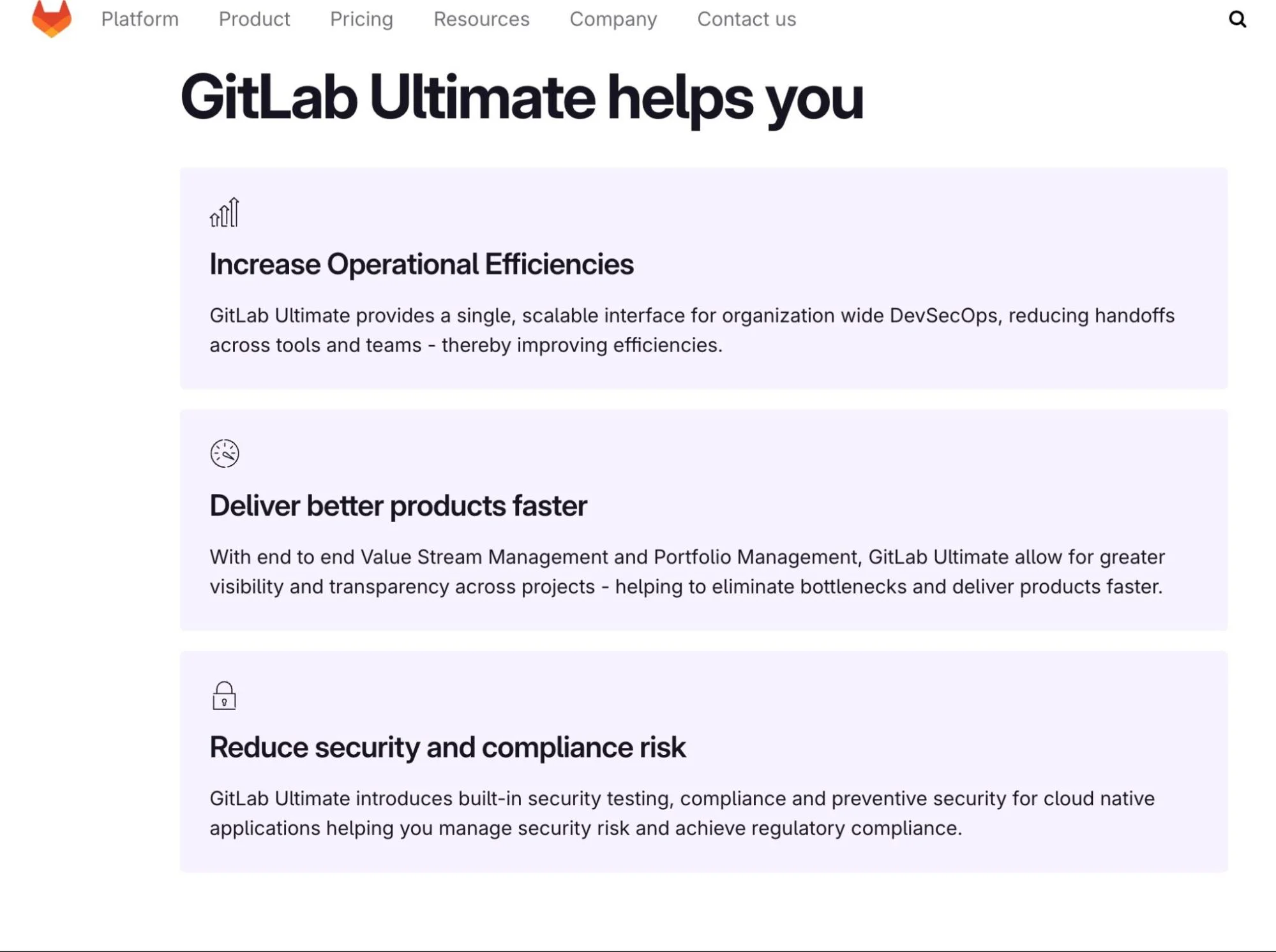
GitLab Ultimate enforces security rules inside the pipeline: policy checks, required approvals, and compliance stages block releases that fail security standards.
GitLab’s security dashboards link findings to branches, images, and deployed environments. This gives clear traceability from code to runtime and helps DevSecOps teams see where a risk began and where it exists now.
In a DevSecOps system, GitLab acts as the control plane that enforces security, compliance, and delivery rules directly inside the CI/CD pipeline.
2. Datadog – Monitoring, observability, and security platform
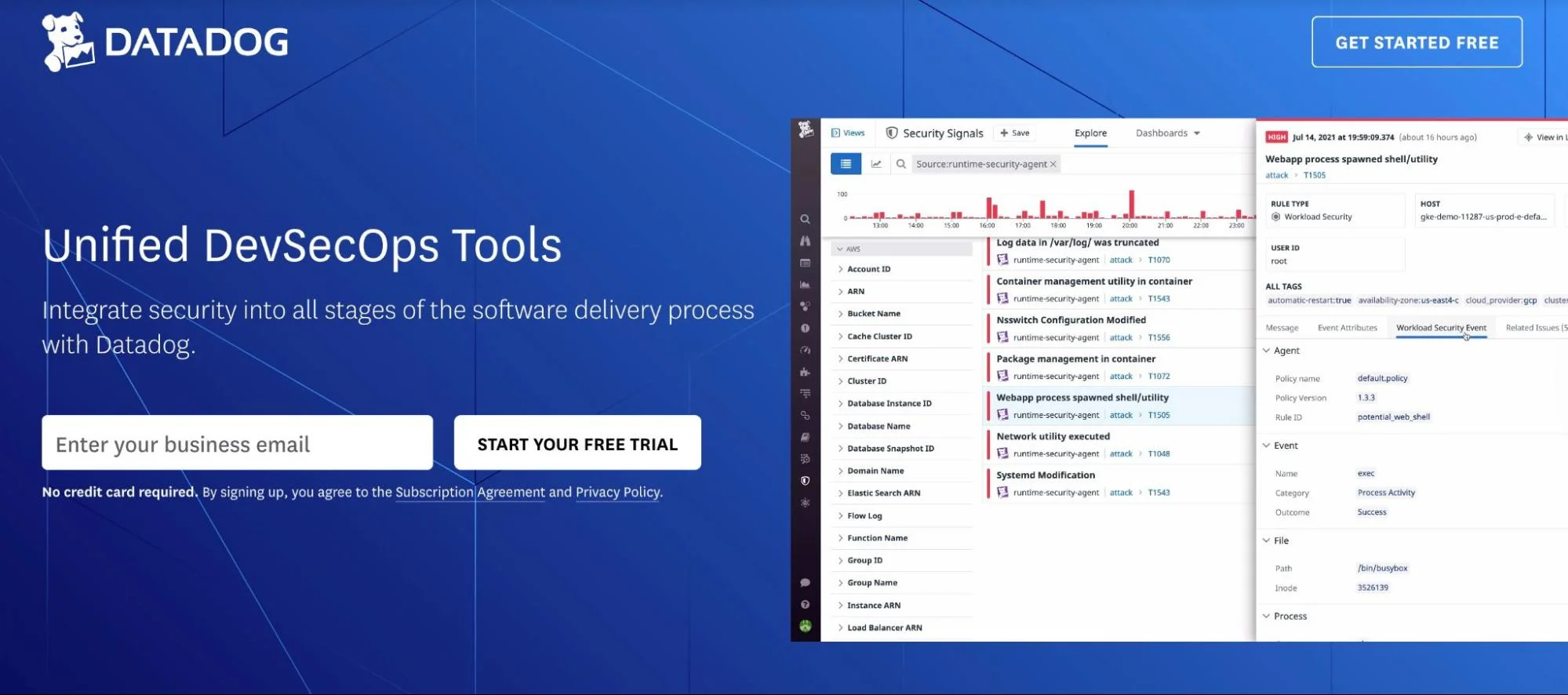
Datadog’s dashboards feature logs, metrics, traces, and security signals, all in one place. This shared view reduces gaps between development, operations, and security.
It strengthens runtime security by spotting threats such as brute-force logins, unusual access paths, and risky behavior in cloud or container environments.
Here’s a complete guide to Datadog pricing.
In DevSecOps workflows, Datadog serves as the shared runtime visibility layer that helps development, operations, and security teams investigate issues using the same production signals.
3. Aqua Security – Container and runtime protection for cloud/Kubernetes
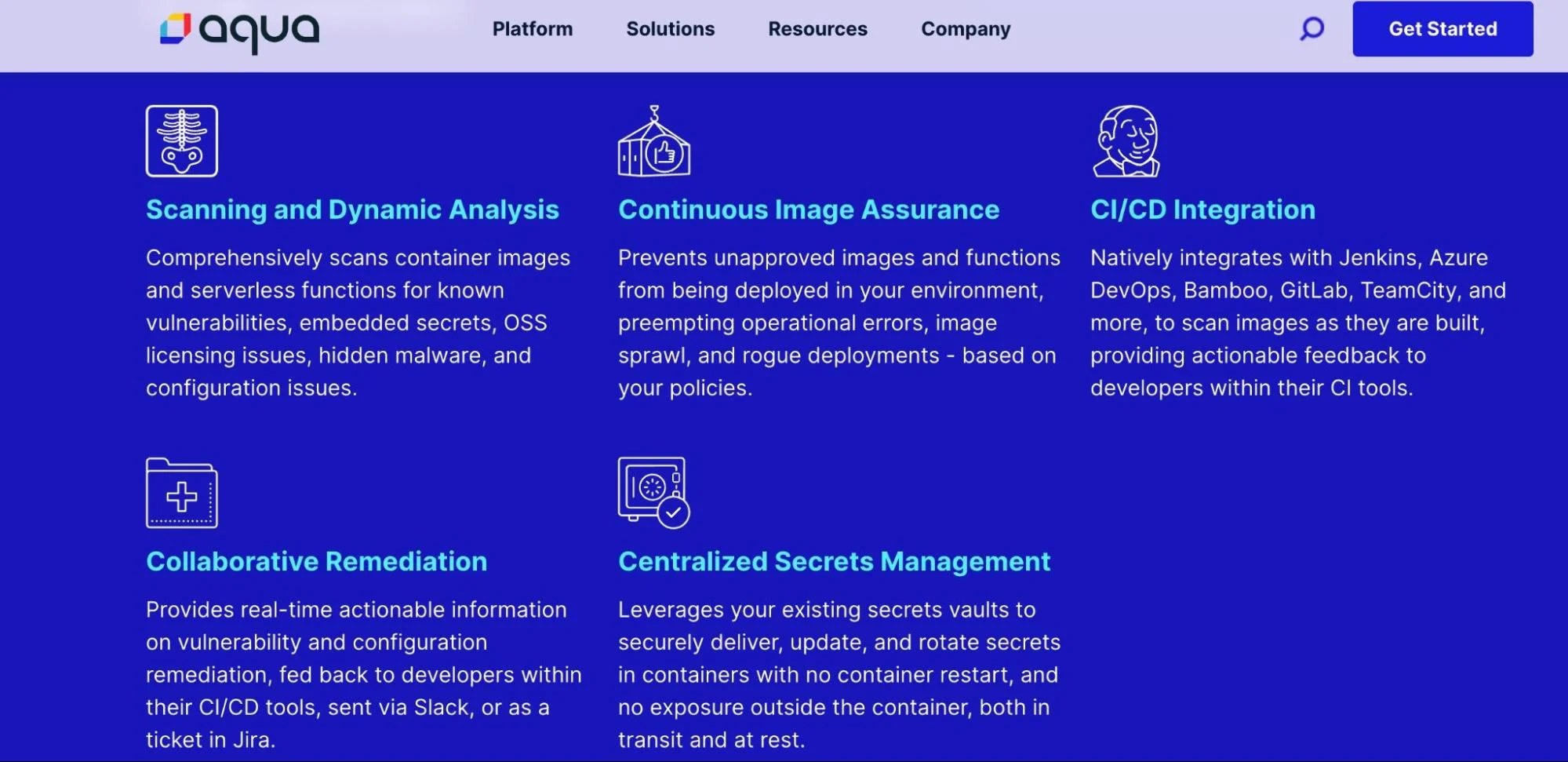
Aqua checks container images during the build process and blocks unsafe ones from entering a registry. It flags weak base images, risky packages, and configuration issues that would break security rules in Kubernetes.
Aqua also protects serverless functions. It reviews their code packages for risks and monitors their behavior once deployed. This helps teams control functions that run with broad permissions or connect to sensitive cloud services.
In DevSecOps workflows, Aqua provides guardrails for containers and serverless workloads, preventing insecure images and enforcing runtime protections in Kubernetes and cloud-native environments.
Now, let’s look at tools in the Runtime Security and Observability category:
4. ZAP – Dynamic application security testing (DAST) tool
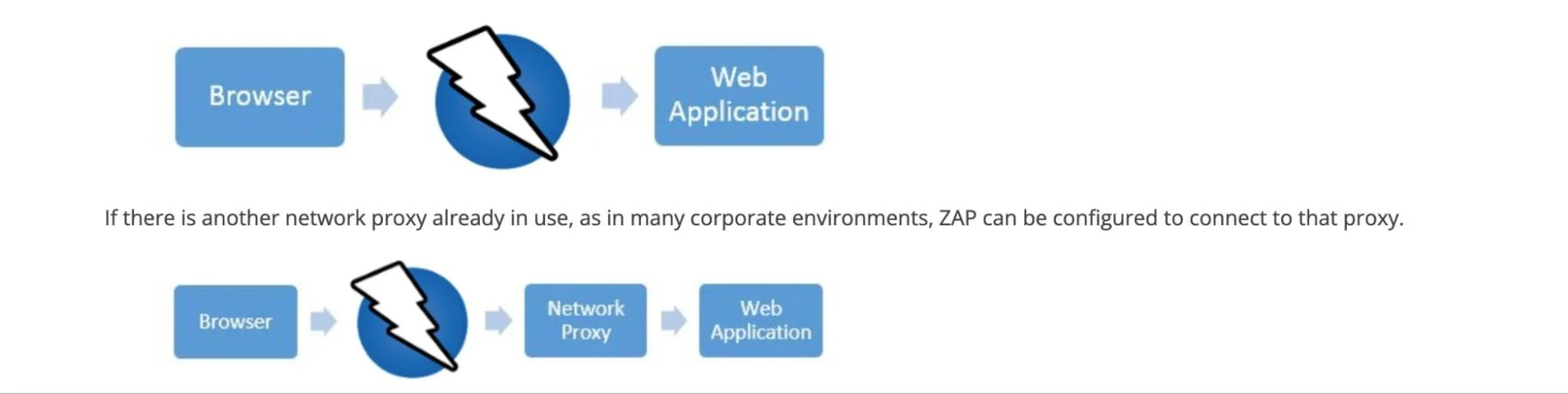
Zed Attack Proxy (ZAP) supports both passive and active scans. In passive mode, it monitors traffic without changing it. In active mode, it sends test requests to find vulnerabilities such as SQL injection, XSS, or insecure deserialization.
ZAP works as an intercepting proxy and supports authenticated scanning, WebSocket testing, and fuzzing. Teams use it to crawl applications and discover hidden endpoints before scanning begins.
The tool can be used both via desktop UI and API automation. This allows integration into CI/CD pipelines, so DevSecOps teams can automate DAST scans without blocking releases.
In DevSecOps pipelines, ZAP functions as the dynamic testing layer that uncovers runtime application vulnerabilities before they are exploited in production.
Now, let’s look at tools in the Cloud & IaC Security category:
5. Prisma Cloud – Cloud-native application protection platform (CNAPP)
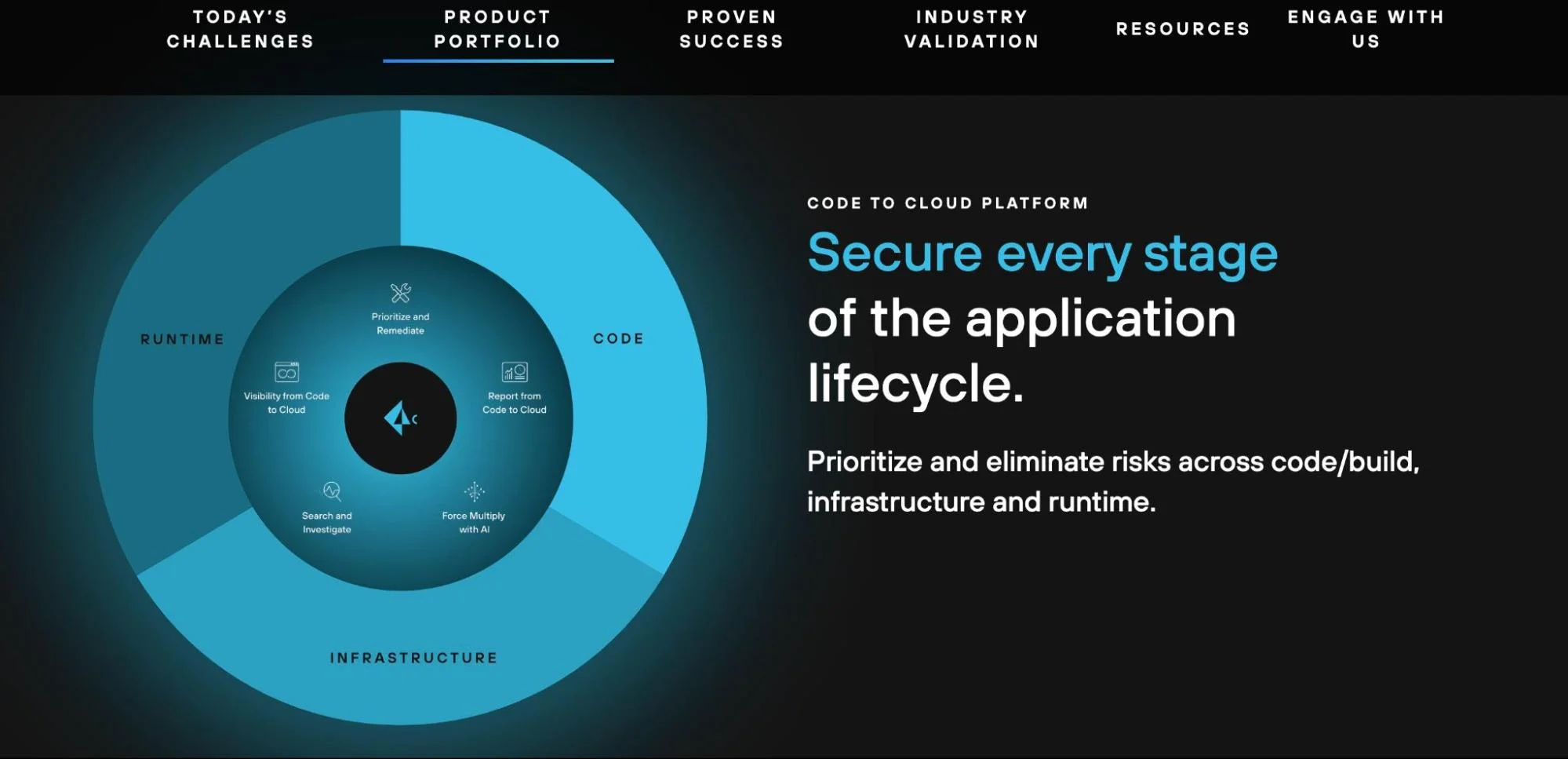
Prisma Cloud provides unified visibility across code, cloud infrastructure, and runtime workloads. It connects misconfigurations, exposed resources, and identity risks into one view so teams can act with context.
In production environments, Prisma Cloud continuously monitors cloud services, identities, and workloads. It correlates runtime behavior with preceding build or config changes, so teams trace a running risk back to its origin.
In DevSecOps workflows, Prisma Cloud acts as a unifying security layer that connects code, cloud configuration, identities, and runtime behavior into a single risk context.
6. Trivy – Open-source scanner for container images, IaC, and registries
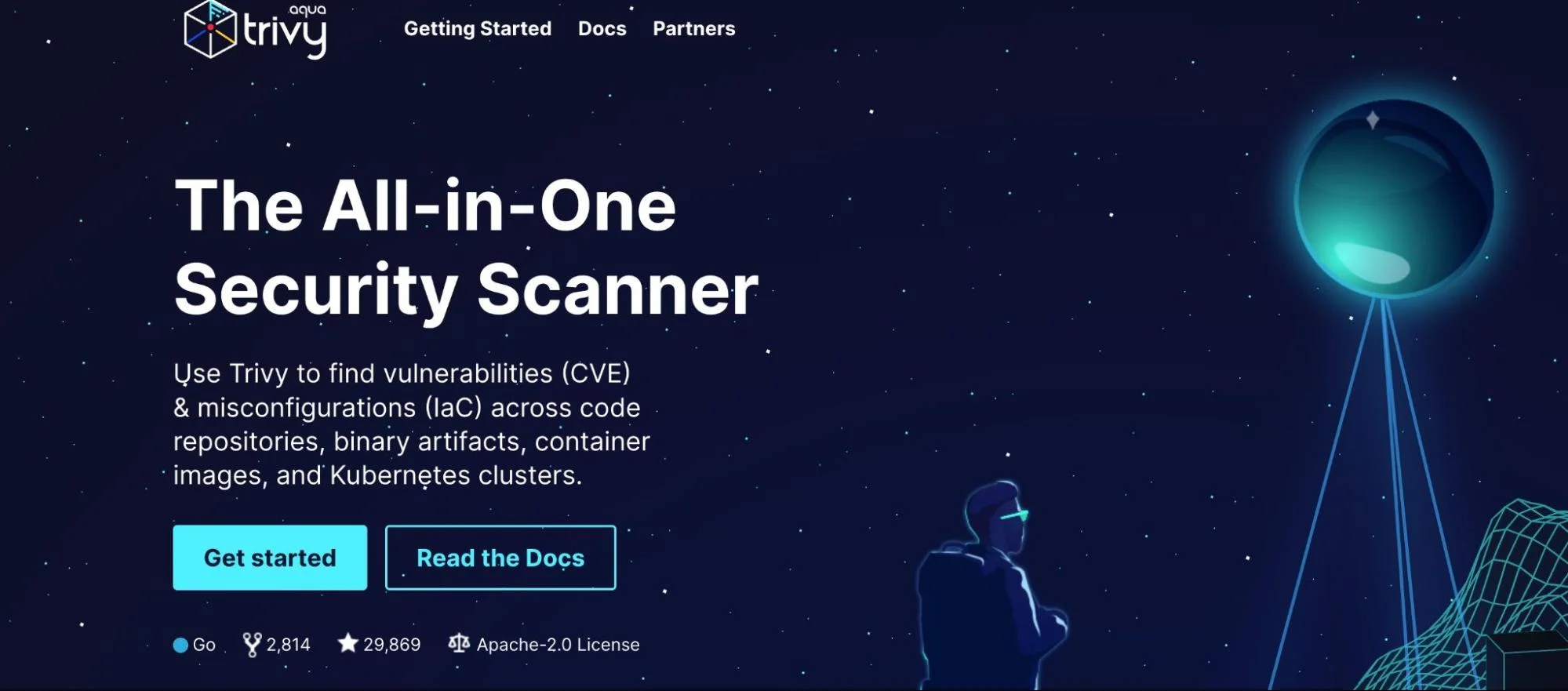
Trivy scans Docker images, Git repositories, and IaC templates as you code or commit changes, so unsafe configurations and known issues are addressed before they enter the pipeline.
In Kubernetes environments, Trivy is used to re-scan images in registries or clusters to detect new vulnerabilities or configuration drift.
In DevSecOps workflows, Trivy provides early detection of vulnerabilities and misconfigurations in images and infrastructure code before they reach production environments.
7. Wiz – Multi-cloud security visibility and risk correlation
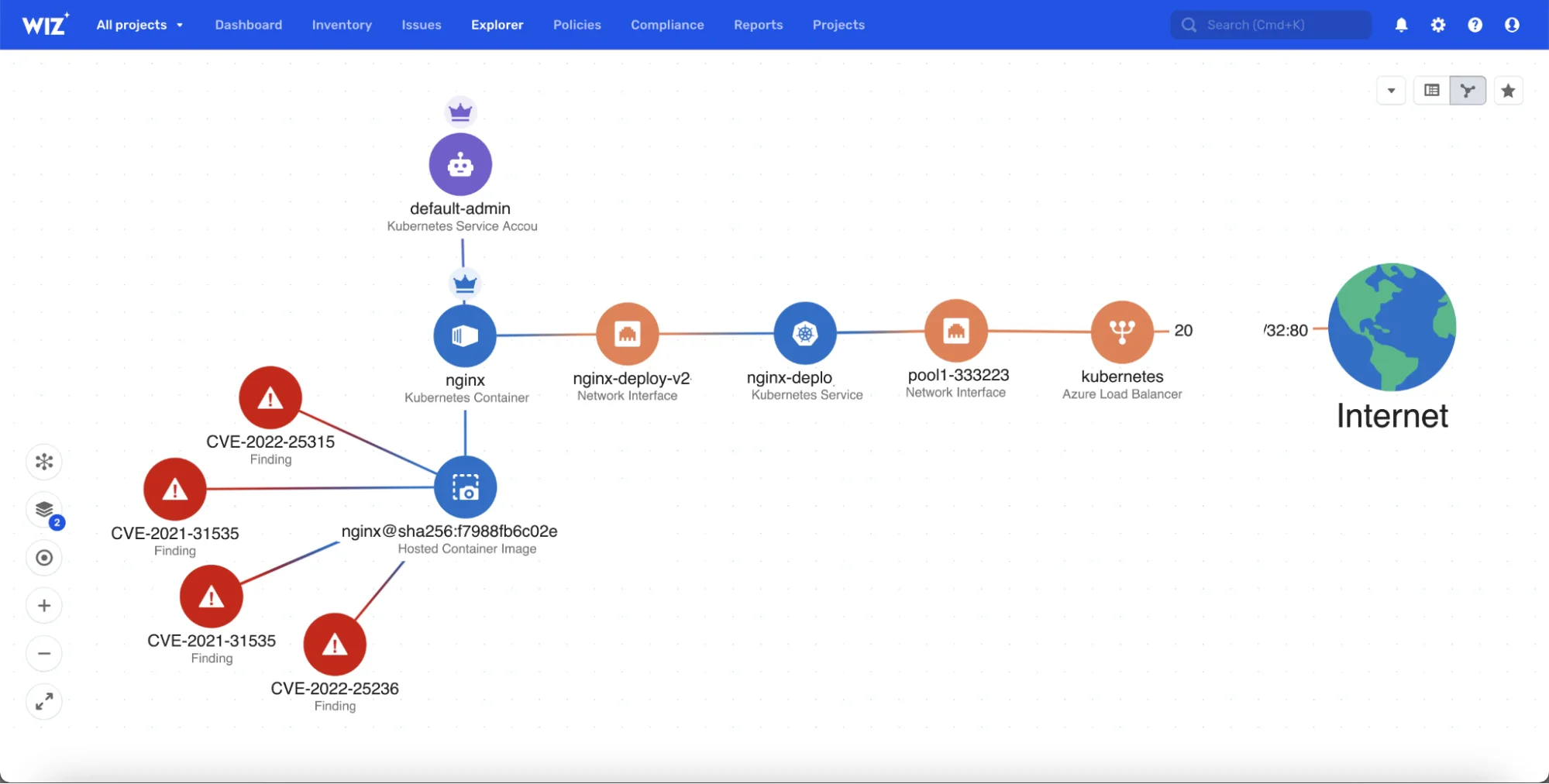
DevSecOps teams use Wiz to scan cloud workloads without installing agents. It reads the environment through cloud APIs, so teams get security findings without changing their deployments.
Wiz groups issues by how they relate to each other. It shows when a misconfigured role, an exposed secret, or an open path can connect and create real risk.
In DevSecOps workflows, Wiz enables rapid cloud risk discovery by correlating misconfigurations, identities, and exposure paths without adding operational overhead.
8. SonarQube – Code quality and security platform
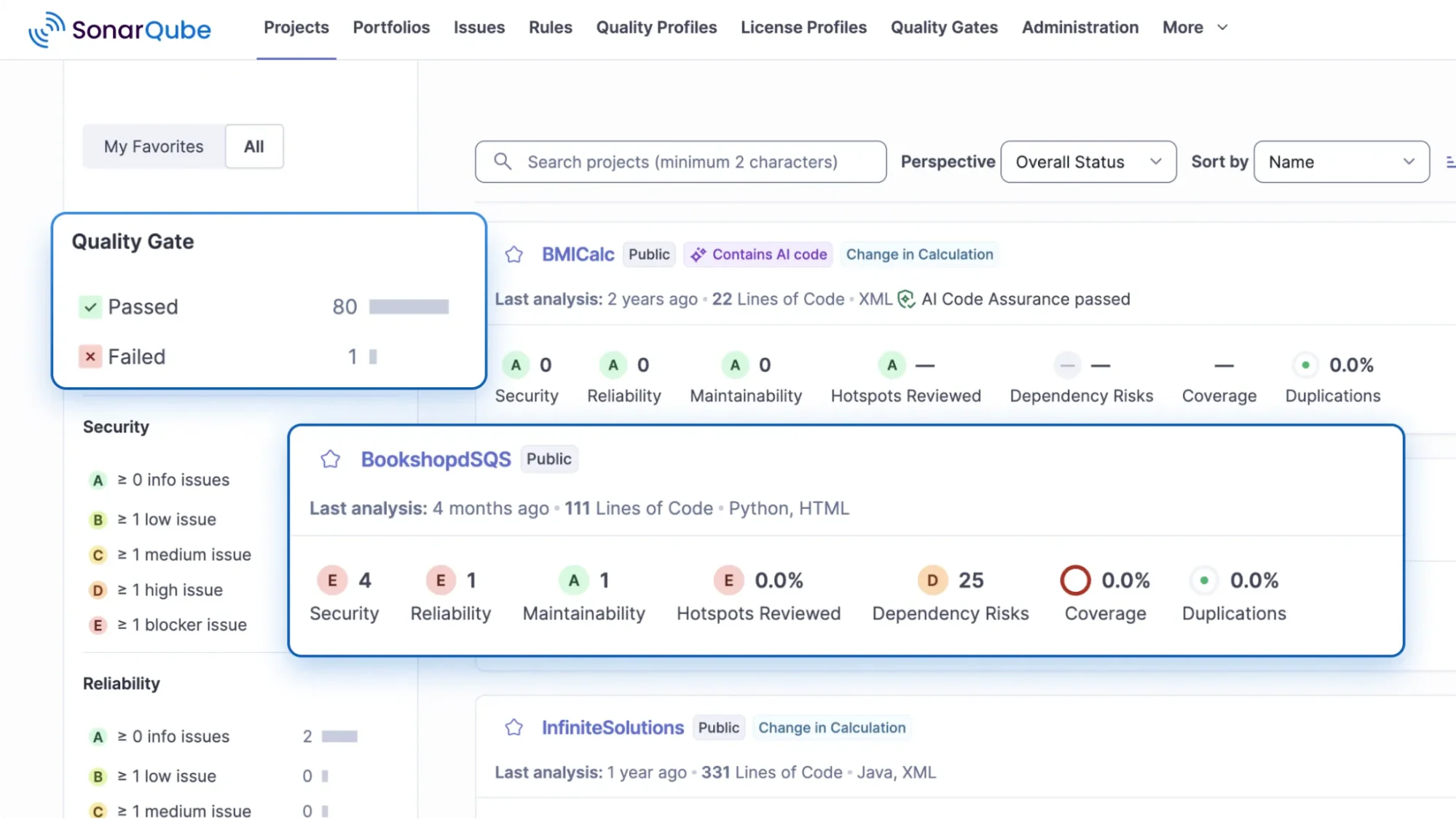
SonarQube integrates directly into CI/CD pipelines, reviewing pull requests and branches with static analysis and enforcing quality gates that prevent merge or deploy when code fails defined rules.
It detects vulnerabilities such as SQL injection, XSS, and hard-coded secrets, leveraging taint analysis and secret-detection capabilities across more than 35 programming languages.
SonarQube also surfaces actionable intelligence by linking findings to developer workflows and the exact code change.
In DevSecOps workflows, SonarQube enforces secure coding standards by blocking risky changes before they are merged or deployed.
9. Snyk – Developer-friendly scanning for code, dependencies, containers, IaC
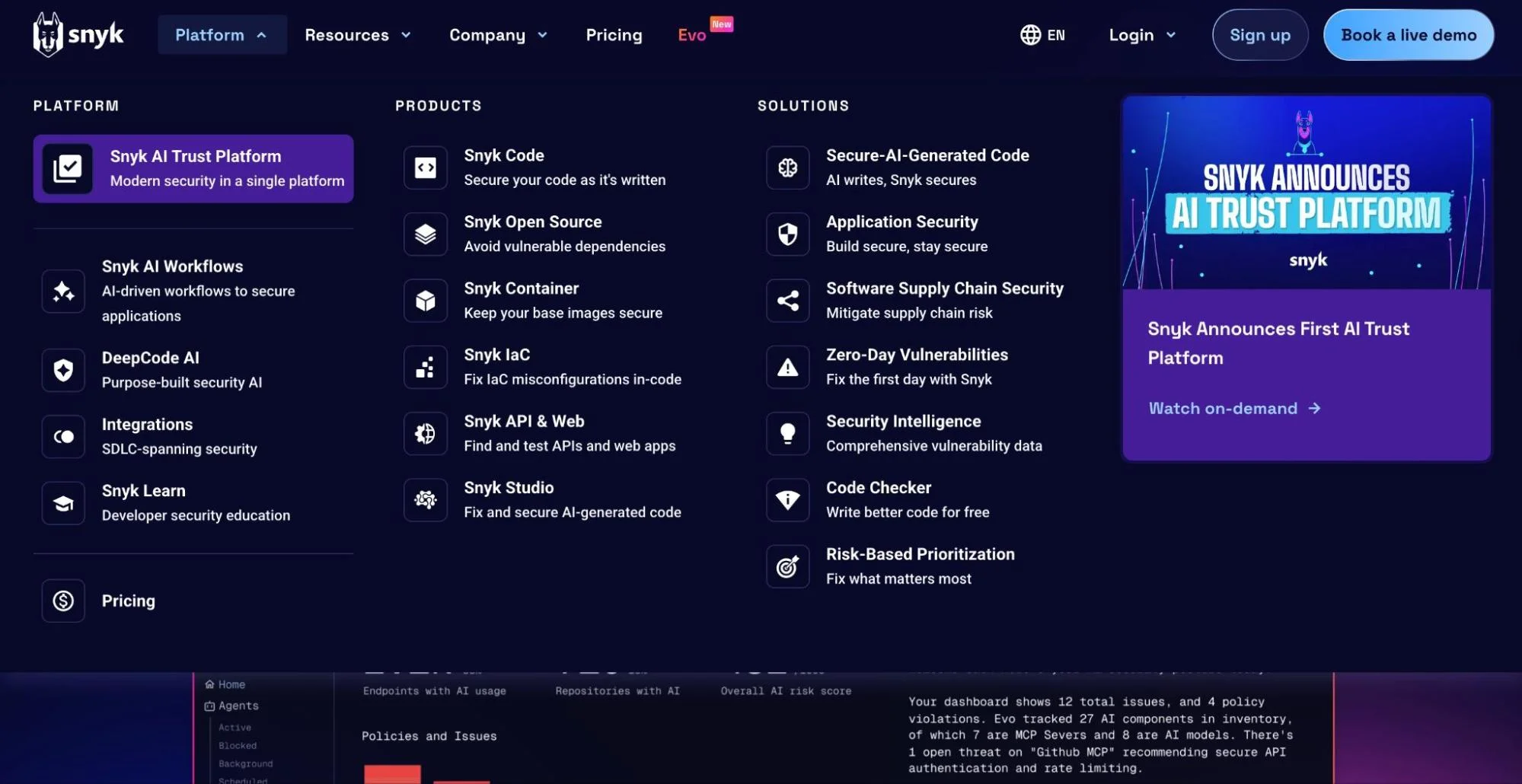
Snyk is used in DevOps workflows to link development work directly to security requirements. Teams integrate it with GitHub, GitLab, and Bitbucket so every pull request is checked for issues in application code, dependencies, and configuration files. This lets developers resolve problems in the same environment where they write and review code.
Snyk is also used in container and Kubernetes workflows to map vulnerabilities to running workloads. It connects image data, package layers, and deployment manifests so teams can trace issues from a production pod back to the exact code change or library that introduced it.
In DevSecOps workflows, Snyk brings security directly into developer workflows so vulnerabilities are fixed at the same time code is written and reviewed.
Finally, let’s look at tools in the Secrets and Identity Management category:
10. HashiCorp Vault – Secret management and identity controls in cloud environments
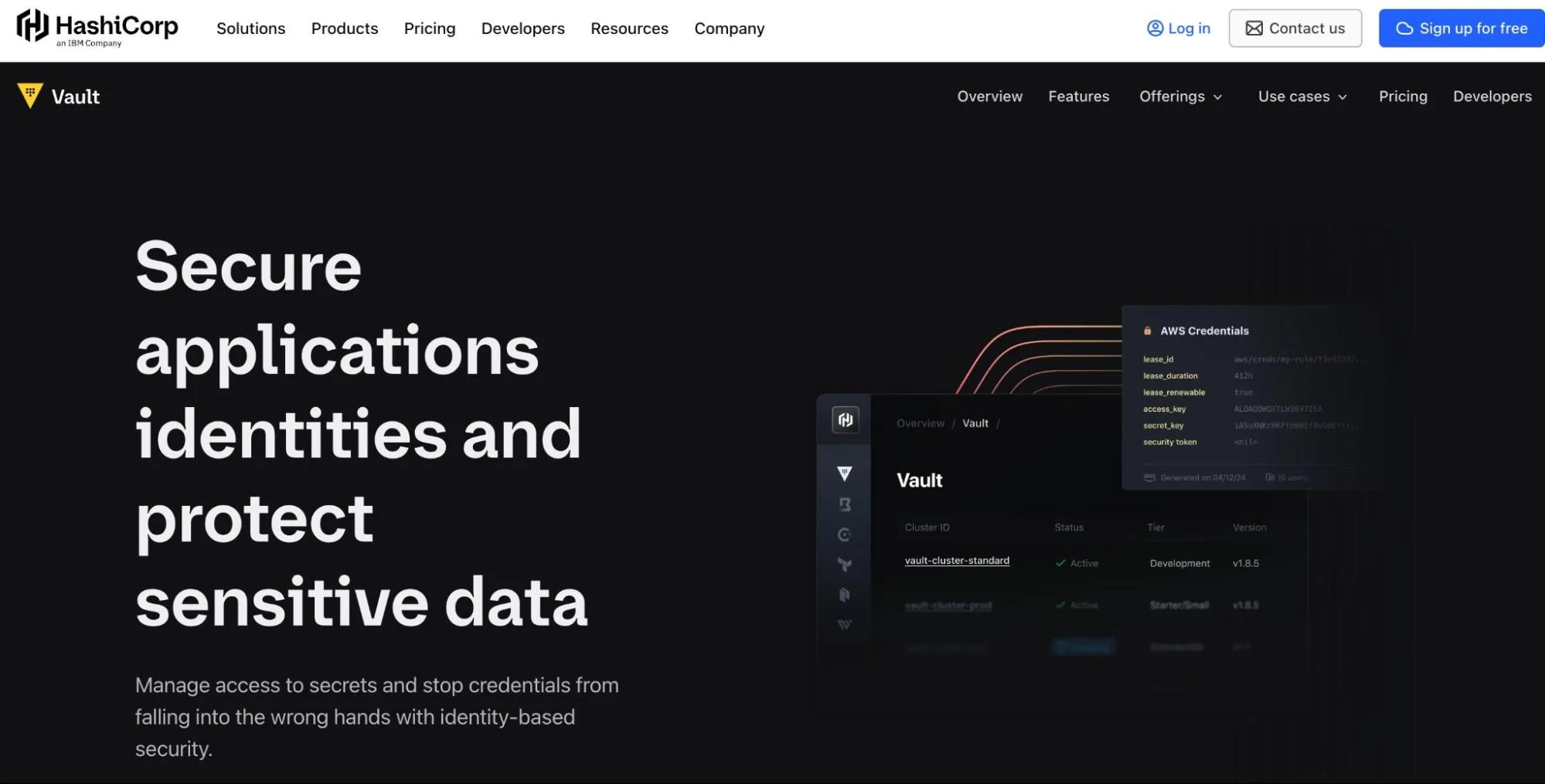
Vault enables DevSecOps teams to manage secrets and access controls through APIs. It centralises credentials, certificates, and encryption keys, so applications and services request them dynamically instead of storing static secrets.
In CI/CD workflows, Vault integrates with pipelines so jobs fetch temporary credentials at runtime. This reduces the risk of leaks from build logs, Git repositories, or configuration files.
Vault also aligns with cloud-native operations by generating short-lived secrets and enforcing least privilege across services, environments, and identities using role-based access control.
In DevSecOps workflows, Vault provides centralized, policy-driven secret management that reduces credential exposure across pipelines, applications, and cloud services.
11. Checkov – IaC security scanning tool
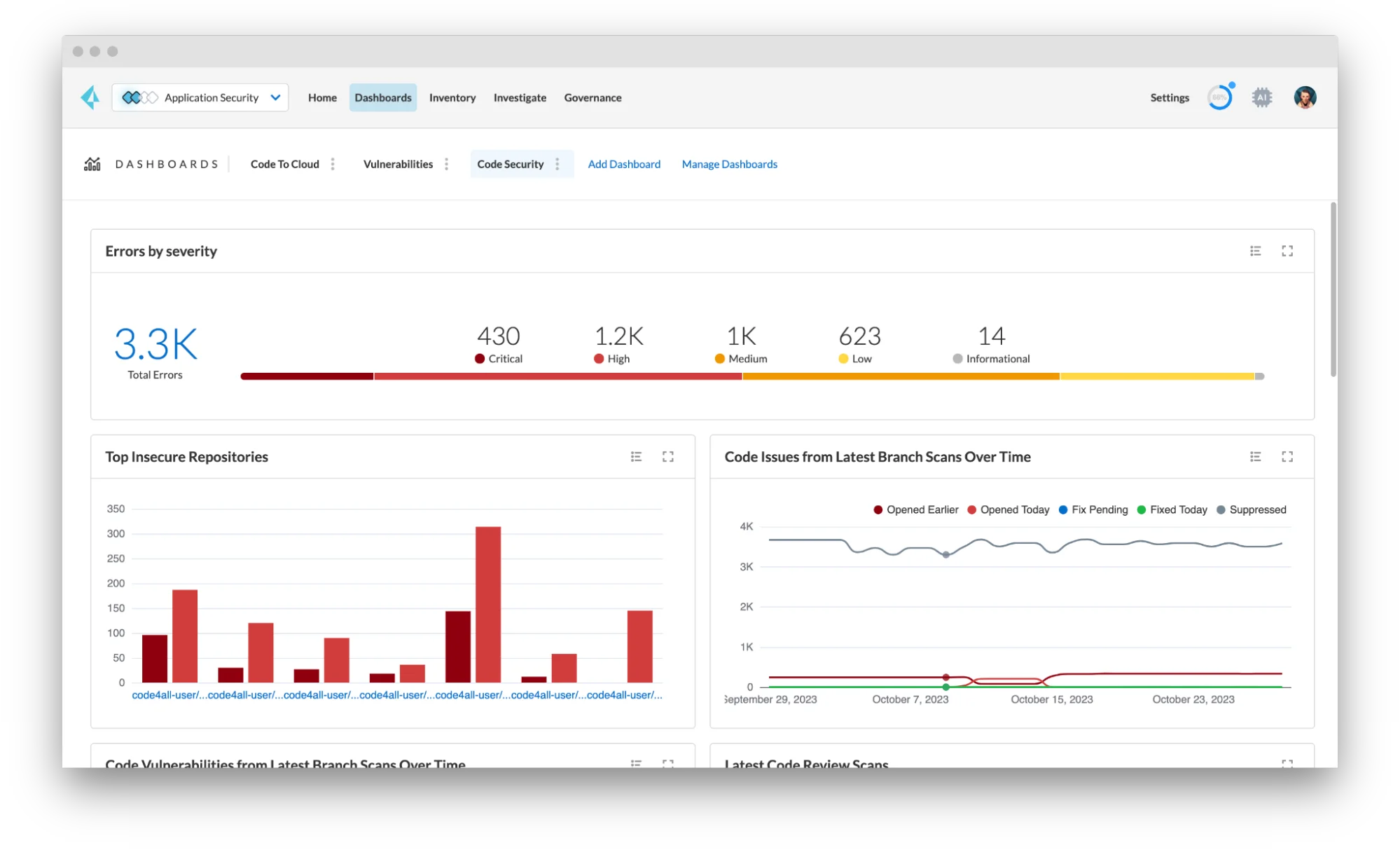
Checkov scans IaC templates such as Terraform, CloudFormation, Kubernetes, and serverless for security issues.
It enforces policy-as-code, allowing teams to embed rules on encryption, network exposure, permissions, and compliance directly in code before deployment.
Checkov also supports CI/CD integrations and multi-framework scanning.
In DevSecOps pipelines, Checkov enforces infrastructure security by preventing insecure cloud configurations from being deployed through policy-as-code.
Together, these tools form the technical foundation of DevSecOps, but they only work when paired with consistent habits and shared responsibility across teams.
DevSecOps Best Practices
These practices help development, operations, and security move in the same direction:
- Embed security in pull requests through code scanning, dependency reviews, and secret detection
- Use policy-as-code to block unsafe IaC, API, or cloud changes before they deploy
- Give developers actionable findings that map to the exact file or commit
- Protect pipelines with short-lived credentials and secure secret storage
- Scan containers and IaC during build stages to prevent risky images or configs from entering environments
- Monitor runtime behavior to spot drift or unexpected activity
- Keep libraries, packages, and base images updated to reduce known exposures
- Encourage shared responsibility across engineering, security, operations, and FinOps so teams work from the same data. This reduces friction, cuts passive discovery, and speeds up issue resolution. That alignment increases delivery velocity and supports fast, safe, cost-aware releases.
But here’s the thing, shared responsibility only works when every team can see the same truth. Most organizations try to stitch this visibility across tools, which slows decisions and introduces blind spots.
How CloudZero Strengthens DevSecOps
Once code ships, teams need to understand how it behaves in real environments. Deployments introduce new paths, new dependencies, and new patterns that static checks never see.
CloudZero brings this behavior into focus by turning cost and usage behavior into signals DevSecOps teams can act on.
How?
Most engineering teams now manage their own cloud budgets. When spend jumps higher than expected, it usually traces back to a recent change, such as a deployment, a config update, or a dependency that added unexpected load. In DevSecOps, these early cost movements matter because they often appear before logs or alerts show clear signals.
With CloudZero, engineers can see where the shift came from by linking the spend change to the specific service, feature, or environment that moved. This helps engineers review the change fast and determine if the jump is normal growth or a sign of an operational or security issue.
In DevSecOps and FinOps workflows, CloudZero acts as the cost and usage intelligence layer that helps teams detect abnormal behavior, validate deployments, and understand the real-world impact of engineering changes.
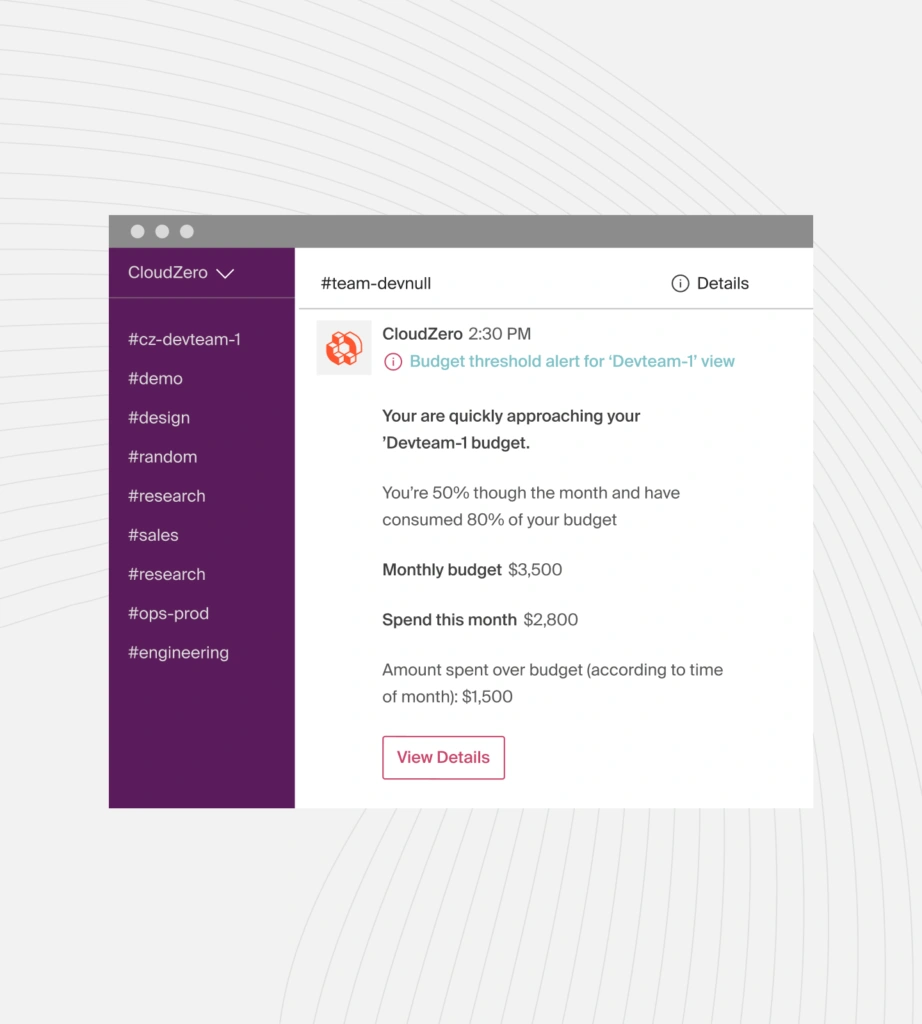
In practice, CloudZero cuts the time spent investigating and supports the fast, shared decision-making that DevSecOps depends on. This is what teams often call decision velocity.
Engineering teams also value CloudZero because it gives them clear ownership of the services they run. Instead of waiting on finance or digging through billing exports, engineers see the cost and impact of their own work in real time. This eliminates guesswork, reduces back-and-forth, and supports a culture where teams can ship with confidence and stay accountable for the systems they build.
If you want to see how this works in real engineering workflows, take a quick tour of CloudZero. You’ll see how teams use real-time cost and usage insight to make decisions faster and keep their systems stable.
And if you’d like proof, see how Wise used CloudZero to support more than 200 engineers as they scaled their platform.
And when you’re ready to bring the same clarity to your own teams, you can  .
.
Frequently Asked Questions about DevSecOps











