
Financial reporting tools help businesses of all sizes manage budgets, track performance, and make informed decisions. By automating repetitive tasks, they save time, reduce errors, and improve accuracy.
The demand for these tools is skyrocketing. In 2024, the market was valued at $14.94 billion and is expected to reach $37.56 billion by 2031. The rise of cloud-based solutions and the need for real-time financial insights are major drivers behind this growth.
But with so many options out there, it can be challenging to choose the right one. That’s why we’ve put together a list of the best financial reporting tools to help you find the perfect fit for your needs.
But first things first — what features should your tool offer?
Features To Look For In Financial Reporting Tools
Not all tools are created equal. Here’s what you should look for.
Automation
Automating tasks such as expense reports or tax calculations saves time and reduces errors. For small businesses, it eliminates hours of manual work, allowing owners to focus on growth. Large organizations rely on automation to manage complex operations across departments or regions. Without it, tasks like reconciling accounts across subsidiaries could take weeks, leading to delays and costly mistakes.
Collaboration features
Shared dashboards and real-time collaboration features ensure teams stay aligned. For example, a finance manager and a department head can review budgets together, avoiding back-and-forth emails.
Cloud accessibility
Cloud-based platforms enable businesses to access financial data anytime, from anywhere. This is essential for remote teams or companies with multiple locations.
Budgeting and forecasting
Look for tools that support future planning by offering budgeting and forecasting features. These help businesses predict financial outcomes and set realistic goals.
Advanced security
With cyberattacks on the rise, protecting financial data is essential. Tools such as encryption and multi-factor authentication ensure that sensitive information stays secure.
Real-time data updates
With real-time data, businesses can detect and address issues such as unexpected expenses or revenue drops before they escalate. It also helps spot financial trends as they occur and identify unusual financial activity.
Integration
Your financial tool should be able to smoothly connect with accounting software, CRMs, or even project management platforms. Without integration, data silos would slow down decision-making.
Scalability
Your tool should grow as your business expands. For example, a startup might start with a small user base but add new employees and projects over time. A scalable tool avoids the hassle of switching systems mid-growth.
Other features to look out for include data visualization, a user-friendly interface, customizable reports, and compliance features.

Research Report
FinOps In The AI Era: A Critical Recalibration
What 475 executives told us about AI and cloud efficiency.
Cloud Cost Intelligence
For SaaS companies running on cloud infrastructure, traditional financial reporting tools don’t provide the granularity needed to understand what’s actually driving cloud spend. Cloud cost intelligence platforms bridge that gap by mapping infrastructure costs to the business dimensions that matter — products, features, teams, and customers.
1. CloudZero
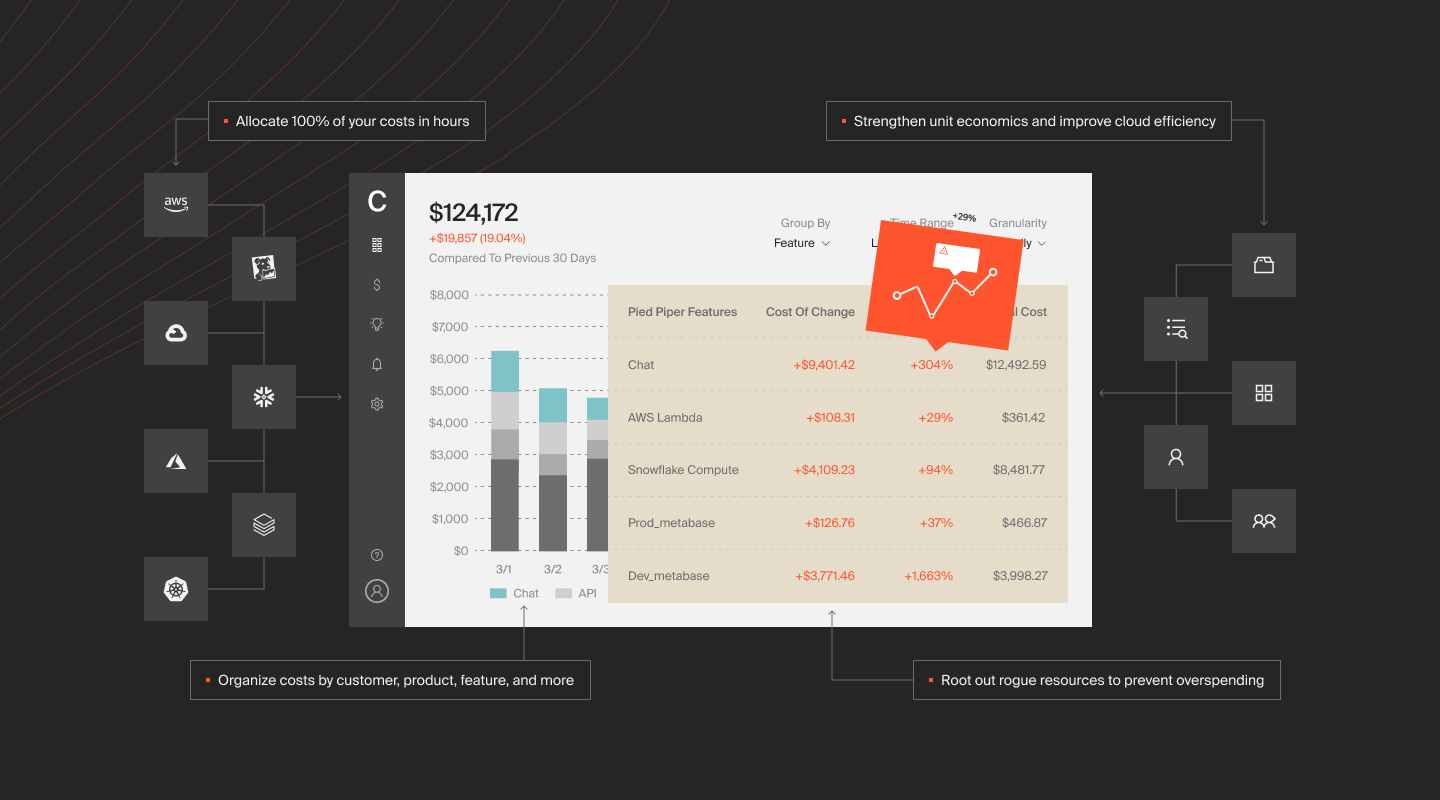
While not a traditional financial reporting tool, CloudZero delivers actionable financial insights for SaaS organizations using cloud infrastructure.
CloudZero offers:
- Real-time cost monitoring. Track cloud costs as they happen to prevent unexpected charges.
- Precise cost allocation. Assign cloud costs to specific teams, products, or customers for clear financial insights.
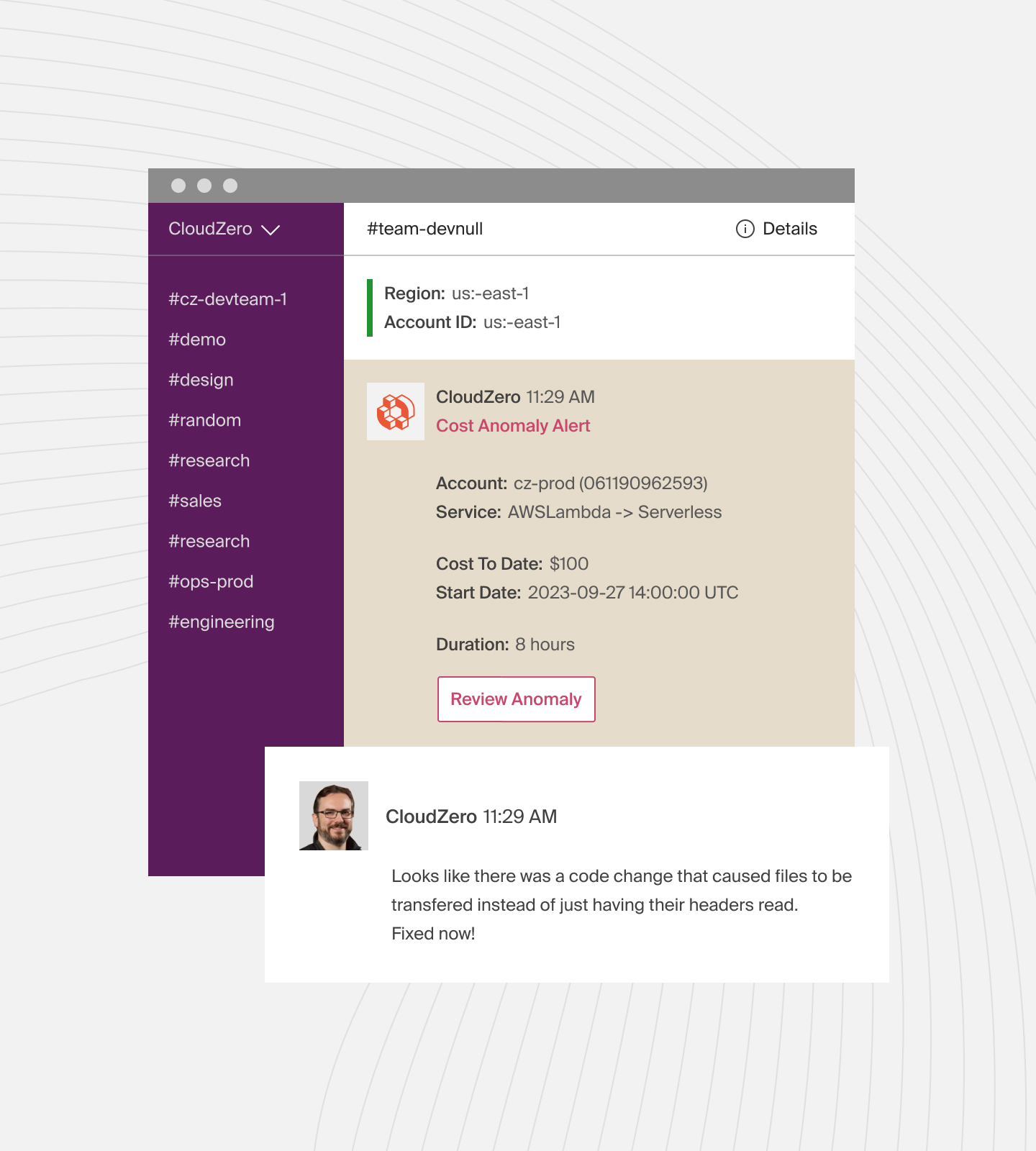
- Anomaly detection. Receive alerts for unusual spending patterns to address issues promptly.
- Budgeting and forecasting. Set budgets and predict future cloud costs to manage finances effectively.
- Dashboards and visualizations. View spending data through intuitive charts and graphs for easy understanding.
- Integration with Slack. Get cost insights and alerts directly in Slack for seamless team communication.
- Kubernetes cost tracking. Track Kubernetes costs by clusters, namespaces, and pods to see exactly where resources are used.
- Support for multiple cloud providers. Manage costs for AWS, Azure, and GCP from a single platform.
- Customizable reporting. Generate reports tailored to your business needs for detailed cost analysis.
- FinOps collaboration. Align engineering and finance teams with shared cost data to drive cost-efficient decisions.
Pros: Bridges finance and engineering teams; identifies waste and optimizes resources; clear cost visibility for pricing and investment decisions; eliminates cost surprises through real-time monitoring.
Cons: Limited to cloud-heavy organizations.
Schedule a demo to see CloudZero in action.
Accounting And Bookkeeping Software
These tools handle the fundamentals — general ledger, invoicing, expense tracking, payroll, and tax compliance. They’re the financial backbone for small businesses, freelancers, and mid-market companies that need reliable, day-to-day financial management without the complexity of a full ERP.
2. QuickBooks

QuickBooks is an all-in-one accounting tool developed by Intuit. It is ideal for small businesses, freelancers, and startups that want to manage their finances without requiring a dedicated finance team. With QuickBooks, you can send invoices, accept payments, and track payment statuses. It categorizes expenses by linking to bank accounts and simplifies payroll with automatic tax filing and payments. You can also generate profit and loss reports, manage inventory, and track billable hours.
Pros: Cloud and desktop options; intuitive interface for non-accountants; integrates with PayPal, Shopify, and Square; multiple pricing tiers for different business sizes.
Cons: Costs add up for businesses needing more users or capabilities; learning curve for advanced features.
3. Xero
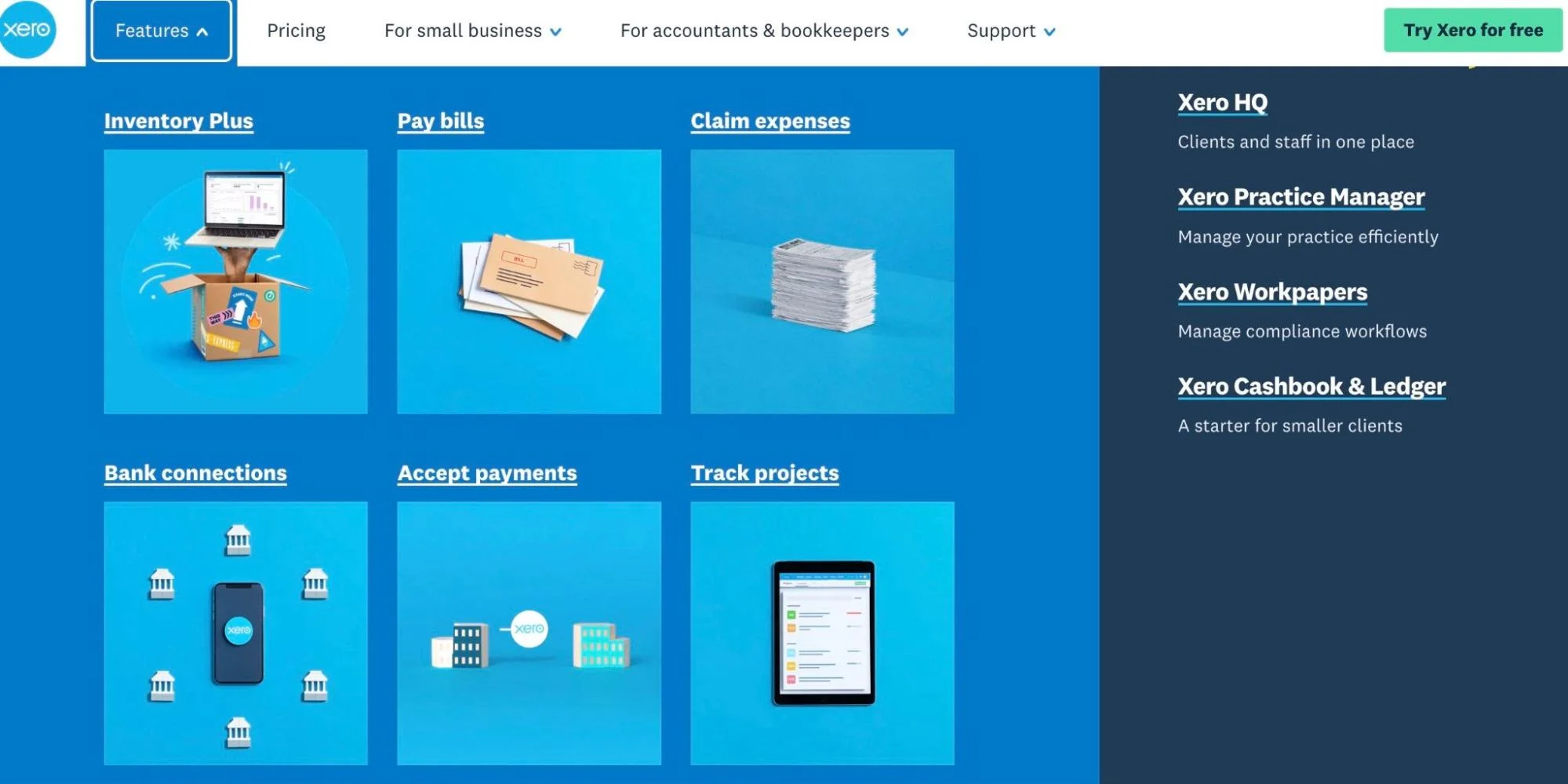
Xero helps with invoicing, bank reconciliation, and expense tracking. Businesses can manage inventory, handle multiple currencies, and generate real-time financial reports. Xero integrates with Stripe, Shopify, PayPal, and Hubdoc to simplify workflow. The Xero App Store offers access to over 1,000 apps that enhance accounting efficiency.
Pros: Unlimited users on all plans at no extra cost; 1,000+ app integrations; automated bank feeds update transactions daily.
Cons: Does not support inventory assemblies; time tracking must be tied to projects.
4. FreshBooks
FreshBooks is cloud-based accounting software designed for small businesses, freelancers, and service-based companies. It excels at invoicing — with professional templates, automated payment reminders, and late fee scheduling — and makes expense tracking simple with receipt scanning and automatic categorization. FreshBooks also offers time tracking, project profitability reports, and double-entry accounting for businesses that need it.
Pros: Excellent invoicing features with automated reminders; intuitive mobile app; built-in time tracking and project management; strong customer support.
Cons: Limited reporting compared to QuickBooks or Xero; inventory management is basic; scales less well for larger organizations.
5. Sage
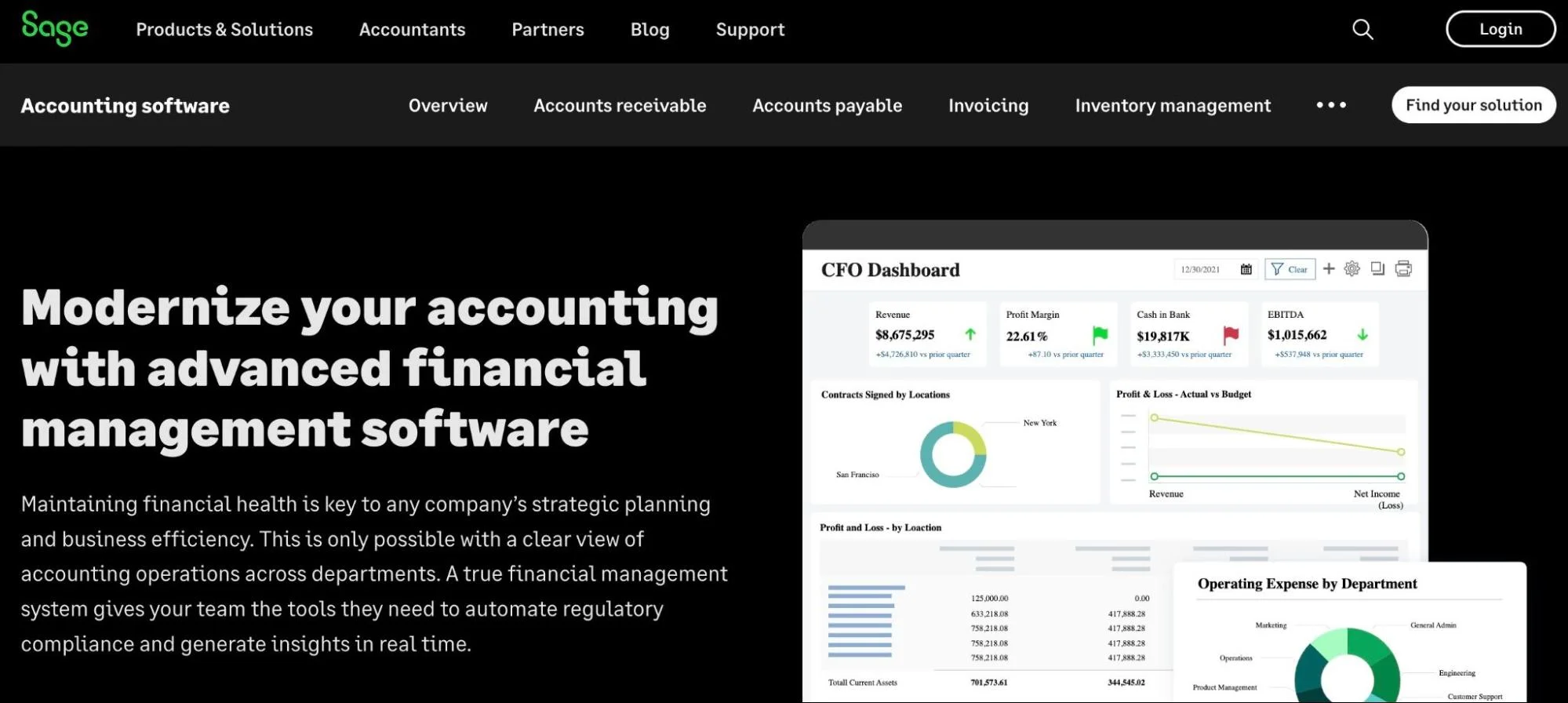
Sage offers a range of solutions designed to meet different business needs. Sage Intacct offers cloud-based management for finances, HR, and payroll. For manufacturers and distributors, Sage X3 delivers customizable ERP features tailored to industry needs. Sage 100 automates accounting, payroll, and operations, while Sage 300 handles complex multi-entity and multi-currency accounting. Sage Intacct Planning supports budgeting and forecasting.
Pros: Affordable compared to popular alternatives; higher-tier plan supports unlimited users; robust inventory management features.
Cons: Lacks features for tracking mileage or time.
Enterprise ERP And Financial Management
Enterprise Resource Planning platforms consolidate finance, HR, operations, and CRM into a single system of record. These tools are built for organizations that have outgrown standalone accounting software and need unified data across departments, multi-entity consolidation, and compliance at scale.
6. NetSuite
NetSuite automates general ledger, accounts payable, accounts receivable, and tax management. As a CRM platform, it also manages customer interactions, sales, marketing, and support. NetSuite also supports HR functions such as payroll, recruitment, and employee records.
Pros: All users get the latest features and security updates instantly; tracks progress, resources, and budgets in real-time; manages customer interactions, sales, and support in one platform.
Cons: Starting price of $999/month plus $99/user makes it expensive for SMBs; deployment can be complex and time-consuming.
7. Workday
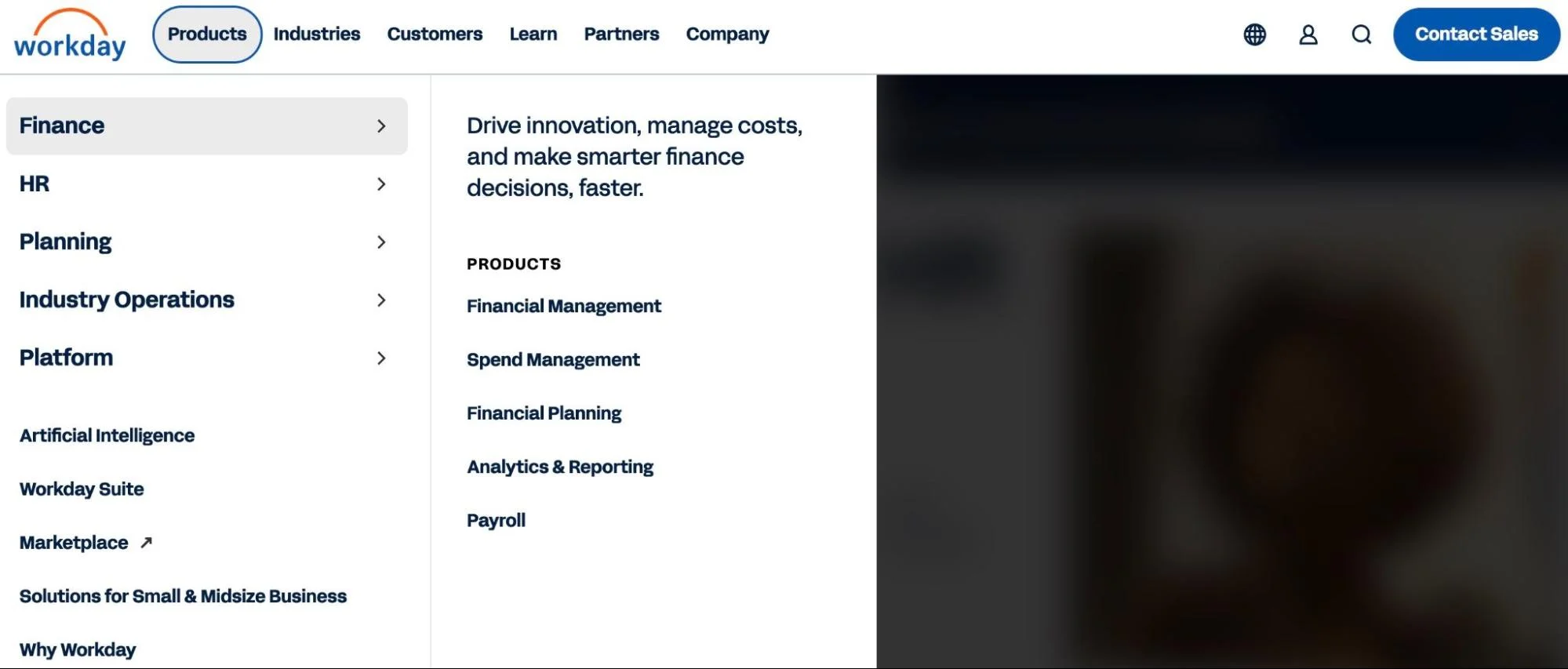
Workday helps businesses manage finances, HR, and planning in one place. It handles tasks such as payroll, budgeting, and tracking employee performance. Workday also aggregates data from different departments, ensuring everything is accurate and up to date. It integrates with 600+ third-party tools, including payroll systems like ADP.
Pros: Simplifies benefits enrollment with vendor integrations; mobile-friendly; 600+ integrations.
Cons: Implementation may take longer than expected.
FP&A, Budgeting, And Forecasting Platforms
Financial Planning and Analysis (FP&A) platforms go beyond recording what happened — they help finance teams model what could happen next. These tools handle budgeting, rolling forecasts, scenario planning, variance analysis, and board-level reporting. For growing SaaS companies, they’re how finance moves from reactive bookkeeping to proactive strategic planning.
8. Anaplan
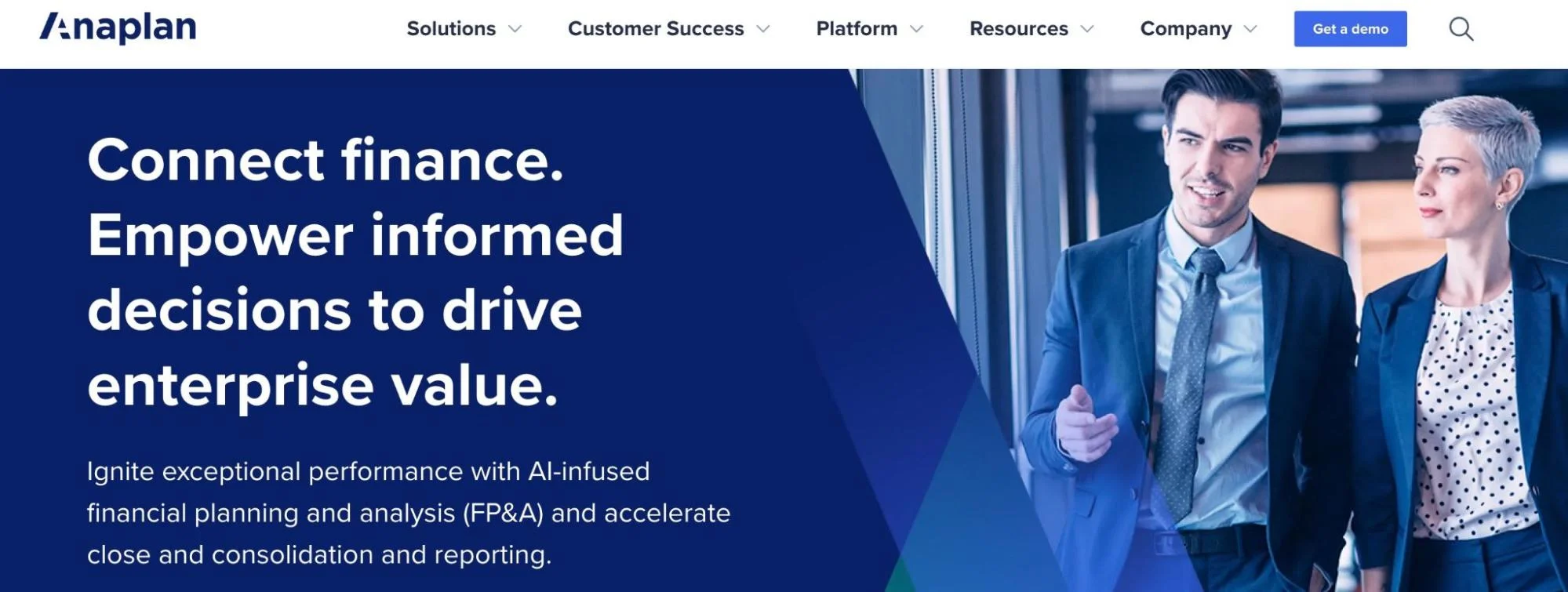
Anaplan’s Corporate Financial Planning supports rolling forecasts, enabling businesses to explore multiple scenarios easily. Combined with Anaplan’s other enterprise financial solutions, it allows companies to consolidate, sync, validate, and analyze vast amounts of data from a single, reliable source. The platform empowers teams to build scalable financial models using enterprise-level formulas and fosters real-time collaboration across departments.
Pros: Highly customizable models; user-friendly interface similar to Excel; robust customer support and active user community.
Cons: Performance may slow with very large datasets; high cost for smaller businesses.
9. Centage
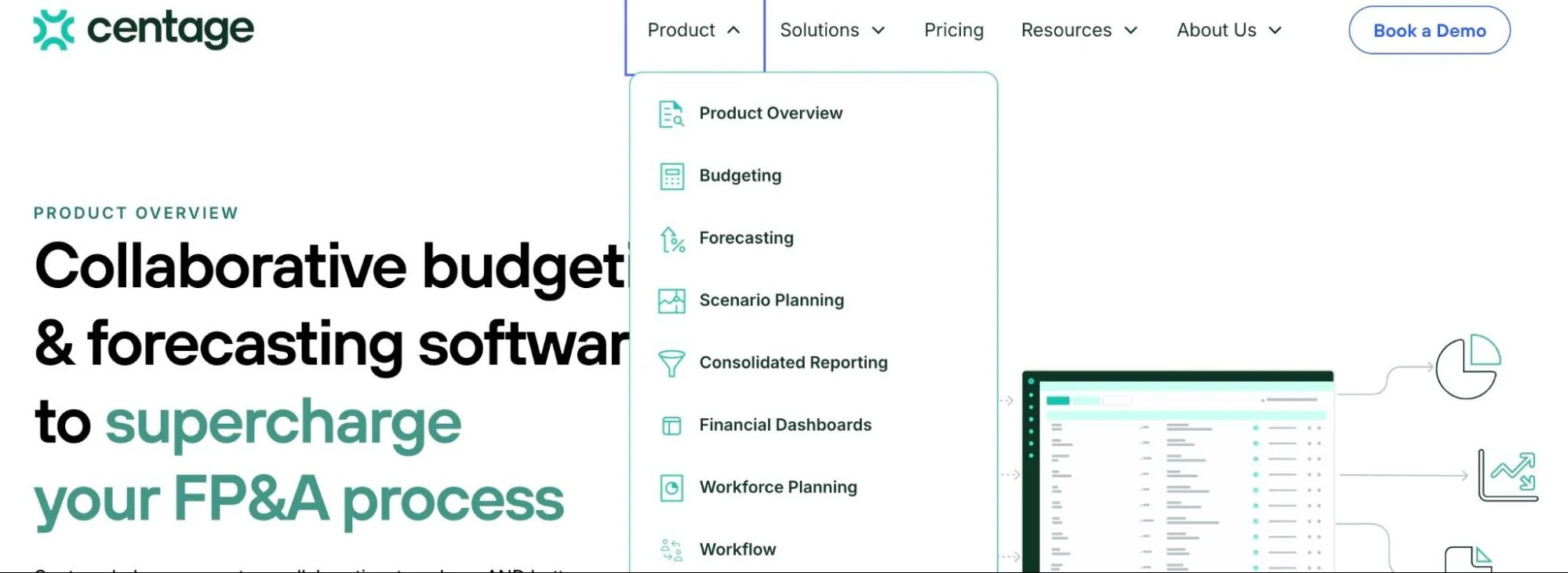
Centage is a popular FP&A software that streamlines complex budgeting, forecasting, and reporting processes. Its “what-if” scenarios enable users to assess the impact of different factors on revenue and cash flow. Centage helps businesses align budgets with company goals, forecast financial performance, and create GAAP/IFRS-compliant reports.
Pros: Built-in GAAP compliance reduces errors; integrates with GL, ERP, and CRM tools; scales with business growth.
Cons: Some users report constraints when exporting data.
10. Cube
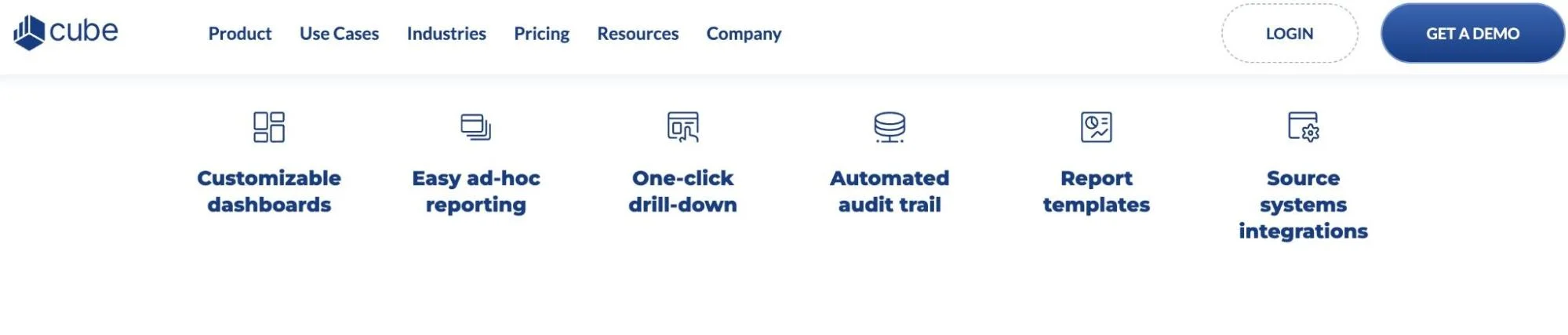
Unlike most FP&A tools that require weeks of setup and ongoing maintenance, Cube gets teams started in under 10 days. It integrates with popular tools such as Excel, Salesforce, Xero, and QuickBooks, enabling users to work within systems they already know. The platform combines enterprise-grade financial modeling, data consolidation, and real-time validation.
Pros: Easy to use with Excel and Google Sheets; quick setup; automates data consolidation; responsive customer support.
Cons: At $1,250/month, Cube can be an expensive platform.
11. Datarails
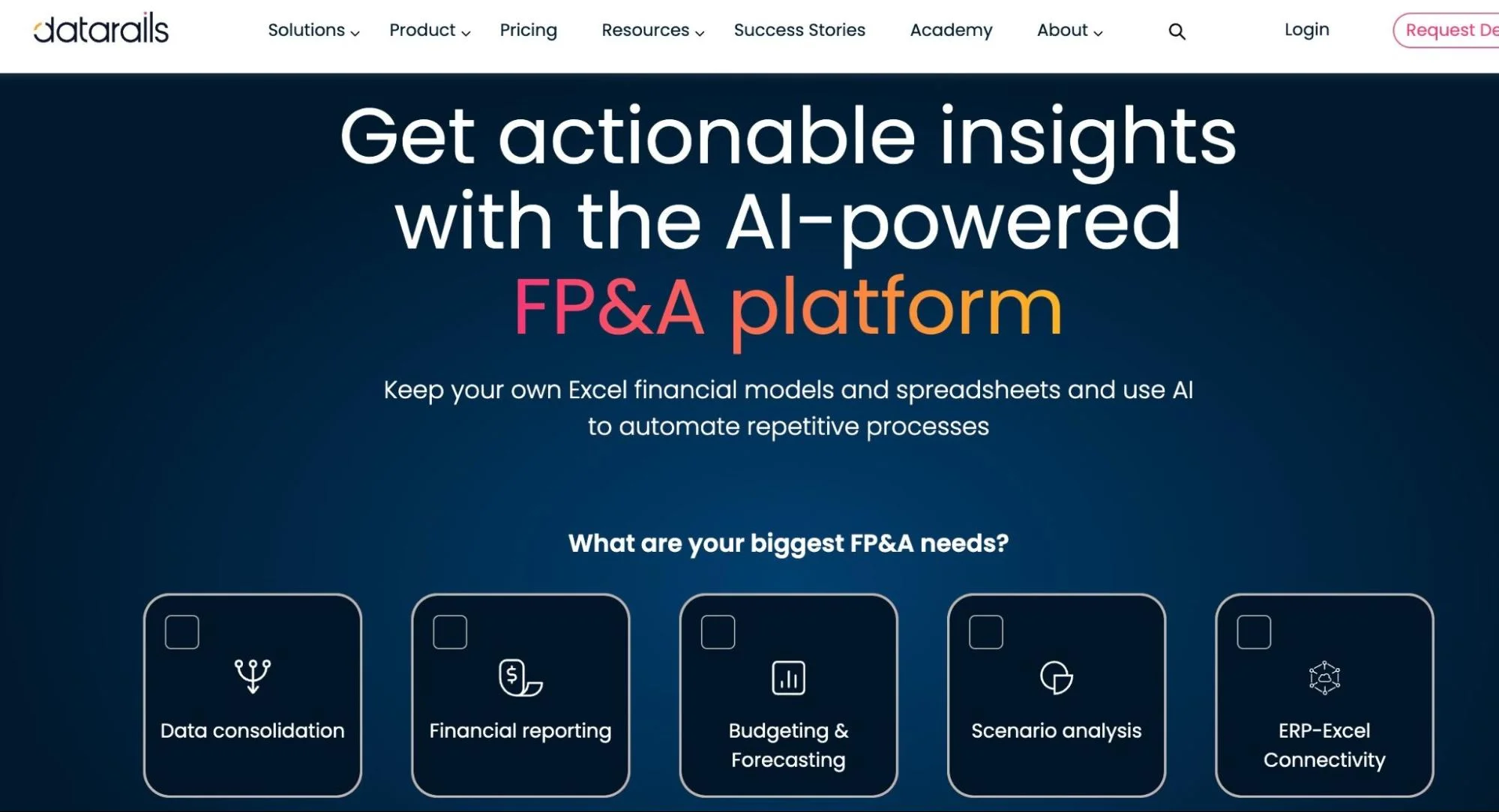
Datarails integrates data from ERPs, CRMs, and accounting software to provide a single source of truth. Once the data is consolidated and validated, you can analyze it directly in rows and columns or through an interactive dashboard. Datarails also supports budgeting, forecasting, and scenario modeling.
Pros: Intuitive interface; supports real-time reporting; seamless integration with Excel.
Cons: Initial setup process can be complex.
12. Vena Solutions
Vena Solutions is an Excel-native FP&A platform that lets finance teams keep working in the spreadsheet environment they already know — while adding enterprise-grade workflow automation, version control, audit trails, and centralized data management underneath. Vena supports budgeting, forecasting, financial close, and regulatory reporting with pre-built templates and configurable workflows that reduce manual effort without forcing teams to learn a new interface.
Pros: True Excel-native experience retains team productivity; strong workflow automation and approval chains; robust audit trail and version control; pre-built templates accelerate time to value.
Cons: Excel dependency means teams heavily reliant on non-Excel tools may need to adapt; implementation can be involved for complex use cases.
13. Planful
Planful (formerly Host Analytics) is a cloud-based FP&A platform for mid-market and enterprise finance teams. It covers structured planning, dynamic financial reporting, and close management in a single platform. Planful’s Predict capabilities use AI to surface signals in financial data — identifying trends, anomalies, and forecast variances that manual review would miss. Its structured planning approach enforces process discipline while still allowing the flexibility finance teams need.
Pros: Comprehensive planning-to-close workflow; AI-powered Predict features for anomaly detection; strong financial consolidation capabilities; good fit for mid-market companies scaling into enterprise needs.
Cons: Interface can feel less modern than newer competitors; some users report a steeper learning curve during initial setup.
14. Mosaic
Mosaic is a strategic finance platform purpose-built for SaaS companies. It connects directly to your ERP, billing system, CRM, and HRIS to automatically generate real-time financial dashboards, metrics, and reports — including SaaS-specific KPIs like ARR, net revenue retention, CAC payback, and burn multiple. For SaaS finance teams that spend too much time pulling data into spreadsheets, Mosaic automates the data pipeline so you can focus on analysis and decision-making.
Pros: Built specifically for SaaS finance workflows; real-time metrics without manual data pulls; strong integrations with billing and CRM systems; modern, clean interface.
Cons: Less suitable for non-SaaS businesses; newer platform with a smaller customer base than established FP&A tools.
Understand And Optimize Your SaaS Cloud Spending With CloudZero
SaaS companies often waste money on unused or underutilized resources without effective cloud financial management. Research shows that nearly 30% of SaaS spend goes to waste, meaning significant funds that could be reinvested into growth are lost. Poor visibility into spending also leads to unexpected costs and inefficient budgeting.
CloudZero helps SaaS CFOs take control of their cloud costs. The platform enables CFOs to allocate costs per customer, team, products, environment, and more, clarifying spending patterns.
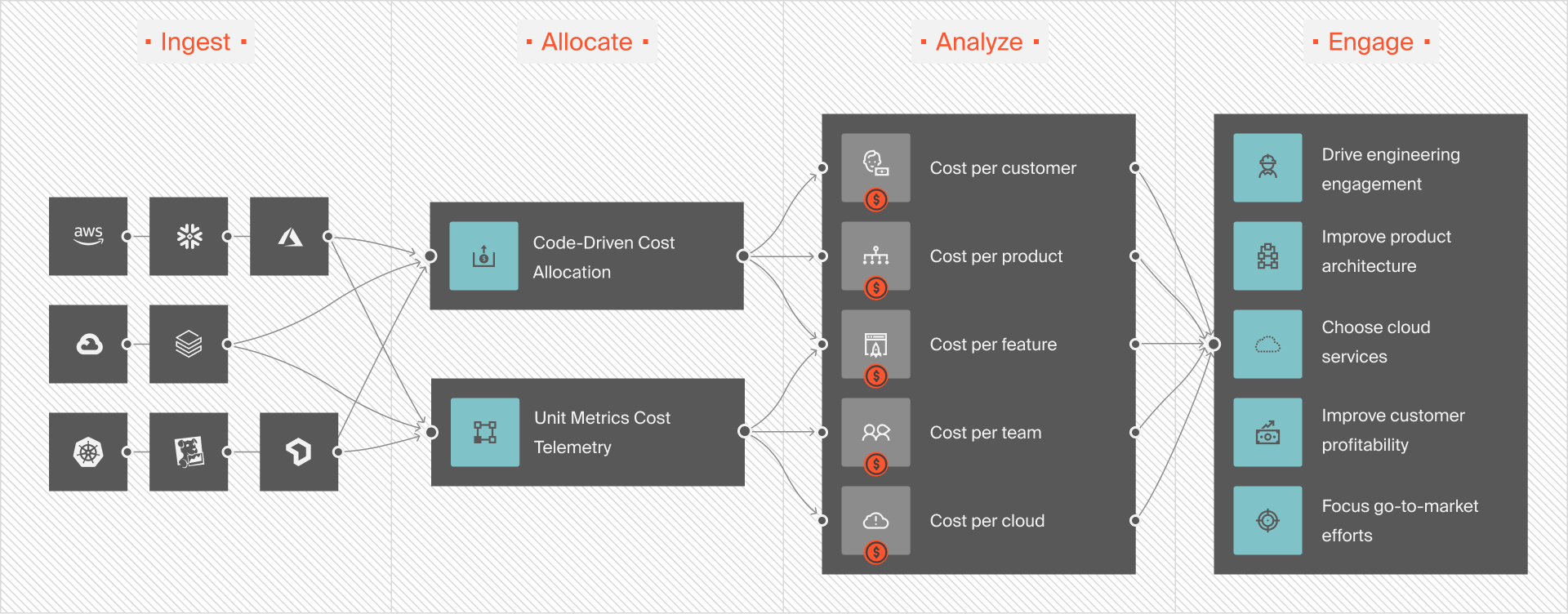
Through its anomaly detection, CloudZero helps SaaS companies spot unusual cloud spending in real-time. This early detection enables teams to address issues quickly, avoiding budget overruns and reducing resource wastage.
These and more benefits are why SaaS brands like Shutterstock, Coinbase, and Drift trust CloudZero to manage over $5 billion in total cloud spend. Better yet, businesses like Upstart and Drift saved over $20 million and $3 million with us.
Schedule a demo to see CloudZero in action!


FinOps In The AI Era: A Critical Recalibration
What 475 executives told us about AI and cloud efficiency.