
Quick Answer
How to track expenses for a business: categorize expense types (operating, software, cloud, travel, capital), choose a tracking method (spreadsheet, accounting software, expense management tool, or cost intelligence platform), connect data sources (bank feeds, cloud billing APIs, SaaS invoices), assign ownership per cost center, set a reporting schedule, and audit quarterly. The biggest gap in most expense tracking systems today is cloud and AI spend, which is the fastest-growing expense category and the least visible on traditional tracking tools.
There is a number somewhere inside every organization’s books that is wrong. Not fraudulently wrong. Structurally wrong. It is the total expense number, and it is wrong because the system that tracks it was designed for a world where expenses came from vendors who send invoices, employees who submit receipts, and landlords who charge rent. That world still exists. But it now shares the ledger with AWS bills that change hourly, AI model API charges billed per token, SaaS subscriptions that auto-renew without anyone’s approval, and GPU clusters that one engineer spun up for a demo in March and quietly forgot about in April. (That GPU cluster is still running. It costs $1,320 per day. Nobody has noticed yet.)
The IRS puts the annual tax gap, which combines taxes owed but never paid, much of it tied to underreported business income and expenses, at roughly $600 billion. A Deloitte survey found that 85% increased AI investment in the past 12 months, but typical payback takes 2-4 years because most organizations cannot track what AI actually costs.
IBM’s Think Circle puts the measurement gap at 71%: only 29% of executives can measure AI ROI confidently. The expense tracking problem is not that organizations spend too much. It is that they do not know what they spend on.
This guide covers how to track business expenses across every category, including the cloud, SaaS, and AI spend that most guides ignore. It answers how to track expenses for small business startups and enterprises alike, how to keep track of expenses when categories span traditional vendors and consumption-based AI, and how to track startup expenses from day one.
For finance teams at companies where technology spend is growing faster than any other line item, this is the expense tracking guide that actually matches the complexity of a 2026 business.
Why expense tracking matters more now than five years ago
Five years ago, expense tracking meant receipts, credit card statements, and a quarterly close. The categories were stable. The vendors were known. The amounts were predictable. Today, three shifts have changed the math.
- Technology is the fastest-growing expense category. For many companies, cloud and AI spend is growing 30-50% annually while revenue grows single digits. That gap creates a tracking urgency that did not exist when the biggest technology line item was a Salesforce contract.
- AI spend is consumption-based and unpredictable. Traditional software has a fixed monthly price. AI models charge per token, per inference, per GPU-hour. A feature that costs $4,000/month at 10,000 users costs $40,000/month at 100,000 users. If the finance team does not track AI spend at the feature level, the first time they see the number is on the quarterly cloud bill, six weeks after the spending happened. CloudZero’s State of AI Costs report found that organizations budget 30-36% of cloud spend for AI, yet only 2.5% shows up as AI-specific line items. The other 97.5% hides in generic compute and storage, an entire expense category the finance team can’t see.
- Distributed teams create distributed spend. Remote work means SaaS subscriptions, AI tool licenses, and cloud resources are provisioned by individuals across the company. Shadow IT is now shadow AI: individual employees signing up for ChatGPT subscriptions at $20/month, Claude Pro plans at $20/month, and Midjourney accounts on corporate credit cards.
As Deloitte’s research concluded: organizations are investing heavily in AI but struggling to prove returns. The root cause is expense visibility. You cannot calculate the return on AI investments without knowing the investment at the team, feature, and customer level. That question connects directly to AI ROI, and it starts with expense tracking.
So what should a finance team actually track? The categories are broader than most guides acknowledge.
Report
Finance needs to prove AI’s return: CloudZero report
260 senior finance leaders (more than half CFOs) told us why the speed of seeing AI spend, not the size of it, separates who pulls ahead on AI from who gets burned.
What to track: the 5 categories every business needs to cover
|
Category |
Examples |
How it is typically billed |
Tracking challenge |
|
Operating expenses |
Payroll, rent, utilities, insurance |
Monthly invoice |
Low (predictable, well-understood) |
|
Software and SaaS |
Salesforce, Slack, HubSpot, Jira |
Per-seat monthly/annual |
Medium (auto-renewals, shadow subscriptions) |
|
Cloud infrastructure |
AWS, GCP, Azure compute, storage, networking |
Usage-based (hourly, per-GB) |
High (variable, multi-account, hard to attribute) |
|
AI and model spend |
OpenAI API, Anthropic API, GPU inference, embeddings |
Per-token, per-inference, per-GPU-hour |
Very high (multi-provider, consumption-based, hard to attribute to teams) |
|
Travel, meals, and capital |
Flights, meals, equipment, office build-outs |
Receipt-based |
Low (well-established tools and processes) |
Categories 1 and 5 are well-served by existing expense tracking tools (QuickBooks, Ramp, Expensify). Category 2 is partially served. Categories 3 and 4 are the gap. Most expense tracking methods cannot see inside a cloud bill or an AI API invoice, which means the fastest-growing expense categories are the least tracked.
For a breakdown of cloud and AI expense categories, see CloudZero’s guide to how much AI costs.
The categories tell you WHAT to track. The next question is HOW.
6 methods for tracking business expenses
|
Method |
Best for |
Tracks cloud/AI? |
Cost |
Limitations |
|
Spreadsheets (Excel, Google Sheets) |
Early-stage startups, freelancers |
No (manual entry only) |
Free |
Breaks at scale, error-prone, no automation |
|
Accounting software (QuickBooks, Xero, FreshBooks) |
SMBs with standard expense categories |
No (sees the invoice total, not the breakdown) |
$15-200/month |
Treats cloud as one line item, cannot attribute by team |
|
Expense management tools (Ramp, Expensify, Brex |
Mid-market companies, corporate card tracking |
Partially (categorizes vendor spend) |
Free-$12/user/month |
Tracks who spent the money, not what it produced |
|
AP automation / ERP (SAP Concur, Coupa, NetSuite) |
Enterprise, multi-entity organizations |
Partially (maps to GL codes) |
$50,000+/year |
Heavy implementation, rigid categorization |
|
Cloud cost platforms (CloudZero) |
Organizations with $500K+ annual cloud spend |
Yes (resource-level, tag-independent) |
Varies |
Focused on cloud/AI, does not track office rent |
|
AI spend intelligence (CloudZero) |
Organizations tracking AI spend across providers |
Yes (per-token, per-user, per-feature) |
Varies |
Focused on technology spend, not general expenses |
Most companies need at least two methods: one for general business expenses (QuickBooks or Ramp) and one for cloud and AI spend (CloudZero). The mistake is assuming that the first tool covers everything. Ramp can tell the finance team that $180,000 went to AWS last month.
Ramp cannot tell the finance team that $47,000 of that was AI inference, $23,000 was a misconfigured staging environment running since February, and $8,000 was a feature serving 12% of customers that generates zero revenue. That is like knowing the grocery bill but not knowing half the food expired before anyone ate it.
Now that the methods are clear, here is how to put the system together.
Step by step: how to set up an expense tracking system
Step 1: Categorize expense types. Start with the five categories above. Most organizations skip the cloud/AI category because their accounting system treats it as one line item (“AWS” or “cloud services”).
Break it down: compute, storage, networking, AI inference, SaaS tools, and shadow subscriptions. The categories in the chart of accounts should match the categories the CFO needs on the board slide.
Step 2: Choose tracking methods. Match the method to the category. How to keep track of business expenses spreadsheet templates work for early-stage companies. QuickBooks handles standard operating expenses. Ramp or Expensify handles employee spend. CloudZero handles cloud and AI spend. No single tool tracks everything well. The goal is coverage, not consolidation.
Step 3: Connect data sources. Bank feeds for general expenses. Cloud billing APIs for infrastructure spend. SaaS management tools for subscription tracking. CloudZero connects to Anthropic, OpenAI, AWS, GCP, Azure, and 30+ other providers to pull expense data automatically. For teams asking how to track startup expenses automatically, API-connected tools eliminate the manual entry that breaks most tracking systems.
Step 4: Assign ownership. Every expense category needs an owner. Operating expenses: finance. Employee spend: department managers. Cloud infrastructure: engineering leads. AI spend: product teams (with finance visibility). The owner is not the person who approves the spend. The owner is the person accountable for if the spend produces value. That accountability is the foundation of AI ROI.
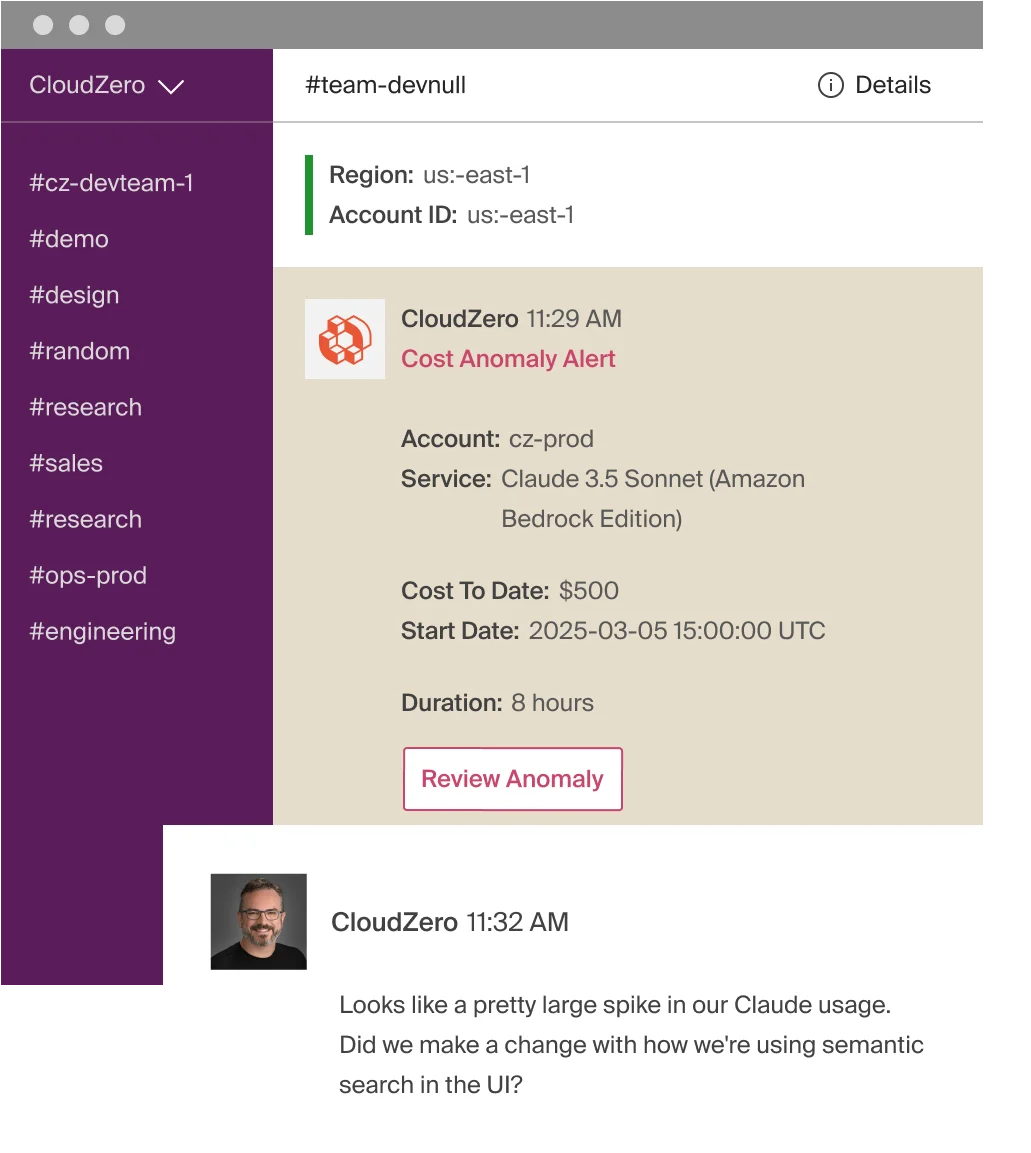
Step 5: Set reporting schedule. Monthly expense reviews for general categories. Weekly or real-time for cloud and AI spend (because consumption-based costs can spike between review cycles). CloudZero’s anomaly detection catches spend spikes in hours.
CloudZero’s budgets track spend against plans at the team and product level.
Step 6: Audit and iterate quarterly. Review categories, methods, and ownership every quarter. Add new categories as AI adoption grows. Retire methods that produce data nobody reads. The expense tracking system that works in Q1 will not be the system that works in Q4 if the organization is scaling AI investment.
The first five steps work for every expense category. Step 6 is where cloud and AI expenses demand their own approach.
How to track cloud, SaaS, and AI expenses
The cloud bill for a mid-market company might have 50,000 line items. Each one is a resource (an EC2 instance, an S3 bucket, a Lambda function, an API call). Traditional expense tracking sees one vendor (“Amazon Web Services”) and one total ($180,000). That is like tracking groceries by recording “Costco: $400” without knowing what is in the cart. (And half the cart is expired by the time anyone looks.)
AI expenses make it worse. A single AI-powered feature might generate charges from an LLM API (per token), a GPU cluster (per hour), a vector database (per query), and a data pipeline (per GB processed). Four vendors. Four billing models. None labeled “AI search feature” on the invoice.
PwC’s study of 1,217 executives found that the top 20% of AI-performing organizations capture 74% of AI-driven value. The differentiator? They track AI spend at the capability level, not the vendor level.
Track cloud and AI expenses the same way finance tracks every other investment: by the thing it produces, not just the vendor it comes from. CloudZero, The AI ROI Company, calls this allocation by business dimension: mapping every cloud and AI expense to the team, product, feature, and customer it serves. When the CFO can see “the AI recommendation engine costs $0.003 per enterprise customer interaction and $0.14 per free-tier interaction,” that is not expense tracking. That is investment analysis. That is AI ROI.
CloudZero provides this visibility across all major cloud and AI providers, including Anthropic, OpenAI, AWS, GCP, Azure, Kubernetes, and other sources. Organizations like Toyota, Duolingo, Coinbase, Shutterstock, Klaviyo, and Upstart track AI and cloud expenses through CloudZero at the cost-per-customer level.  and ask to see AI and cloud expense tracking mapped to teams, features, and customers.
Common expense tracking mistakes (and what they cost)
- Tracking vendors, not value. Knowing that $180,000 went to AWS is accounting. Knowing that $47,000 of it was AI inference generating $2.1 million in revenue is finance. Most expense tracking stops at the vendor. The organizations that connect expenses to outcomes make better decisions. CloudZero’s State of AI Costs report found that most organizations can track what they spend but not what it produced. That’s the invoice, not the value behind it.
- Ignoring shadow AI. Individual employees are signing up for AI tools on corporate cards. Gartner estimates 30-40% of IT spending is shadow IT. In 2026, shadow AI is the fastest-growing subset. Across a 500-person company at $20/month per subscription, that is up to $120,000/year in AI tools that appear as miscellaneous expenses. If the finance team does not track it, nobody is tracking it.
- Over-relying on credit card statements. Credit card expense management (Ramp, Brex) tracks who spent the money. It does not track what the money produced. For cloud and AI expenses, “who” is the wrong question. “What” and “why” are the questions that lead to better allocation and better AI ROI.
- Not separating CapEx from OpEx. Cloud spend can be either, depending on the workload. A development environment is often CapEx. A production inference endpoint is OpEx. Getting this wrong affects taxes, financial statements, and investment analysis. The FASB ASC 350-40 standard governs this classification for cloud, and most organizations get it wrong because their tracking system does not distinguish workload types.
- Tracking tools but not people. Expense categories without owners drift. Costs grow because nobody is accountable for the value the expense produces. Assign an owner to every category, including AI.
Frequently asked questions about how to track expenses











