A software development life cycle (SDLC) is the sequence of steps a software project moves from conception to completion. The SDLC process specifies how to build, test, maintain, and improve specific software.
Modern software development life cycles typically involve five to seven stages, depending on the model you use. Today, the SDLC comprises eight major models, from the traditional Waterfall approach to the ultra-modern Spiral Model.
Now, to comprehend the best tools for software development teams, we need to visualize the SDLC process first.
What Are The Phases Of The Software Development LifeCycle?
SDLC includes the following seven stages:
- Project planning – Customers, developers, subject matter experts, and project leaders brainstorm the project’s scope, purpose, potential budget, etc.
- Analysis – You define the project requirements in more detail, such as what features to include in the application to fulfill its purpose(s).
- Design – This stage involves modeling the application’s architecture, user interface, coding approach, communication channels, platform, and security features.
- Implementation or coding – The coding process begins. Team members who work together manage source code in a central repository. They use the platform to track changes to code, control access, and combine changes from different teams seamlessly.
- Testing – The aim here is to verify that each product feature or component works as intended before delivering it to the customer. A variety of tools automate testing, including security and performance tests.
- Deployment – After fixing issues, engineers deploy the beta version to a small sample of users. Automation tools make the deployment process faster and error-free. Engineers can upgrade app components depending on how they perform. If everything goes well, a general release will follow.
- Maintenance – In this phase, the team monitors the application in real-life use cases to catch any glitches that escaped attention earlier. Besides fixing bugs, maintenance also includes releasing new features and updates.
Here’s a visual breakdown of the SDLC process:
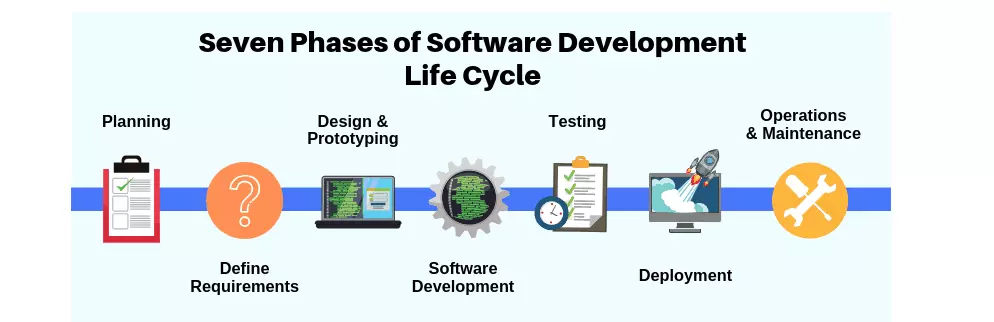
Credit: Phoenixnap
The right tools can help boost productivity, track progress, automate processes to increase efficiency, and more in each stage.
Several of these tools are all-in-one platforms you can use to create, collaborate, and generate results in one place without using multiple tools. Others are role-specific tools. You choose.
Research Report
FinOps In The AI Era: A Critical Recalibration
What 475 executives told us about AI and cloud efficiency.
Cloud Cost Management For SDLC Teams
As companies spend millions on surprise cloud expenses, many are implementing best practices for cloud cost management. Regardless of how big or small your company is, these tools will help you optimize cloud costs.
1. CloudZero – Cloud cost intelligence
CloudZero’s engineering cost insights empower your software engineers to make cost-aware decisions that lead to cost-effective solutions.
Rather than simply merge cloud cost data, CloudZero ingests cost metadata from your environment, normalizes it, and maps it to specific features, processes, and people at every step of your development process.
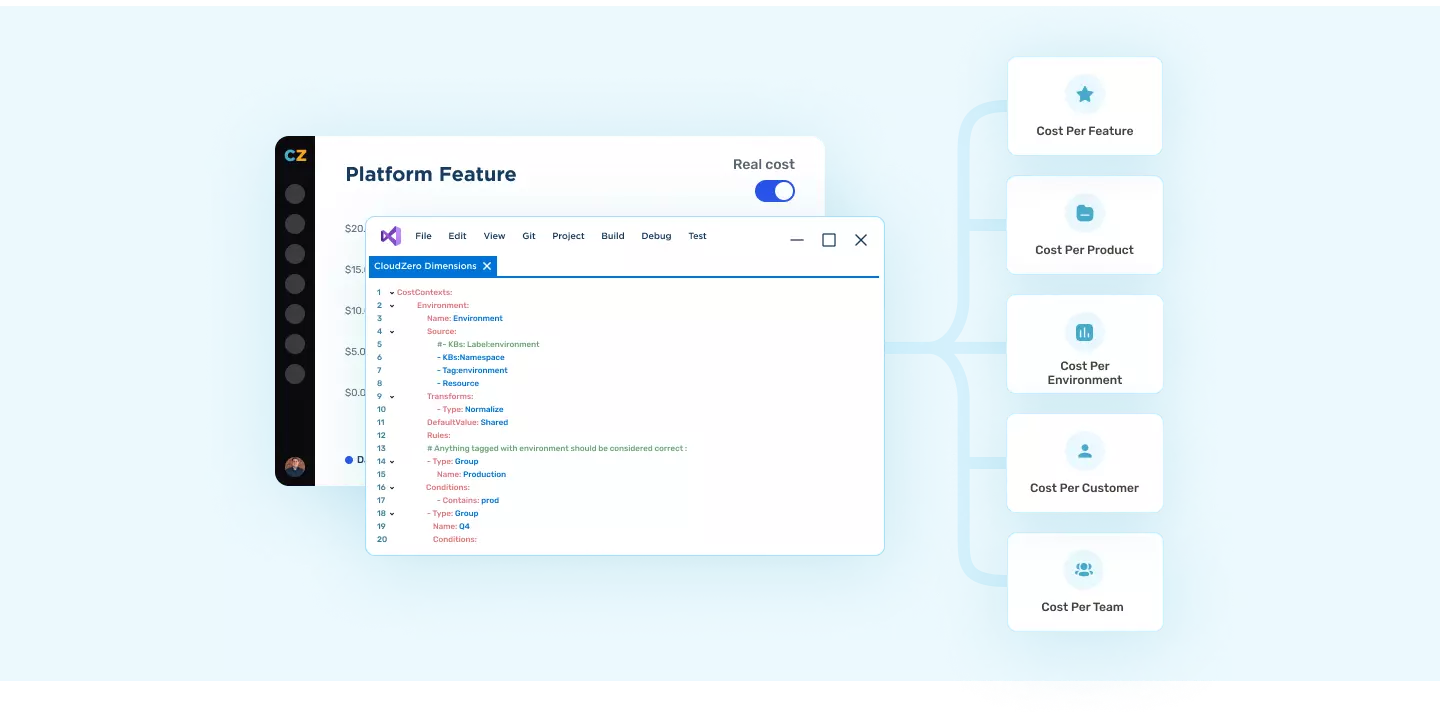
CloudZero’s cloud cost intelligence platform then displays the data as follows:
- Cloud migration cost insight – With CloudZero, you can measure your migration costs in real-time, so you don’t exceed your budget. CloudZero’s Migration Acceleration Program (MAP) Dashboard helps AWS customers track spend, estimate credits, and maximize discounts as they migrate workloads to the public cloud.
- Cost per feature – Get real-time insights on the cost of building, testing, deploying, and maintaining each feature so your team can proactively make cost-conscious architectural decisions at every step of the SDLC process.
- Cost per deployment – Keep track of costs spikes due to deployments to avoid overspending.
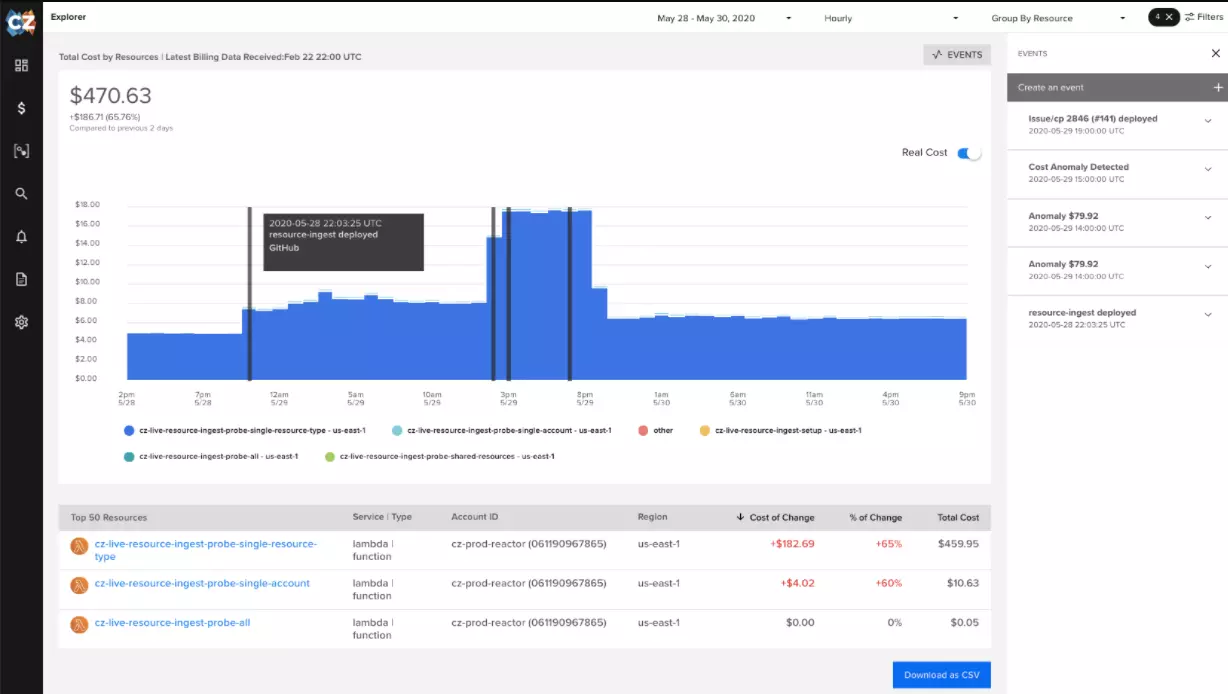
- Cost per dev team – See how much each team spends at every stage of the development life cycle to determine where you could improve efficiency without slowing down innovation or engineering velocity.
- Cost per environment – Assess how each environment compares in terms of costs and performance to determine the best environment for your needs.
- Cost per project – Determine how much specific projects cost from start to finish, so you can accurately forecast costs and create realistic budgets.
- Cost anomaly detection – Receive real-time alerts on abnormal cost spikes via Slack or email before you overspend.
Here are seven reasons engineers love CloudZero. With CloudZero, engineering leaders foster a cost-conscious approach to software development. You can see how CloudZero helps optimize costs throughout the software development life cycle by scheduling a demo here.
2. Xosphere – Optimization for Spot Instances
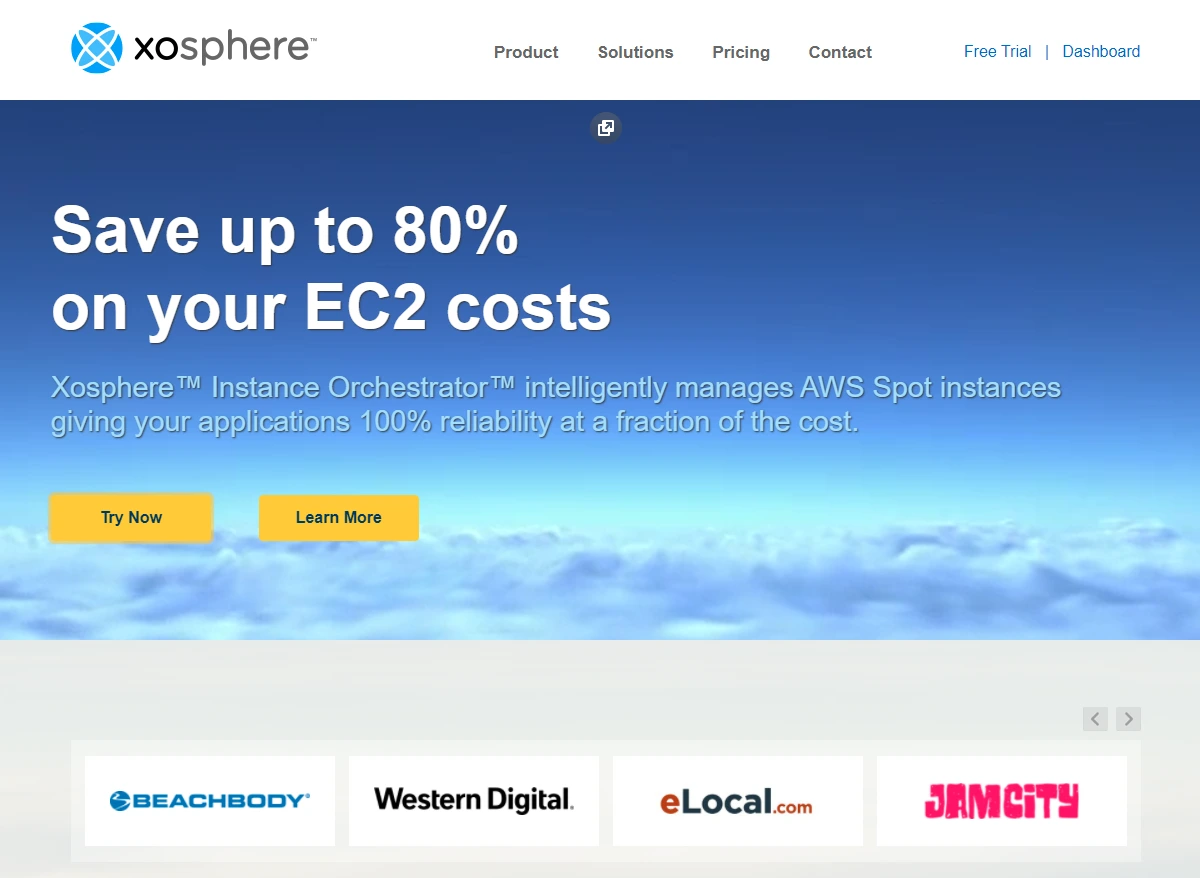
The Xosphere Instance Orchestrator automatically switches your system from On-Demand to Spot Instances once the latter are available at a reasonable price. As soon as Spot Instance capacity decreases or becomes uneconomical, Xosphere intelligently replaces Spot Instances with On-Demand Instances.
The Xosphere platform does this without introducing or permitting your applications to slow down, become unavailable, or consume expensive instances where there is a more cost-effective alternative. It also supports applications written in any language or platform, containers (Kubernetes, EKS, Mesos, ECS, Rancher), and your favorite data stores, including Elasticsearch, MySQL, Redis, and Cassandra.
3. ProsperOps – AWS Savings Plans and Reserved Instances optimization
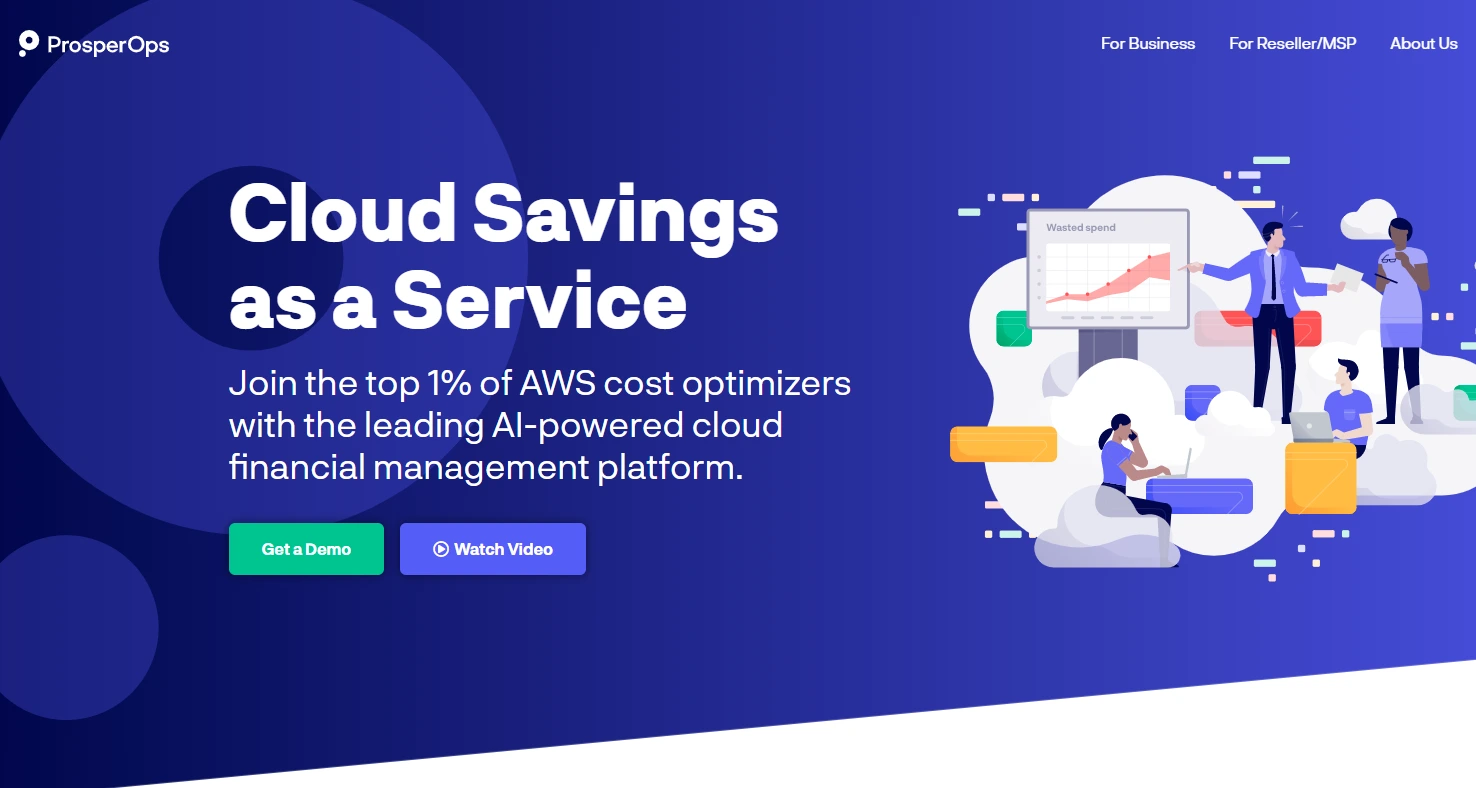
While AWS Savings Plans and Reserved Instances promise discounts of up to 72% off On-Demand pricing, most customers barely save 20%. By leveraging ProsperOps’ autonomous savings management platform, software engineering teams can reduce commitment risk for short-term projects, like testing and deployments.
ProsperOps can help you select the right AWS instance for your workload, project, or time-specific project to maximize your savings and minimize commitment risk.
4. AWS Cloud Financial Management Tools
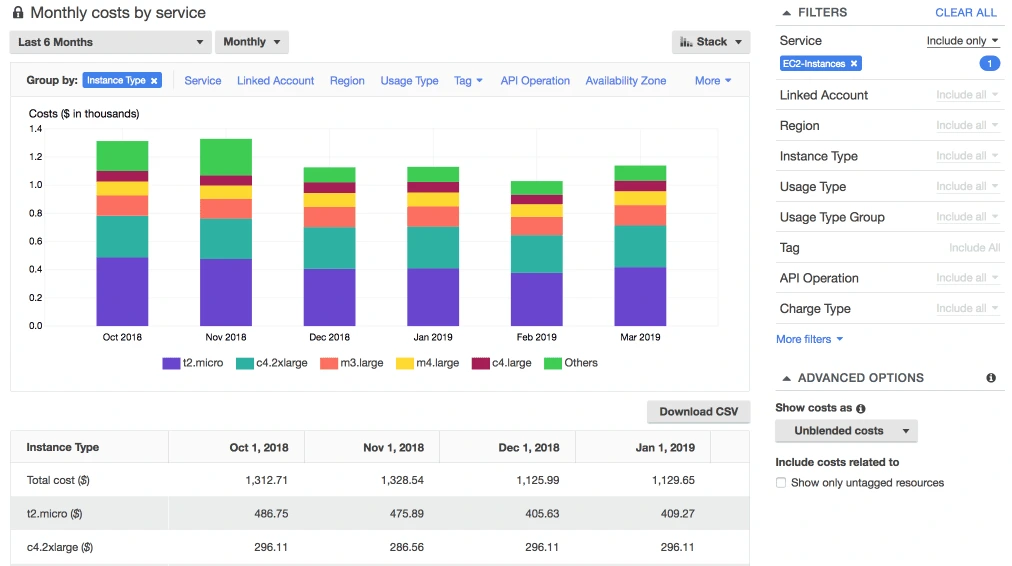
AWS offers several tools for managing costs in the cloud, designed to help you get started. These are perfect if you are a small business with a straightforward cloud bill.
The tools include:
- AWS Cost Explorer
- AWS Cost and Usage Report
- AWS Budgets
- AWS CloudWatch
- AWS Trusted Advisor
- AWS Cost Anomaly Detection
Learn about some of the best cloud cost optimization tools for AWS in this in-depth guide.
AI-Assisted Development Tools
AI-powered coding assistants have become the single biggest shift in developer tooling in a generation. These tools use large language models to autocomplete code, generate functions, explain unfamiliar codebases, write tests, and accelerate every phase of the SDLC — from prototyping to debugging to documentation.
5. GitHub Copilot – AI pair programming
GitHub Copilot is the most widely adopted AI coding assistant, integrated directly into VS Code, JetBrains, and Neovim. It suggests whole functions, writes boilerplate, generates tests, and explains unfamiliar code — all inline as you type. Copilot’s workspace and chat features also let developers ask questions about their codebase, debug errors, and generate documentation without leaving the IDE.
6. Cursor – AI-native code editor
Cursor is a VS Code fork rebuilt around AI-first workflows. Unlike bolt-on AI extensions, Cursor’s architecture gives the AI model full context of your codebase, enabling multi-file edits, intelligent refactoring across modules, and conversational coding where you describe what you want and Cursor implements it across the relevant files. Its rapid adoption among engineering teams reflects a shift toward AI-native development environments.
7. Amazon Q Developer – AI assistant for AWS development
Amazon Q Developer (formerly CodeWhisperer) provides AI-powered code suggestions, security scanning, and code transformation capabilities optimized for AWS services. For teams building on AWS, Q Developer offers contextual recommendations that understand your cloud architecture — suggesting IAM policies, SDK usage patterns, and infrastructure configurations alongside application code.
8. Claude Code – AI coding agent for the terminal
Claude Code is Anthropic’s agentic coding tool that operates directly from the terminal. Unlike IDE-based assistants, Claude Code can navigate your entire codebase, execute commands, run tests, and make multi-file changes autonomously. Engineering teams use it for complex tasks like large-scale refactors, migration projects, and debugging production issues where deep codebase understanding is required.
Other AI development tools to consider: Tabnine, Codeium, and Sourcegraph Cody.
Design And Diagramming Tools For Software Development
A diagramming software program helps software engineers create well-structured illustrations for illustrating concepts, data, and relationships between distinct elements, components, and processes. You can use these tools to present your case to fellow engineers, team leaders, customers, a board of directors, or an investor.
9. Figma – Collaborative UI design platform for designers and developers
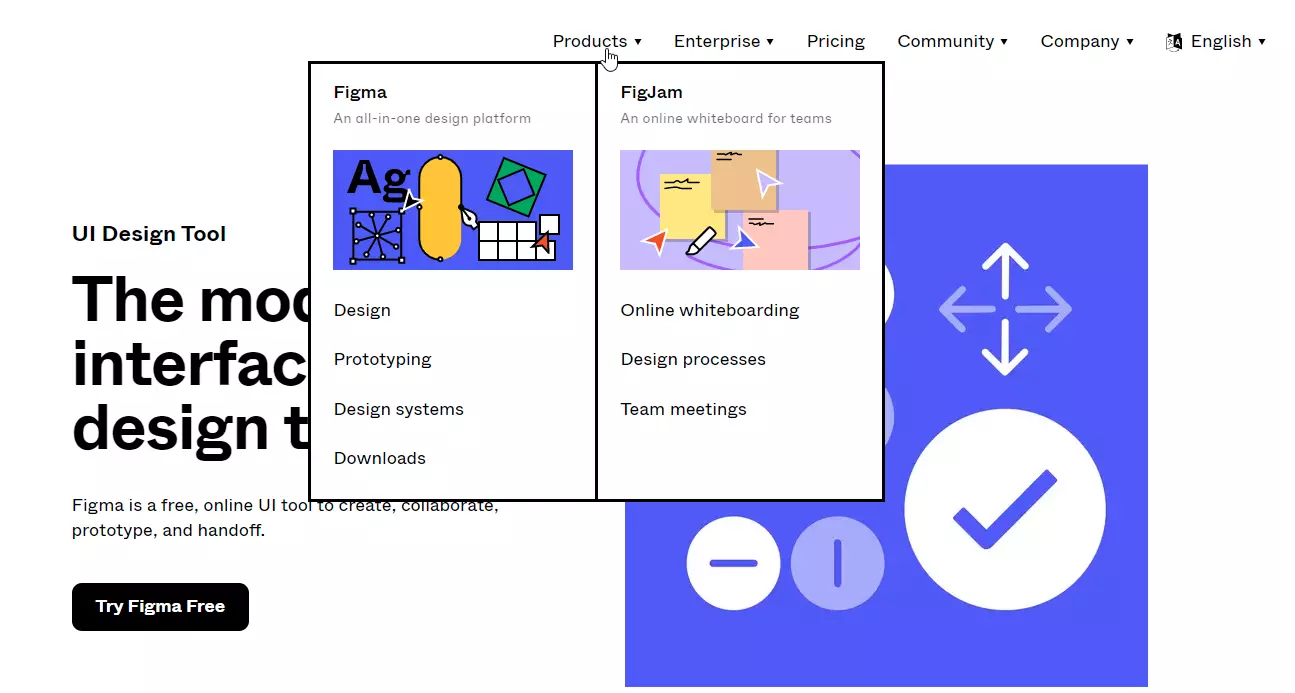
Figma allows you to collaborate with your software designers and developers, prototype, and then pass the creation to other teams, the customer, or management for review. Multiple team members can view and edit files asynchronously or simultaneously with the free online tool. As with source code management, everyone sees the latest collaboration version. Also, you can leave, view, or receive comments directly in the design.
10. Venngage – Professional infographics, timeline, data visualization, and presentation platform
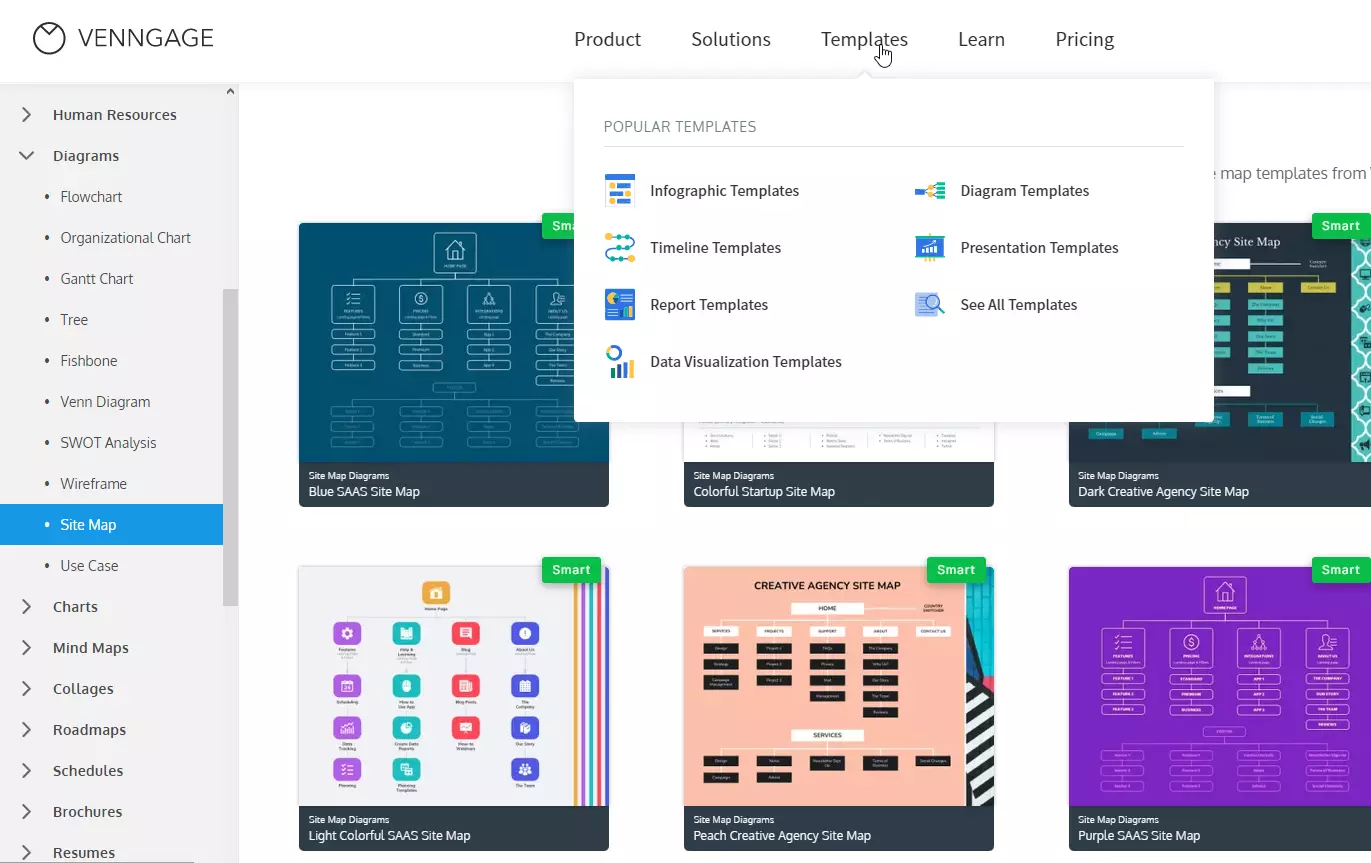
Venngage markets itself as a professional infographics building platform but offers various templates for IT and engineering use cases. You can use its timeline, diagram, data visualization, report, and presentation templates for your software engineering planning stage and beyond. You can also create Gantt charts, Venn diagrams, and site maps.
11. SmartDraw – All-in-one design and diagramming tool for software engineers
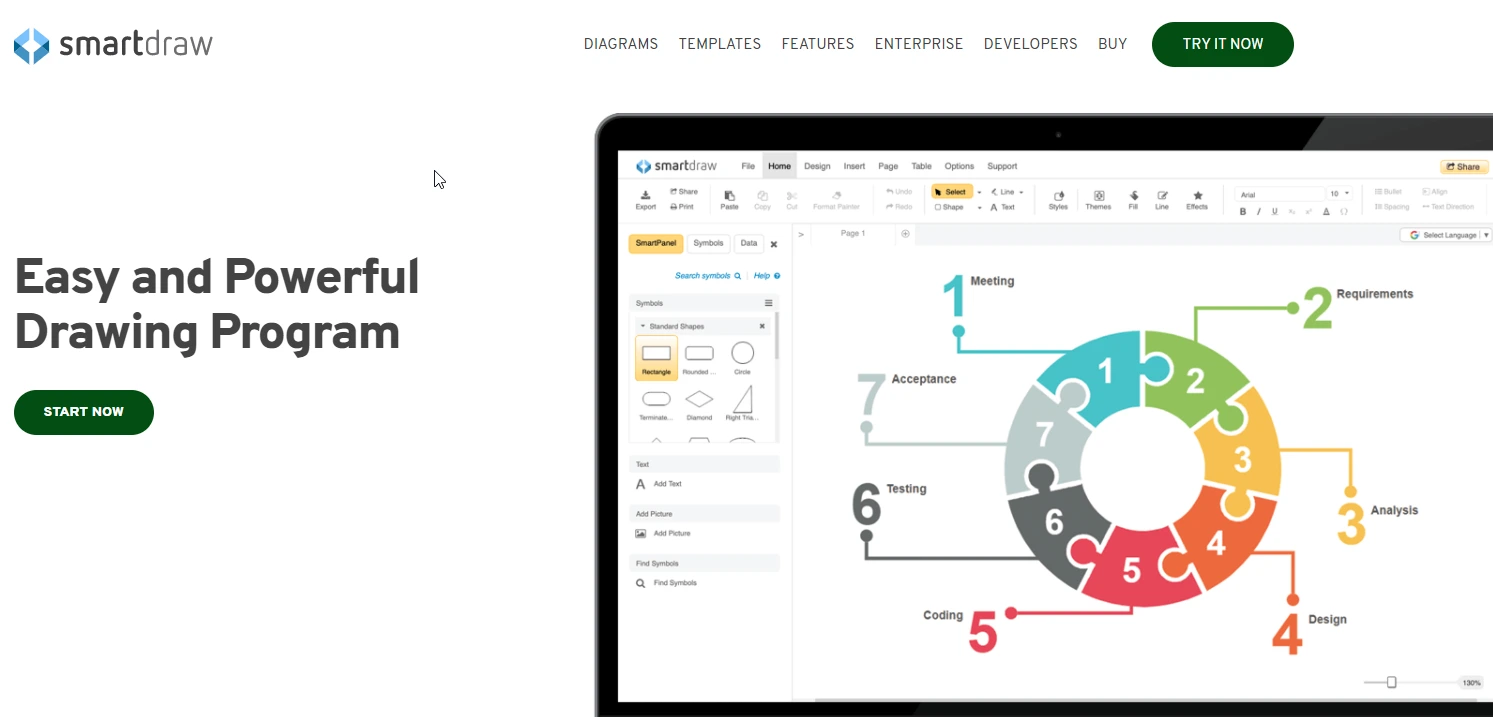
Consider SmartDraw when you need diagramming software with built-in templates for creating wireframes, UML, and network diagrams. SmartDraw offers over 4,500 templates and 35,000 symbols for your diagramming and design needs. SmartDraw also integrates with Confluence, JIRA, Google Workspace, and more.
Other design and diagramming tools for software engineers include Creately, Gliffy, Visio, and Miro.
Process Modeling Tools For SDLC
Modeling software helps identify, define, and present a process in its entirety. This can help you visualize a system and its key components, actions, roles, and actors to optimize it.
12. LucidChart – All-in-one process modeling and diagramming solution
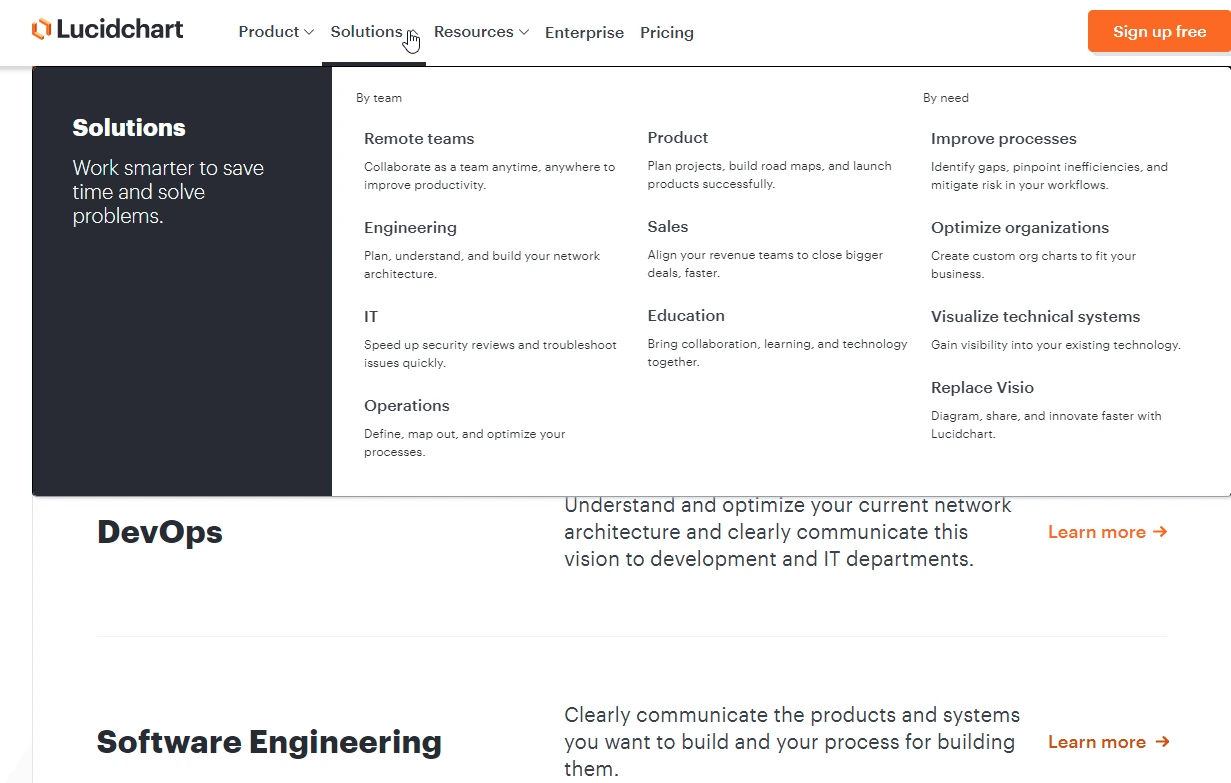
LucidChart includes robust tools for diagramming, process modeling, and visualizing network architectures. It also offers whiteboard, data visualization, integration, and security capabilities. LucidChart was designed for software engineers, including DevOps and engineering leaders and processes, systems, and projects.
13. Process Street – No-code workflow management for teams
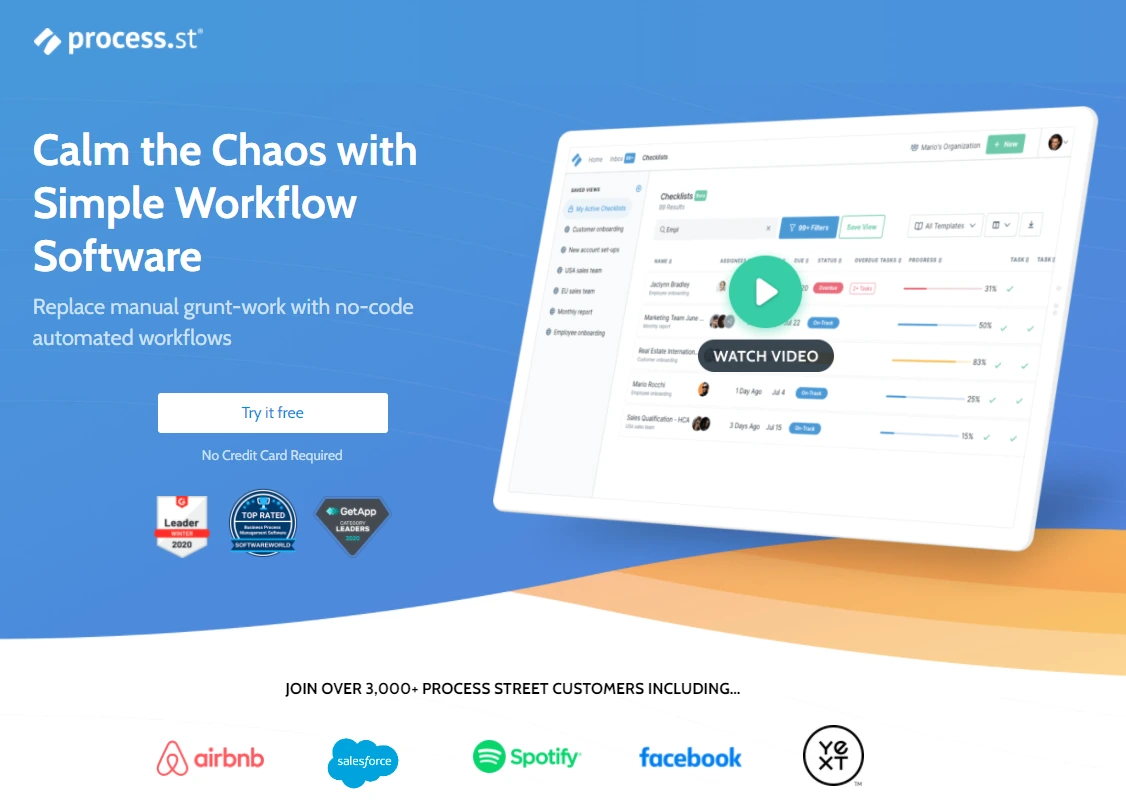
Process Street delivers straightforward templates for software workflows, including software deployment, testing, and debugging. You can also obtain templates for software tutorials, Git workflow, and employee onboarding to improve your engineering processes. The platform includes checklists, file management, collaboration, procedure documents, conditional logic, approvals, and the ability to capture structured data with forms.
Documentation Tools For Software Engineers
With documentation tools for developers, you can leverage one source of truth to help engineers access knowledge bases, share progress with clients and cross-functional teams, and more.
14. Bit.ai – Document collaboration solution
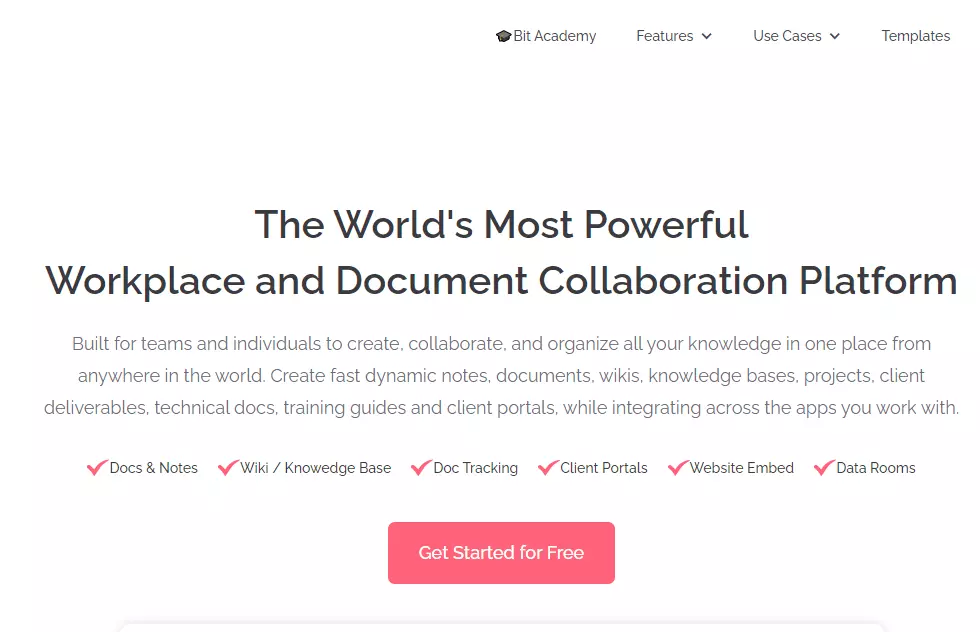
Bit.ai offers an all-in-one platform for managing knowledge, collaborating, and integrating your tech stack. The platform allows teams to collaborate across multiple software development projects, chats, and workflows. Additionally, you can share knowledge bases with distributed, remote, and on-premises teams.
15. Confluence – Knowledge and project management tool
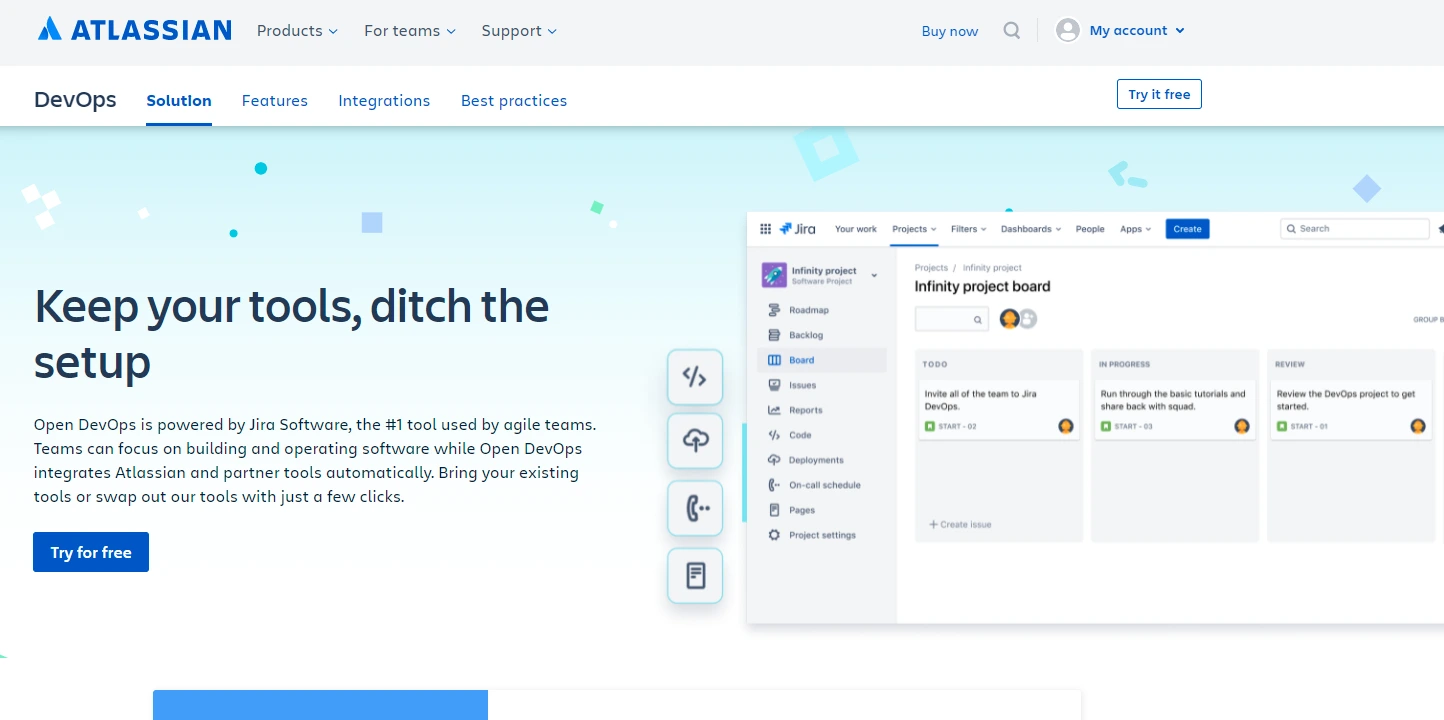
Atlassian’s knowledge management software offers a central repository for project planning, answers, and incident communication. You can use Confluence to track and collaborate on outages and alerts, record experimental results, and provide step-by-step guides.
Bit.ai and Confluence competitors include Notion, Document360, Slack, and GitBook.
Source Code Management Platforms For SDLC Teams
Version control software is an effective solution for storing, managing, and tracking source code during the coding process. Developers can then utilize branching and merging in a safe environment.
16. GitHub – Code repository, version control, and collaboration platform
GitHub is the world’s most widely used software development platform, home to over 100 million developers. Beyond Git hosting, GitHub provides code review via pull requests, project management with Issues and Projects, CI/CD through GitHub Actions, security scanning with Dependabot, and an AI-powered coding assistant in Copilot. Its ecosystem of integrations, marketplace apps, and developer community makes it the default choice for both open-source and enterprise teams.
17. GitLab – Free, open, and private Git repository
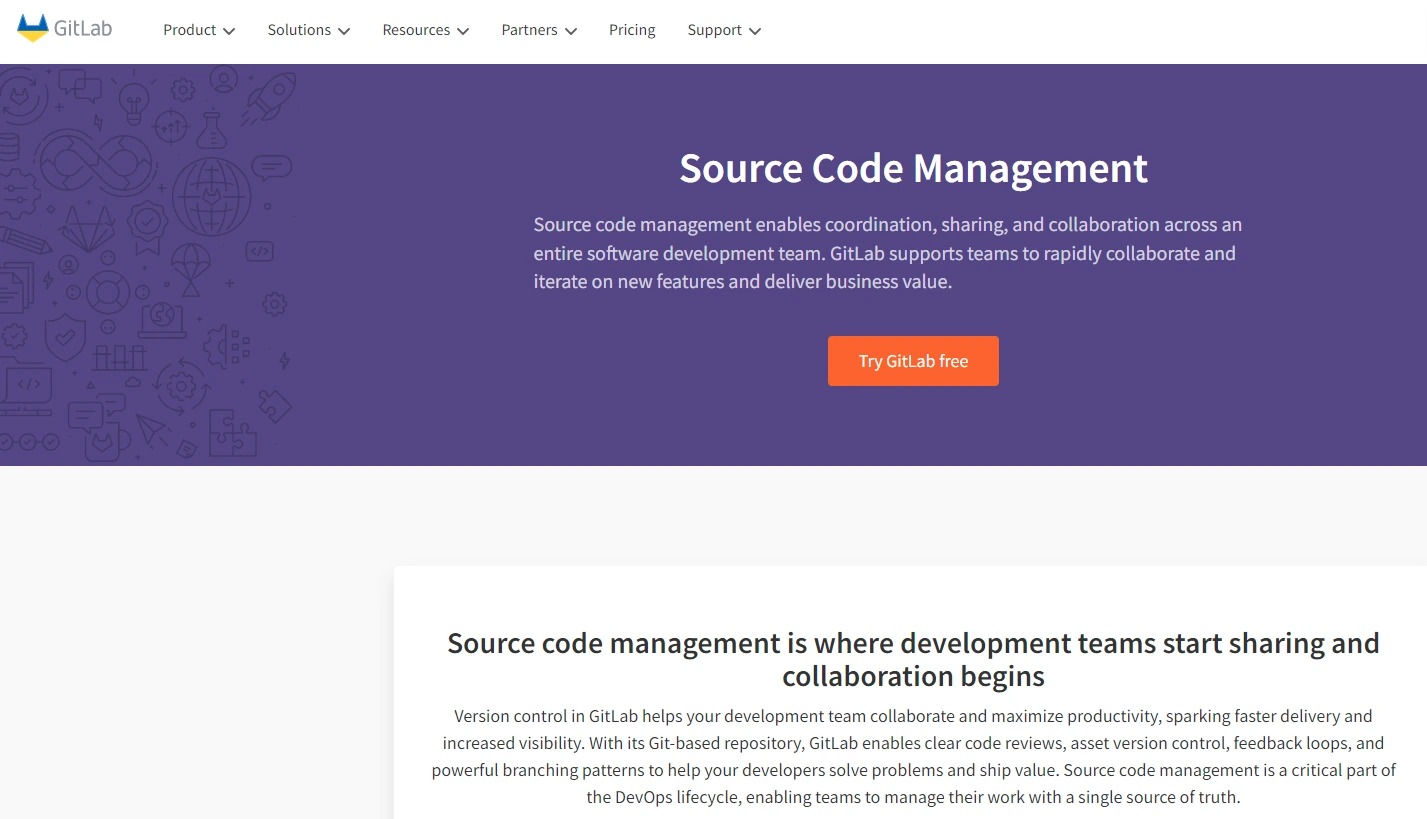
A GitLab account provides you with an all-in-one platform to manage, plan, create, verify, package, secure, release, configure, monitor, and secure your code. Additionally, GitLab offers cloud-based and on-premises repositories (open and private), code reviews, asset version control, and feedback loops.
18. BitBucket – Enterprise version control management for Git development projects
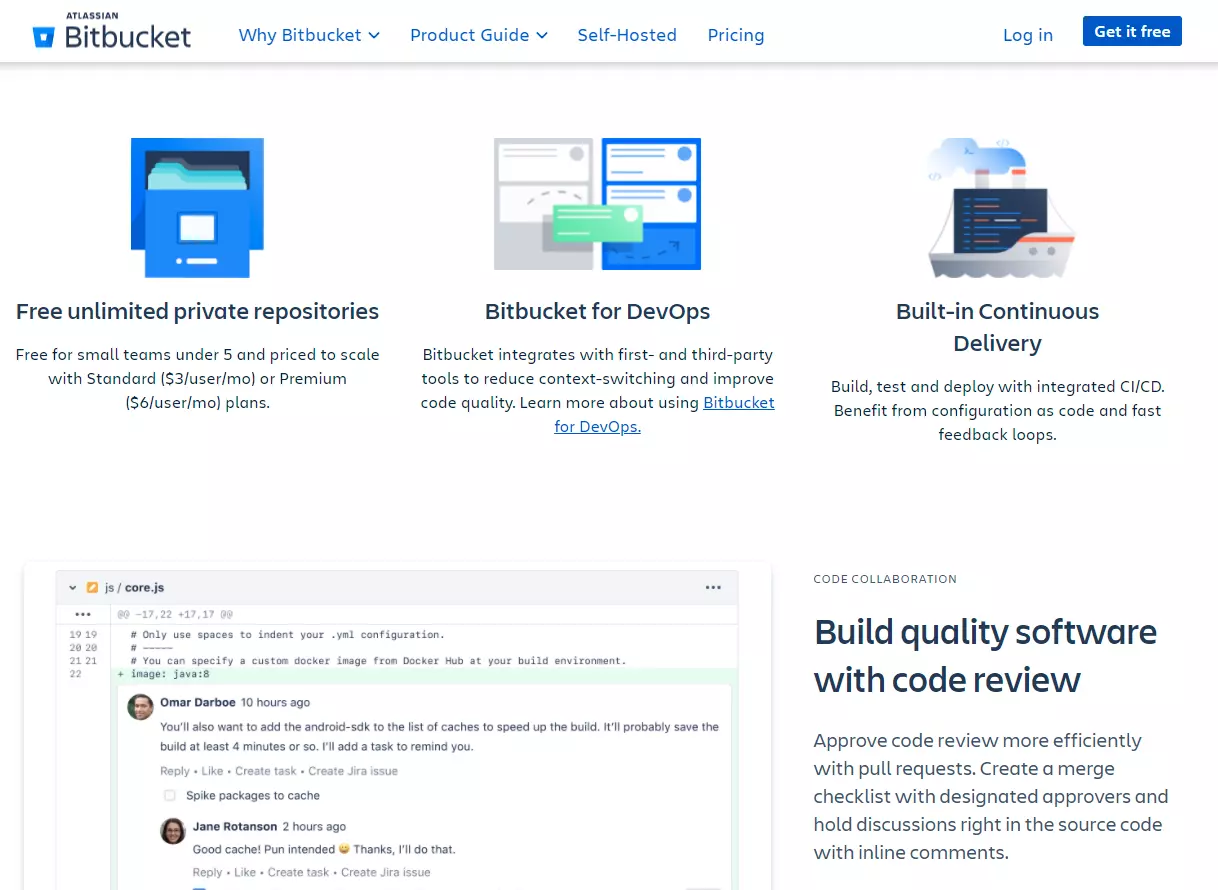
As with GitLab, BitBucket offers free unlimited private repositories. Bitbucket is ideal for teams already using the Atlassian ecosystem (Jira, Confluence). Also included are built-in CI/CD, code review, and inline comments. If you’d like a self-managed option, Bitbucket offers Bitbucket Data Center.
Alternative source code management tools include Apache Subversion, AWS CodeCommit, and Gitea.
Infrastructure As Code (IaC) Tools
Infrastructure as Code lets engineering teams define, provision, and manage cloud infrastructure through declarative configuration files rather than manual console clicks. IaC brings the same version control, code review, and testing practices used in application development to your infrastructure — making deployments reproducible, auditable, and scalable.
19. Terraform – Multi-cloud infrastructure provisioning
Terraform by HashiCorp is the most widely adopted IaC tool, supporting AWS, Azure, GCP, and hundreds of other providers through a plugin-based architecture. Teams define infrastructure in HashiCorp Configuration Language (HCL), plan changes before applying them, and manage state to track what’s deployed. Terraform’s module system enables reusable infrastructure patterns across teams and environments.
20. Pulumi – Infrastructure as Code using general-purpose programming languages
Pulumi lets engineers define infrastructure using languages they already know — TypeScript, Python, Go, C#, and Java — instead of domain-specific configuration languages. This means you get loops, conditionals, abstractions, and testing frameworks natively. For engineering teams that prefer to keep infrastructure and application code in the same language and toolchain, Pulumi eliminates the context-switching overhead of learning HCL or YAML.
Other IaC tools to consider: AWS CDK, Ansible, and Crossplane.
CI/CD Tools For Software Development
Continuous integration and delivery tools enable organizations to release new product features, upgrades, and patches rapidly. Today’s CI/CD tools use AI to automate manual processes and enhance efficiency throughout the pipeline.
21. GitHub Actions – CI/CD built into GitHub
GitHub Actions provides CI/CD workflows directly within GitHub, triggered by events like pushes, pull requests, or scheduled crons. Its marketplace offers thousands of pre-built actions for testing, building, deploying, and notifying. For teams already on GitHub, Actions eliminates the need for a separate CI/CD platform — your pipeline lives alongside your code, with the same permissions and review process.
22. CircleCI – Continuous integration platform
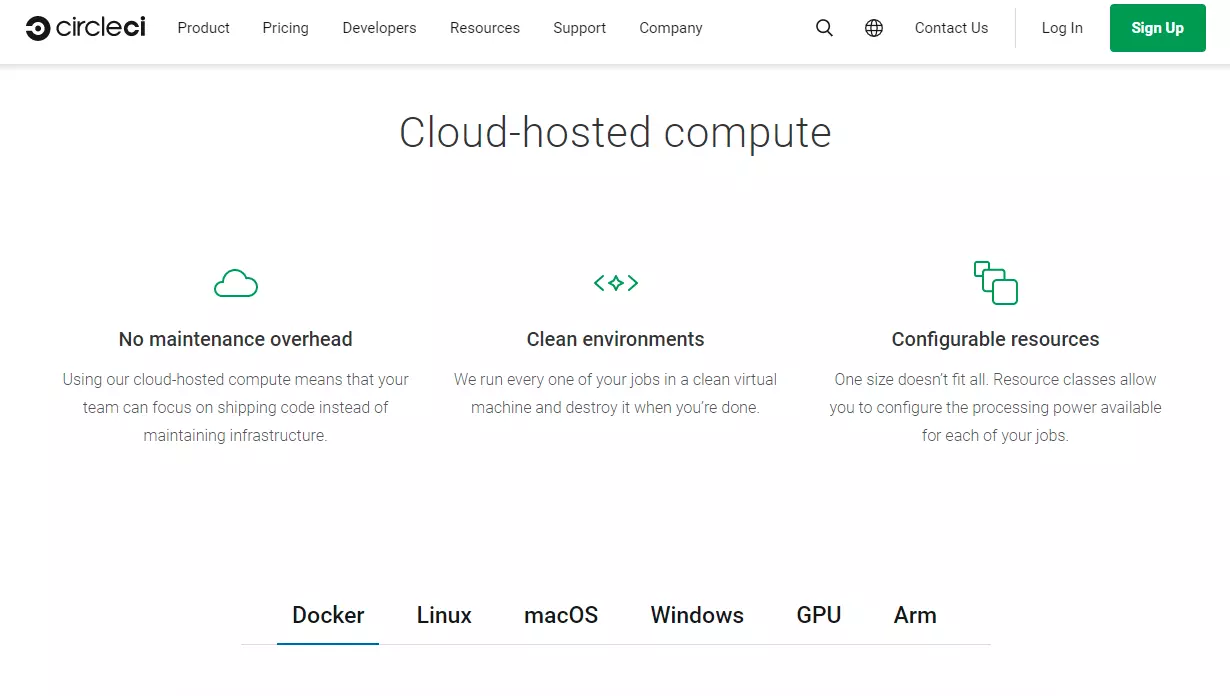
CircleCI began as a continuous integration tool but has since evolved into a complete CI/CD platform for software delivery at scale. GitLab, GitHub, and BitBucket are just some of the many versioning platforms it works seamlessly with. CircleCI also validates code changes in real-time, manages build logs, and controls access. You can also build, test, deploy, and deliver new iterations seamlessly across platforms.
23. Argo CD – GitOps continuous delivery for Kubernetes
Argo CD is a declarative GitOps continuous delivery tool for Kubernetes. It monitors your Git repositories and automatically syncs the desired application state defined in Git to your Kubernetes clusters. When drift occurs between what’s in Git and what’s running, Argo CD detects it and can auto-correct. For teams running microservices on Kubernetes, Argo CD turns Git into the single source of truth for deployments.
A comprehensive list of the top CI/CD tools organized by category is available here. Other platforms to consider include Jenkins, GitLab CI/CD, and Harness.
Configuration Management Tools For Software Engineering Teams
To deploy, test, and update your application, you can use these tools to configure your applications, servers, networks, and security settings in the cloud or on-premises. They are essential for scaling, predicting, and optimizing software development processes end-to-end.
24. Ansible – All-in-one configuration automation platform
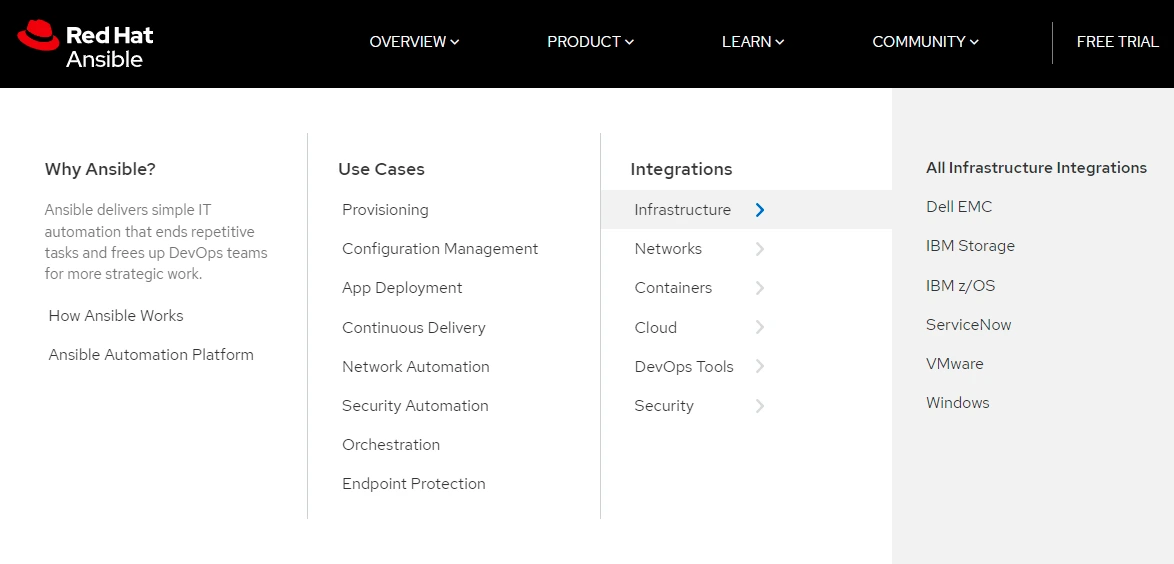
Red Hat’s automation platform enables software engineers to solve problems once and automate their solutions. Ansible provides a flexible but easy-to-use platform for infrastructure configuration, cloud provisioning, application deployment, container orchestration, and security automation. With Ansible for configuration management, you get an agentless, reliable, secure, goal-oriented (no scripting) solution.
25. Puppet – Open-source configuration automation
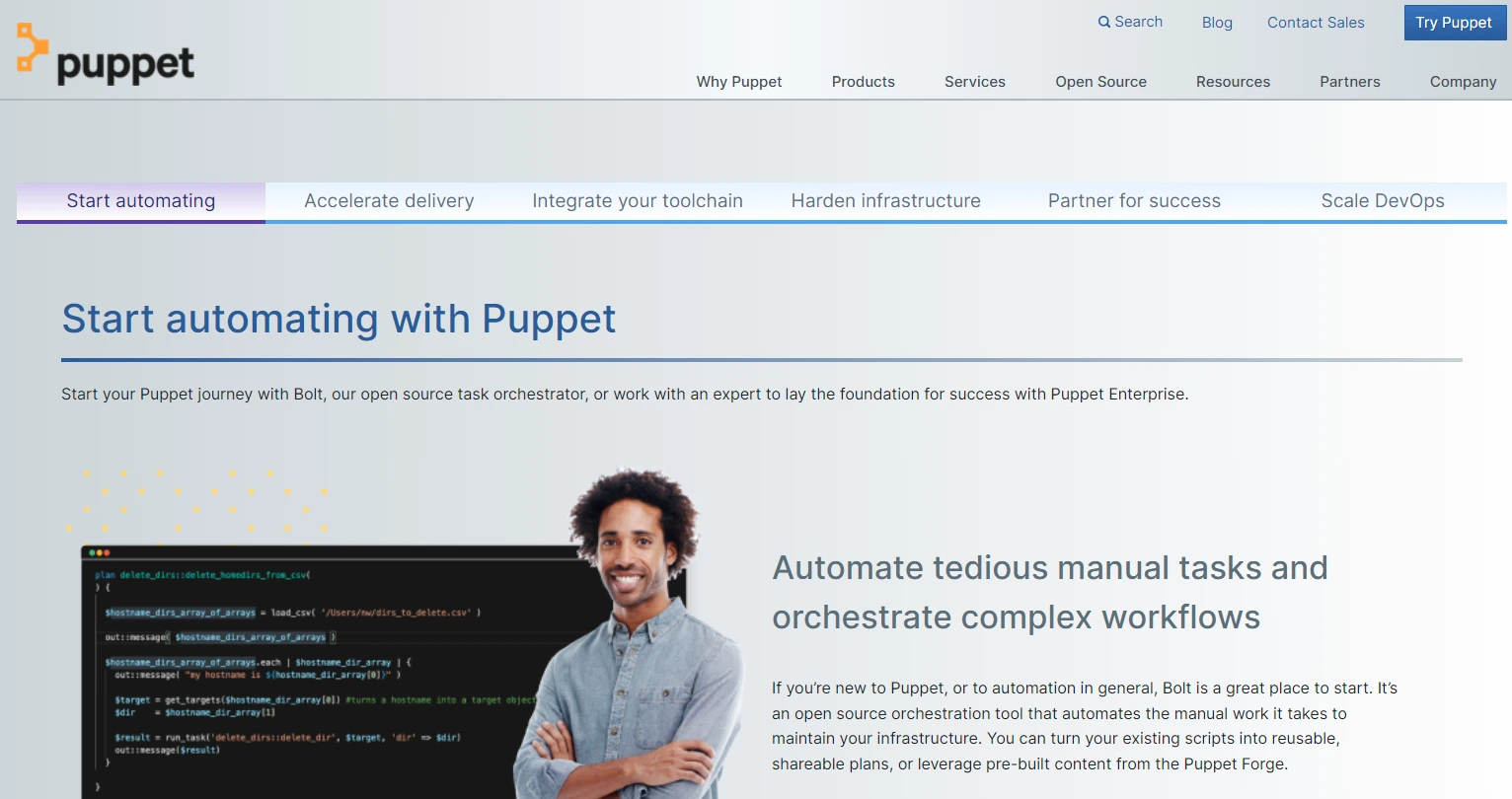
Puppet enables you to configure, deploy, and run servers and then automate deploying applications on those servers. The platform also includes continuous compliance, patch management, and Windows infrastructure configuration. Plus, Puppet integrates with many tools you likely already use.
Alternatives to Ansible and Puppet: Chef, SaltStack, and Rudder.
API Development And Testing
APIs are the backbone of modern SaaS architecture. Whether you’re building microservices, integrating third-party tools, or exposing your product’s functionality to customers, you need tools to design, test, document, and monitor your APIs throughout the development lifecycle.
26. Postman – API development and testing platform
Postman is the most widely used platform for API development. Teams can design, test, document, and monitor APIs from a single workspace. Its collaboration features let engineers share collections, mock servers, and environment configs — making it essential for SaaS companies building and consuming APIs at scale. Postman also supports automated testing, contract testing, and performance testing for API endpoints.
Postman alternatives: Insomnia, Swagger, and Hoppscotch (open source).
SDLC Tools For Testing
Manual software testing throughout the agile development cycle is no longer feasible as applications become more complex and customers demand rapid updates. The following testing tools let you automate testing so you can successfully catch issues, prevent human error, and save time, money, and team morale.
27. Selenium – Automated software testing platform
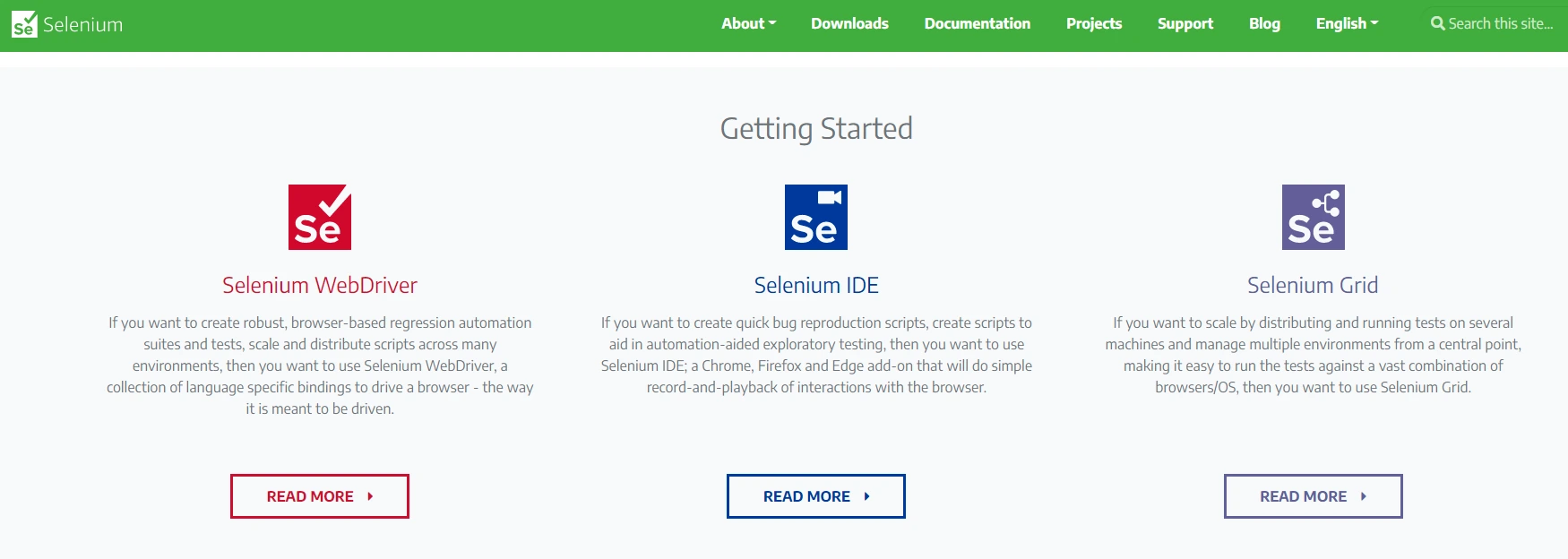
You can use Selenium to perform mobile, unit, and performance tests. Yet, Selenium is widely used for its WebDriver, IDE, and Grid testing tools. WebDriver is ideal for automating browser-based regression tests. Selenium IDE offers tools for automating bug reproduction scripts and exploratory tests. With Grid, you can scale your testing across several machines and manage several environments in one place.
28. Playwright – Modern end-to-end testing framework
Playwright is Microsoft’s open-source testing framework built for modern web applications. It supports Chromium, Firefox, and WebKit with a single API, handles auto-waiting (no more flaky timeouts), and provides built-in support for testing across multiple browser contexts, tabs, and iframes. Playwright’s codegen tool records browser interactions and generates test scripts automatically, making it fast to create and maintain test suites.
29. Cypress – Cross-browser testing solution
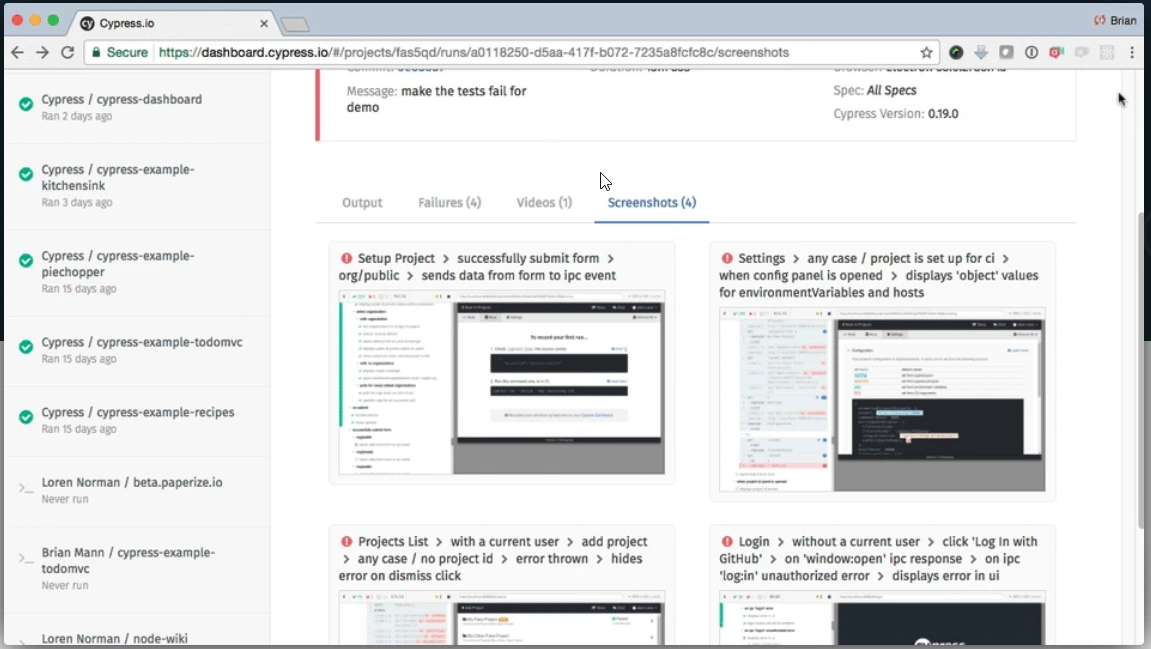
This Selenium alternative supports JavaScript and is an end-to-end testing framework. Unlike many web-based testing automation tools, Cypress is not built on Selenium. Cypress enables you to set up, write, debug, and record your CI tests in one place. With the tool, you can also create cross-browser test automation scripts and view the status of your debugging in real-time.
Other software testing tools include Ranorex, Cucumber, Robot Framework, and TestMonitor.
Code Quality And Static Analysis
Catching bugs, code smells, and security vulnerabilities before they reach production saves engineering teams significant time and reduces technical debt. These tools analyze your codebase automatically — in the IDE, during code review, or within CI pipelines — to enforce quality standards across every commit.
30. SonarQube – Continuous code quality inspection
SonarQube performs automatic code review with static analysis to detect bugs, code smells, and security vulnerabilities across 30+ programming languages. Its quality gate feature blocks merges that don’t meet your team’s defined standards — enforcing code quality as a first-class CI/CD checkpoint rather than an afterthought. SonarQube integrates with GitHub, GitLab, Bitbucket, Azure DevOps, and all major CI platforms.
SonarQube alternatives: CodeClimate, Codacy, and DeepSource.
Project Management Tools For Software Engineers
The best software for project management provides a single location for planning, management, and tracking progress. Together, tech teams can set budgets, allocate resources, assign tasks, and manage risks.
31. JIRA – Issue and project tracking software for developers
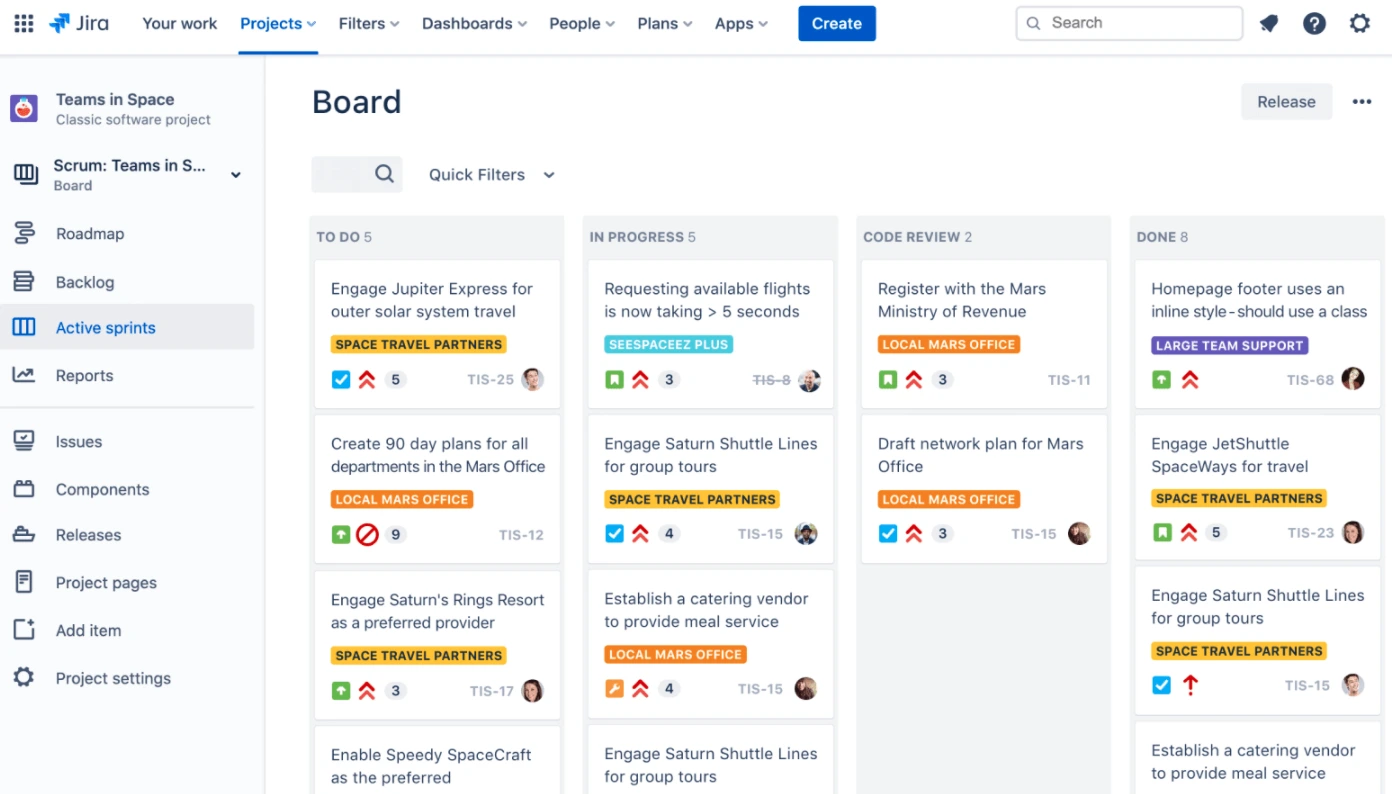
With Atlassian’s cross-platform, Agile, and Scrum development solution, you’ll be able to plan sprints, track issues and progress with Kanban and Scrum boards, and generate reports. Together, they make it easier for developers to collaborate, code, commit, and deliver quality software faster. Jira Software integrates seamlessly with many tools, including product roadmaps, knowledge management, custom workflow, and CI/CD platforms.
32. Linear – Modern issue tracking for product and engineering teams
Linear is a fast, streamlined issue tracker built for modern software teams. Its keyboard-driven interface, automatic workflows, and cycle-based planning help engineering teams ship faster with less process overhead. Linear has quickly become the preferred Jira alternative for startups and growth-stage companies that want speed without sacrificing structure. It integrates with GitHub, GitLab, Slack, Figma, and most CI/CD tools.
33. Smartsheet – End-to-end work management for developers
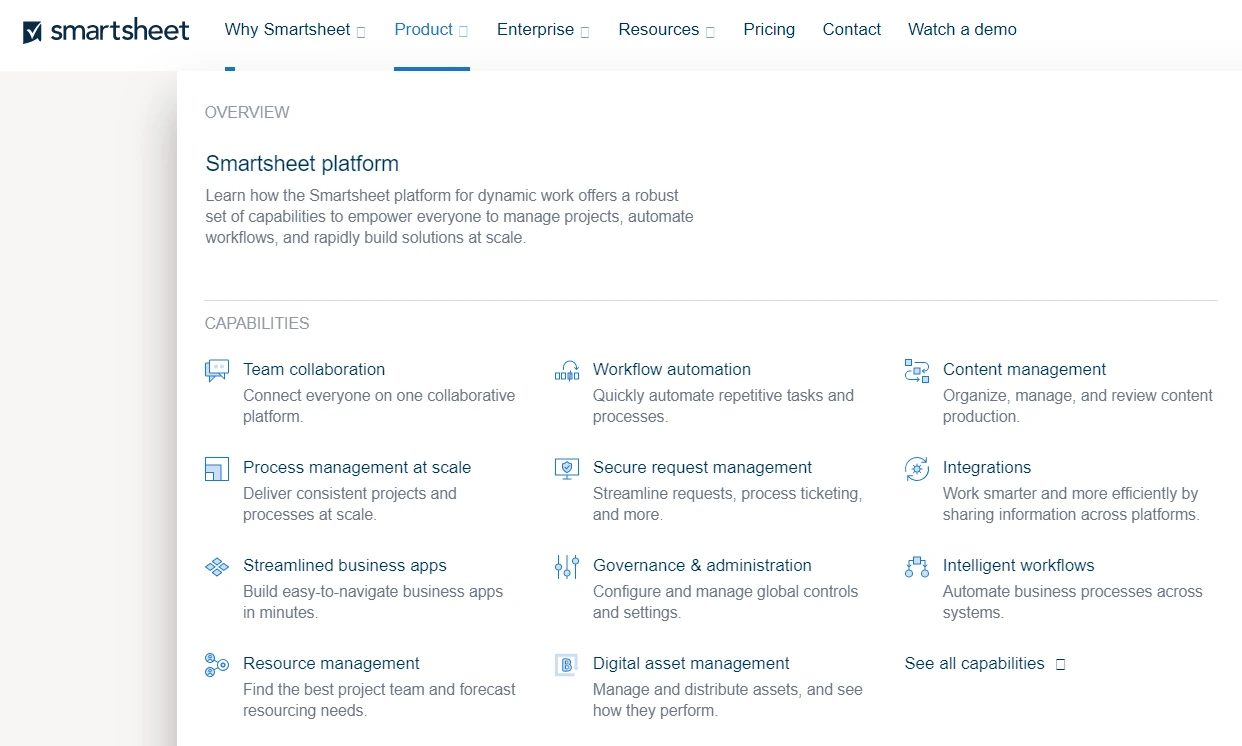
Smartsheet can quickly grow from a simple project management tool for software developers to an all-in-one workspace that allows teams to organize and manage their development projects in one place. The dynamic workspace features collaboration tools, workflow management, data center migration, product development, sprint management, and more.
The best alternatives to Jira, Linear, and Smartsheet include Asana, ClickUp, Trello, Monday.com, and Shortcut.
Feature Flags And Progressive Delivery
Feature flags let engineering teams decouple deployment from release — shipping code to production without exposing it to users until you’re ready. This enables A/B testing, canary releases, kill switches for risky features, and gradual rollouts that reduce blast radius when something goes wrong.
34. LaunchDarkly – Feature management platform
LaunchDarkly is the leading feature management platform, used by engineering teams to control feature releases with fine-grained targeting rules. You can roll out features to specific user segments, percentage-based cohorts, or individual accounts — and instantly roll back if metrics degrade. LaunchDarkly also provides experimentation capabilities to measure the impact of features on business metrics before full release.
LaunchDarkly alternatives: Split, Unleash (open source), and Flagsmith.
Containerization And Container Management Platforms
Container management software lets you create, deploy, and scale containers to improve application interoperability. These tools can also automate container monitoring, orchestration, and more.
35. Kubernetes – Open-source container orchestration platform
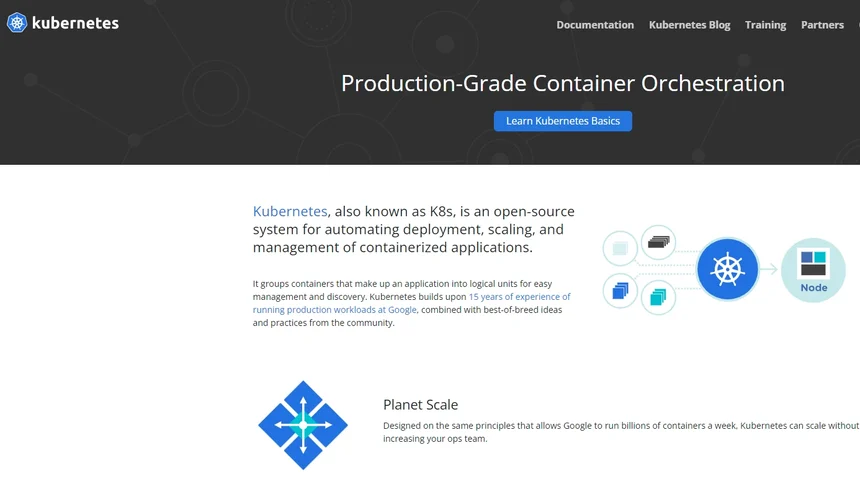
Kubernetes is an open-source container orchestration platform that helps automate deploying and managing containerized apps at large scale. Known for its thriving developer community, Kubernetes allows developers to build on other engineers’ expertise to make the most out of microservices and containerization technologies at a massive scale.
Have you implemented Kubernetes yet? Discover how to reduce your Kubernetes costs with just one solution.
36. Docker – Containerization engine and container orchestrator
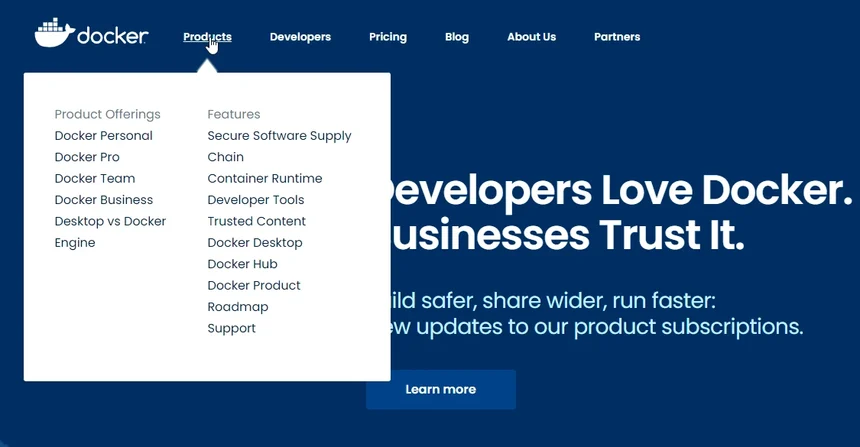
Docker is unique because it’s a containerization toolkit that simplifies, eases, and secures building, deploying, running, updating, and stopping containers. Docker provides engineers with a command-line interface to manage container tasks. There is also a commercial and open-source version of Docker, offering extensive benefits.
37. Amazon Elastic Container Service (ECS) – Container management service for AWS customers
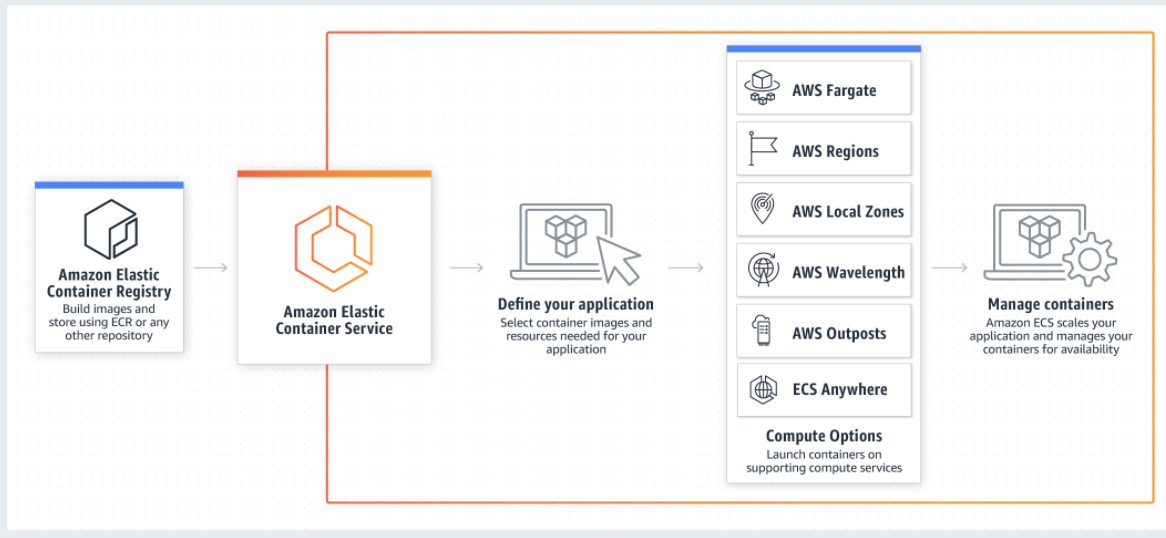
You can manage workloads, run batch processing, scale web applications, and integrate ECS with your favorite CI/CD tools to get things done efficiently. Amazon ECS is a fully managed container orchestration platform where you can deploy and manage containerized applications at scale. Amazon ECS provides a simple way to run containerized applications in the AWS cloud. You can also run container workloads on your infrastructure with Amazon ECS Anywhere.
Continuous Monitoring And Observability
Organizations can use continuous monitoring software to get real-time status monitoring or quick risk detection across an environment. The tools enable software development teams to continuously assess their SDLC process against their expected performance, security, compliance, and other system health levels.
38. Datadog – Cloud-scale monitoring and observability
Datadog is a comprehensive monitoring and observability platform that unifies metrics, traces, and logs across your entire infrastructure and application stack. Its 750+ integrations cover everything from cloud providers and containers to databases and third-party services. For engineering teams, Datadog’s APM (application performance monitoring) traces requests across distributed microservices, while its real-time dashboards and alerts surface issues before they impact users.
39. Grafana – Open-source observability and visualization
Grafana is the open-source standard for metrics visualization and dashboard building. It connects to virtually any data source — Prometheus, InfluxDB, Elasticsearch, CloudWatch, and more — and lets teams build rich, customizable dashboards for infrastructure, application, and business metrics. Grafana Cloud extends the platform with managed Prometheus, Loki (logs), and Tempo (traces) for a full observability stack.
40. Sematext – Full-stack infrastructure monitoring platform
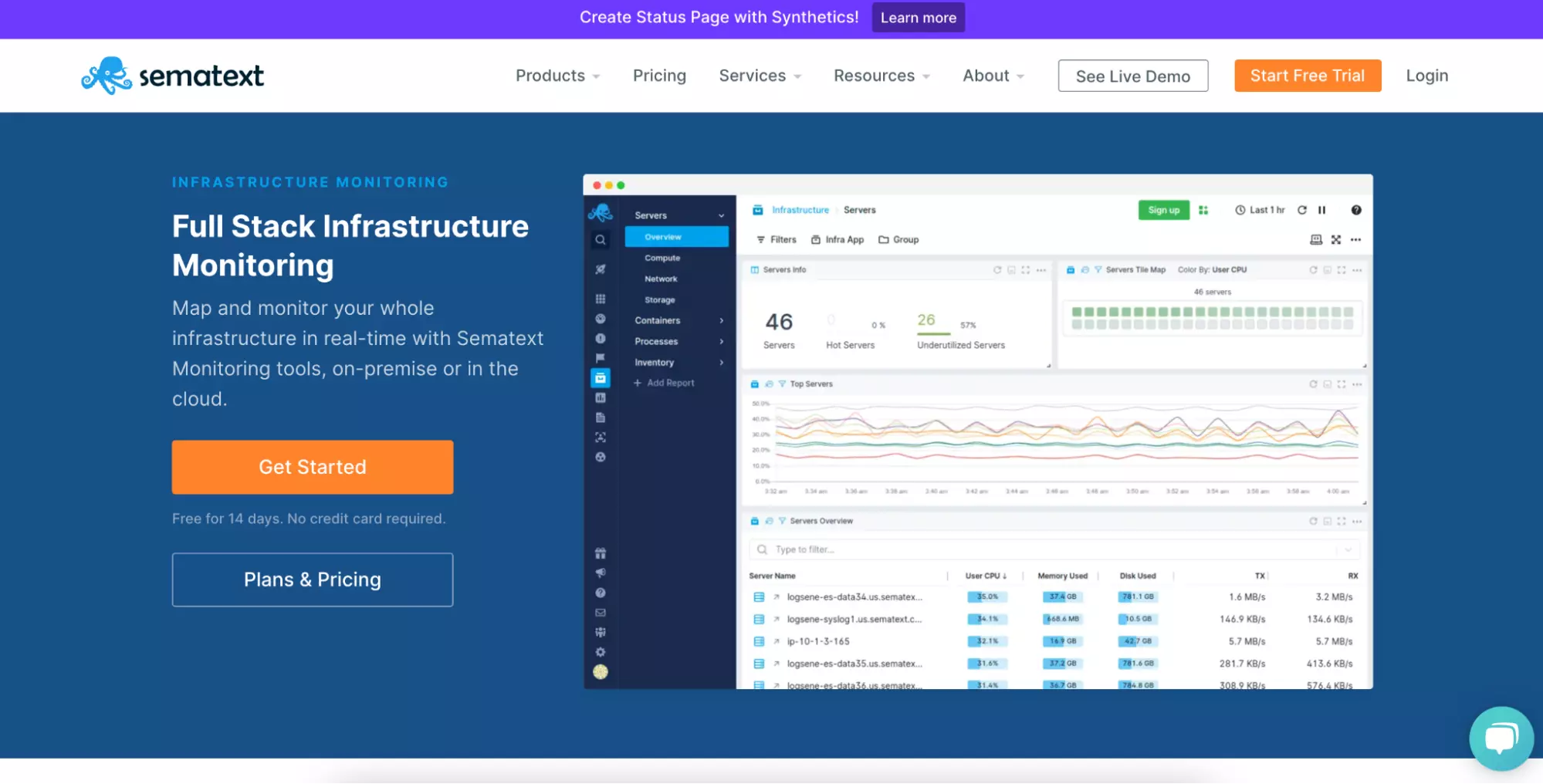
You can monitor your applications and infrastructure end-to-end with Sematext monitoring. The platform enables you to collect events, transaction traces, and metrics and supports 100 integrations. Sematext also provides real-time database, server, and container monitoring, whether your workloads run on your infrastructure or in the cloud.
41. Dynatrace – Full application stack monitoring solution
You can use the application monitoring service to measure application performance, end-user experience, availability, and more to catch potential risks before they affect customer experiences. Dynatrace also enables you to monitor applications across hybrid and multi-cloud environments, tracks transactions, auto-detects application dependencies, monitors cloud environments, and provides real-time feedback.
42. AppDynamics – Application performance monitoring solution
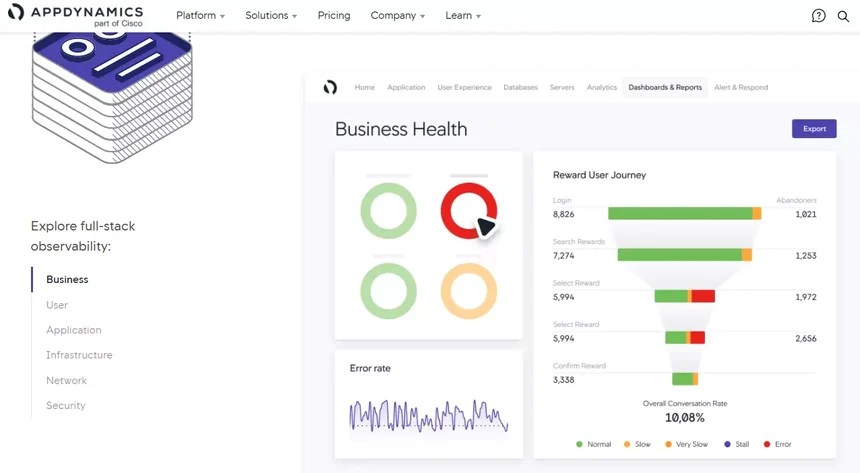
By monitoring application performance in real-time, AppDynamics enables you to gather, visualize, track, alert on, and report on your entire application stack so you can catch potential problems before they become costly ones. Cisco’s AppDynamics also features real-user, server, infrastructure, and database monitoring in a hybrid cloud or cloud-native environment.
Find out more about the best AWS monitoring tools here. For hybrid clouds and non-AWS environments, check out this cloud monitoring guide. Also consider New Relic and Honeycomb.
Incident Management
Monitoring tells you something is wrong. Incident management tools make sure the right person knows, responds, and resolves it — fast. These platforms handle on-call scheduling, alert routing, escalation policies, and post-incident reviews so engineering teams can minimize downtime and learn from every outage.
43. PagerDuty – Incident response and on-call management
PagerDuty is the industry standard for incident management, integrating with over 700 tools to aggregate alerts from monitoring, ticketing, and CI/CD systems. Its intelligent alert grouping reduces noise, on-call schedules ensure coverage, and escalation policies guarantee that critical issues reach the right responder. PagerDuty also provides post-incident analysis tools to help teams improve their response processes over time.
44. Opsgenie – Alert management and on-call scheduling
Opsgenie (by Atlassian) centralizes alerts from monitoring tools, filters noise, and routes critical notifications to the right on-call engineer via phone, SMS, email, or mobile push. For teams already using Jira and Confluence, Opsgenie fits naturally into the Atlassian ecosystem — incidents can auto-create Jira tickets, trigger status page updates, and feed into post-mortem workflows.
Incident management alternatives: FireHydrant, incident.io, and Rootly.
Secure SDLC Tools
You need to integrate security into your software development life cycle to safeguard your system during this most vulnerable period. Rather than delaying security testing until later in the SDLC, use the following developer security platforms to find and fix any issues before they compromise service delivery.
45. Snyk – Developer-first security platform
Snyk finds and fixes vulnerabilities in open-source dependencies, container images, infrastructure as code, and proprietary code — all within the developer workflow. It integrates into Git repos, IDEs, and CI/CD pipelines so security issues are caught before they ship, not after. Snyk’s acquisition of Fugue also brought cloud security posture management into its platform, covering both pre-deployment and runtime security.
46. Wiz – Cloud security platform
Wiz provides agentless cloud security across AWS, Azure, GCP, and Kubernetes. Its graph-based analysis connects vulnerabilities, misconfigurations, network exposure, and identity risks into a unified risk picture — showing you not just what’s wrong, but which issues actually create exploitable attack paths. For engineering teams, Wiz surfaces the critical risks that matter without drowning you in low-priority findings.
Alternatives include Aqua Security, Orca Security, Vanta, and Sysdig.
Embed Cost Intelligence Into Your SDLC Process With CloudZero
CloudZero shifts cost management to engineers by providing developer-friendly cost intelligence. With CloudZero’s near-real-time cost intelligence, engineers can see which architectural decisions may lead to a large AWS bill later on.
Engineers can also:
- Make cost a first-class metric to encourage engineers to develop cost-effective solutions that benefit both the organization and customers.
- Get relevant views of your costs without endless tagging
- Map costs per feature, per environment, per development team, per project, per deployment, etc., to the people, processes, and product features that produce them.
- Receive cost anomaly alerts directly to your Slack or email
- Email or send Slack messages that include links to a particular view of your costs
- Only receive important alerts to avoid unnecessary noise
- Zoom out to see high-level engineering cost summaries or zoom in to examine a specific line item
You can see for yourself. Schedule a demo to see CloudZero in action.


FinOps In The AI Era: A Critical Recalibration
What 475 executives told us about AI and cloud efficiency.